Hinweis: Secret scanning für private Repositorys befindet sich derzeit in der Beta-Version und kann sich jederzeit verändern. Um Zugriff auf die Beta-Version zu erhalten, tritt der Warteliste bei.
About management of secret scanning
Secret scanning can help you mitigate the impact of leaked secrets in your organization's repositories. Weitere Informationen findest Du unter „Informationen zu secret scanning“.
You can manage how GitHub scans for secrets in existing repositories in your organization. You can also enable or disable secret scanning by default for any new repositories that members create in your organization.
If you enable security and analysis features, GitHub performs read-only analysis on your repository. Weitere Informationen findest Du unter „Über GitHub's Verwendung Deiner Daten."
Note: Secret scanning is enabled by default for public repositories in your organization and can't be disabled. For more information, see "About secret scanning for public repositories."
Enabling or disabling secret scanning for existing private repositories
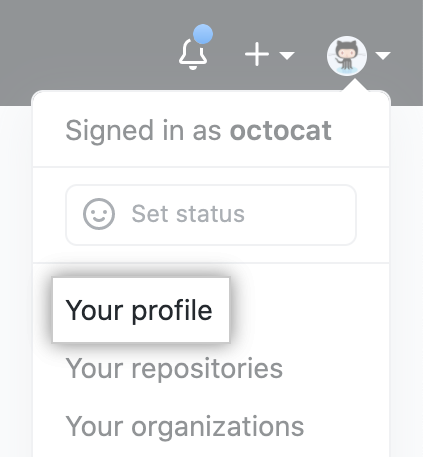
- In der oberen rechten Ecke von GitHub klicke auf Dein Profilfoto und dann auf your profile (Dein Profil).
- Klicke auf der linken Seite Deiner Profilseite unter „Organizations" (Organisationen) auf das Symbol für Deine Organisation.

- Klicke unter Deinem Organisationsnamen auf Settings (Einstellungen).

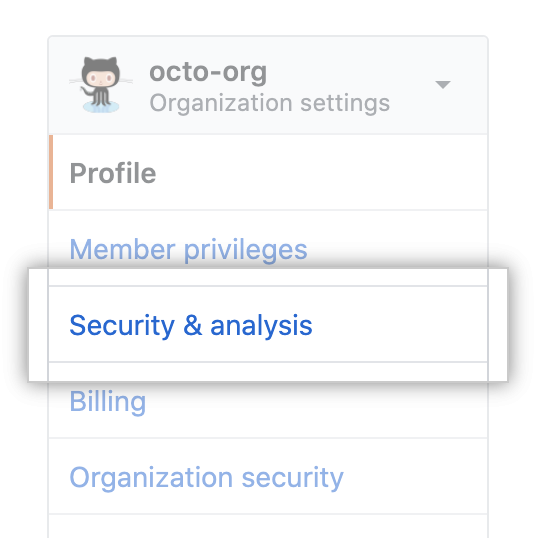
- Klicke in der linken Seitenleiste auf Security & analysis (Sicherheit und Analysen).
- To the right of "Secret scanning", click Disable all or Enable all.

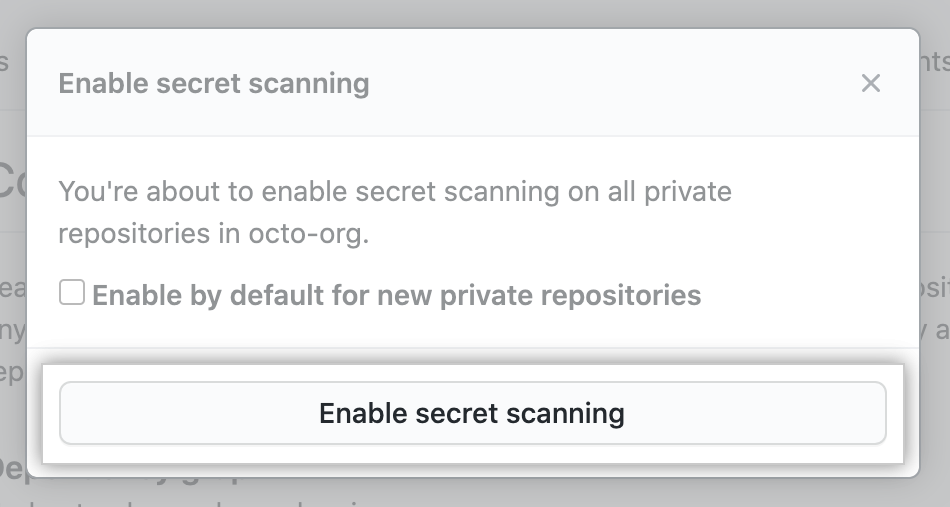
- Optionally, enable secret scanning by default for new private repositories in your organization.

- Click Disable secret scanning or Enable secret scanning to disable or enable the feature for all the repositories in your organization.
Enabling or disabling secret scanning for new private repositories
- In der oberen rechten Ecke von GitHub klicke auf Dein Profilfoto und dann auf your profile (Dein Profil).
- Klicke auf der linken Seite Deiner Profilseite unter „Organizations" (Organisationen) auf das Symbol für Deine Organisation.
- Klicke unter Deinem Organisationsnamen auf Settings (Einstellungen).
- Klicke in der linken Seitenleiste auf Security & analysis (Sicherheit und Analysen).
- To the right of "Secret scanning", enable or disable the feature by default for new private repositories in your organization.
