Sicherheits- und Analysefunktionen aktivieren oder deaktivieren
Hinweis:Einige Sicherheits- und Analysefunktionen, die standardmäßig für öffentliche Repositorys aktiviert sind, lassen sich nicht deaktivieren.
If you enable security and analysis features, GitHub performs read-only analysis on your repository. Weitere Informationen findest Du unter „Über GitHub's Verwendung Deiner Daten."
- Navigiere in GitHub zur Hauptseite des Repository.
- Klicke unter Deinem Repository-Namen auf Settings (Einstellungen).

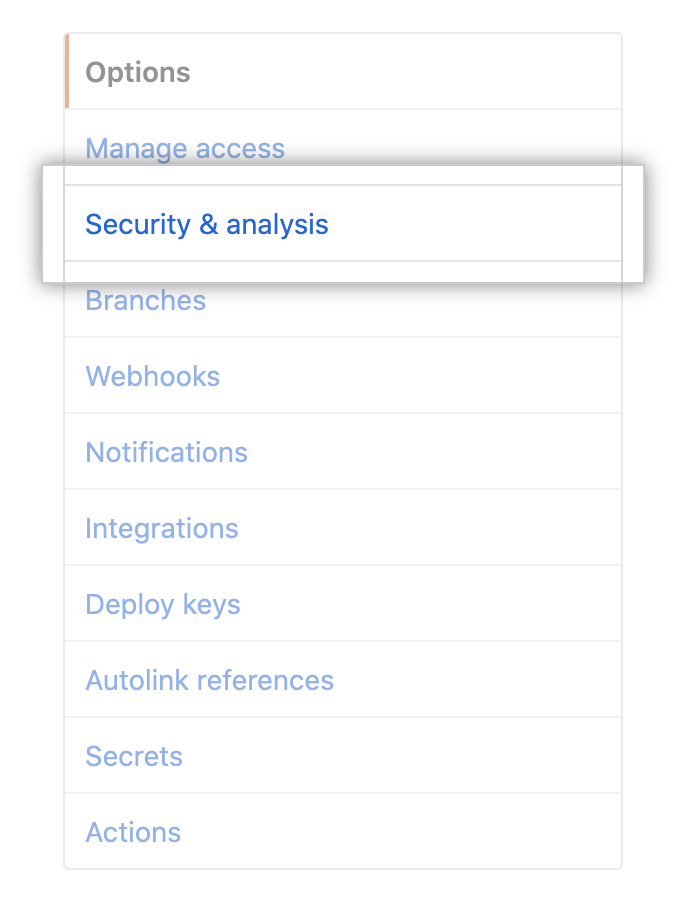
- Klicke in der linken Seitenleiste auf Security & analysis (Sicherheit und Analysen).
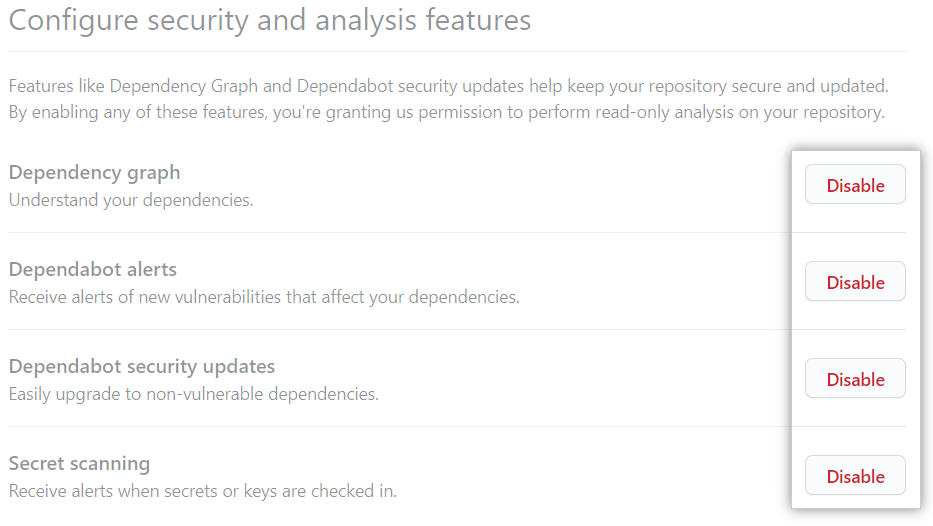
- Under "Configure security and analysis features", to the right of the feature, click Disable or Enable.
Granting access to GitHub Dependabot alerts
After you enable GitHub Dependabot alerts for a repository in an organization, organization owners and repository administrators can view the alerts by default. You can give additional teams and people access to the alerts for a repository.
Organization owners and repository administrators can only grant access to view GitHub Dependabot alerts to people or teams who have write access to the repo.
- Navigiere in GitHub zur Hauptseite des Repository.
- Klicke unter Deinem Repository-Namen auf Settings (Einstellungen).
- Klicke in der linken Seitenleiste auf Security & analysis (Sicherheit und Analysen).
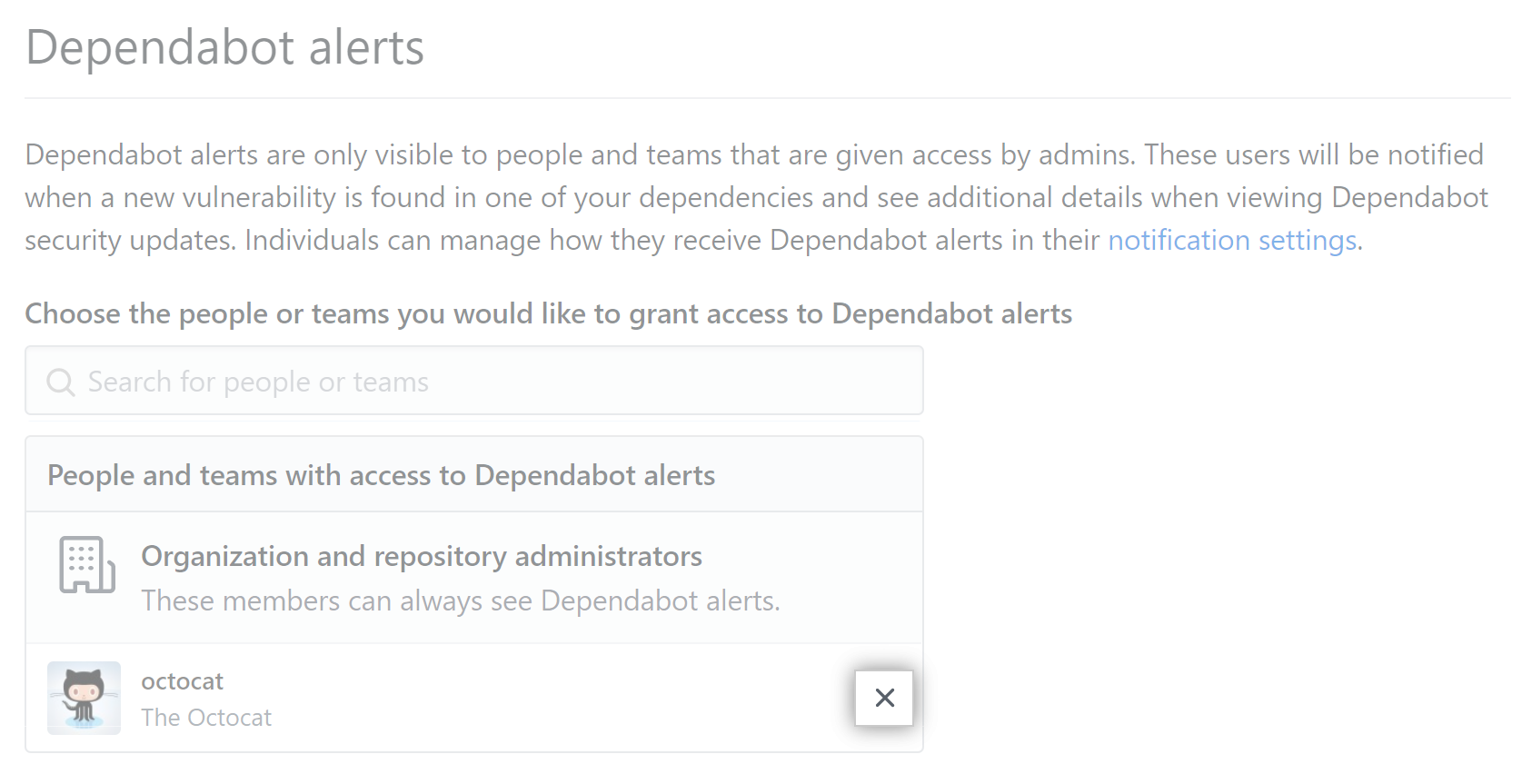
- Under "Dependabot alerts", in the search field, start typing the name of the person or team you'd like to find, then click a name in the list of matches.

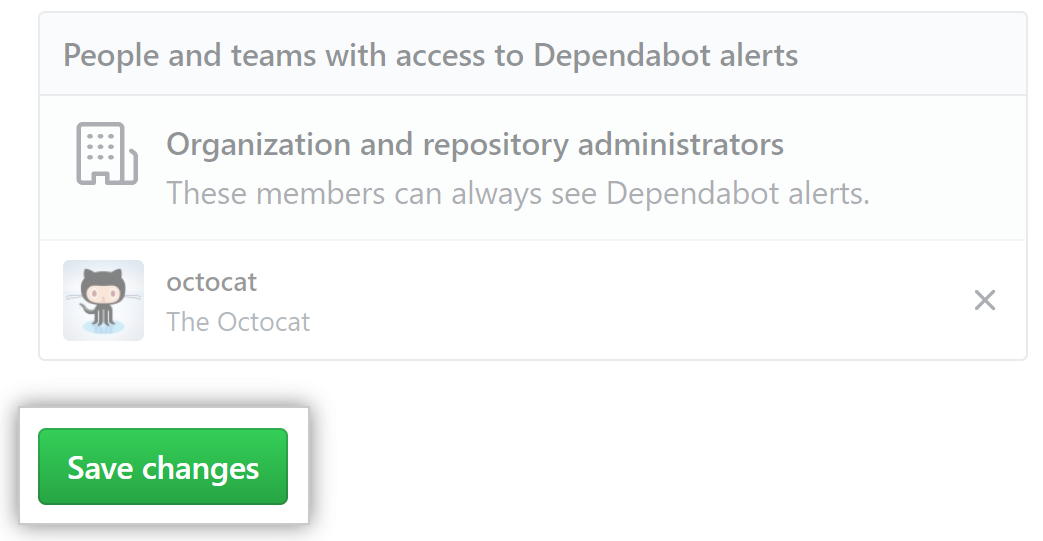
- Klicke auf Save changes (Änderungen speichern).
Removing access to GitHub Dependabot alerts
- Navigiere in GitHub zur Hauptseite des Repository.
- Klicke unter Deinem Repository-Namen auf Settings (Einstellungen).
- Klicke in der linken Seitenleiste auf Security & analysis (Sicherheit und Analysen).
- Under "Dependabot alerts", to the right of the person or team whose access you'd like to remove, click .