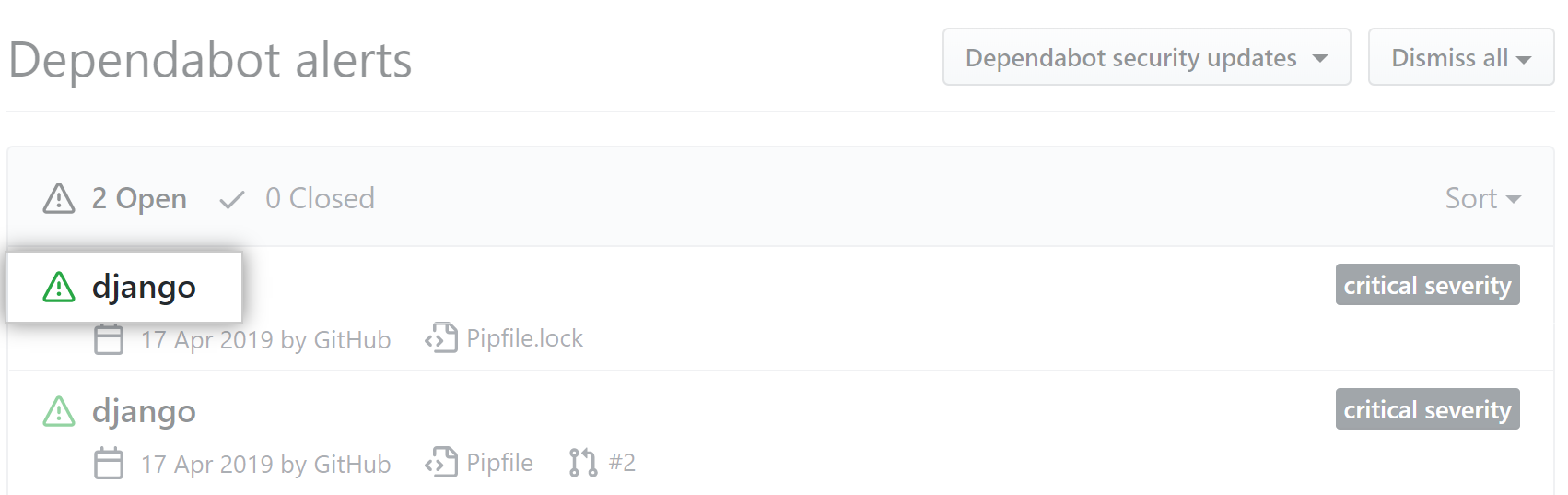
Your repository's GitHub Dependabot alerts tab lists all open and closed GitHub Dependabot alerts and corresponding GitHub Dependabot security updates. Mithilfe des Dropdownmenü kannst Du die Liste der Warnungen sortieren, und Du kannst auf bestimmte Warnungen klicken, um weitere Details anzuzeigen. For more information, see "About alerts for vulnerable dependencies." |
You can enable automatic security updates for any repository that uses GitHub Dependabot alerts and the dependency graph. For more information, see "Configuring GitHub Dependabot security updates."
About updates for vulnerable dependencies in your repository
GitHub sends GitHub Dependabot alerts when we detect vulnerabilities affecting your repository. For repositories where GitHub Dependabot security updates are enabled, when GitHub detects a vulnerable dependency Dependabot creates a pull request to fix it. The pull request will upgrade the dependency to the minimum possible secure version needed to avoid the vulnerability.
Note: It's good practice to have automated tests and acceptance processes in place so that checks are carried out before the pull request is merged. This is particularly important if the suggested version to upgrade to contains additional functionality, or a change that breaks your project's code. For more information about continuous integration, see "About continuous integration."
Viewing and updating vulnerable dependencies
- Navigiere in GitHub zur Hauptseite des Repository.
- Klicke unter Deinem Repository-Namen auf Security (Sicherheit).

- In the security sidebar, click Dependabot alerts.

- Klicke auf die Warnung, die angezeigt werden soll.
- Überprüfe die Details der Schwachstelle und wenn verfügbar des Pull Requests, der das automatisierte Sicherheitsupdate enthält.
- Optionally, if there isn't already a GitHub Dependabot security updates update for the alert, to create a pull request to resolve the vulnerability, click Create Dependabot security update.

- Wenn Sie zum Aktualisieren Ihrer Abhängigkeit und zum Beheben Ihrer Schwachstelle bereit sind, mergen Sie den Pull Request. Each pull request raised by Dependabot includes information on commands you can use to control Dependabot. For more information, see "Managing pull requests for dependency updates."
- Optionally, if the alert is being fixed, if it's incorrect, or located in unused code, use the "Dismiss" drop-down, and click a reason for dismissing the alert.
