Organization owners, and members with admin privileges for a repository, can invite outside collaborators to work on the repository. You can also restrict outside collaborator invite permissions to only organization owners.
Adding an outside collaborator to a private repository will use one of your organization's paid licenses. Weitere Informationen findest Du unter „Informationen zur benutzerabhängigen Preisgestaltung“.
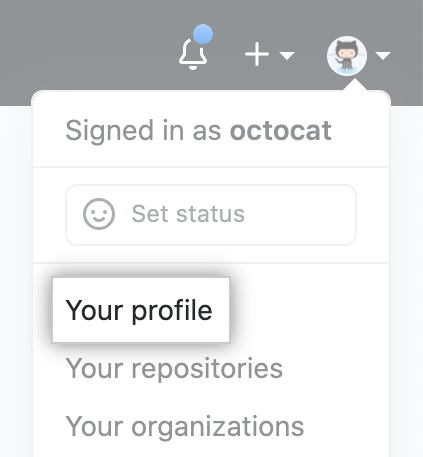
- In der oberen rechten Ecke von GitHub klicke auf Dein Profilfoto und dann auf your profile (Dein Profil).
- Klicke auf der linken Seite Deiner Profilseite unter „Organizations" (Organisationen) auf das Symbol für Deine Organisation.

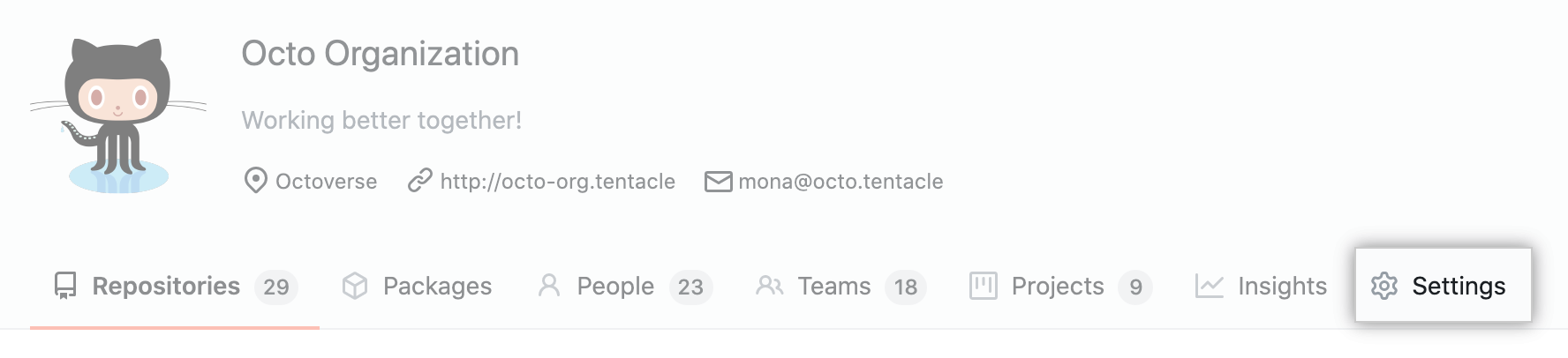
- Klicke unter Deinem Organisationsnamen auf Settings (Einstellungen).
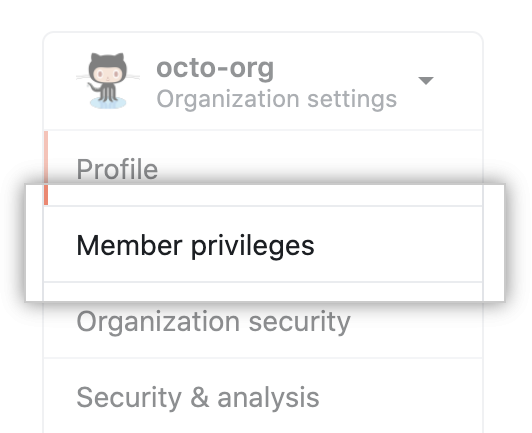
- Klicke in der linken Seitenleiste auf Member privileges (Mitgliederberechtigungen).
- Under "Repository invitations", select Allow members to invite outside collaborators to repositories for this organization.
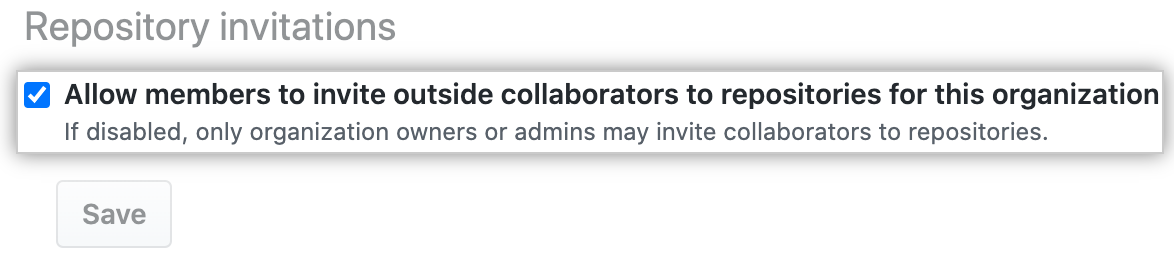
- Click Save.