Du kannst wählen, ob Mitglieder in Deiner Organisation Repositorys erstellen können. If you allow members to create repositories, you can choose which types of repositories members can create. To allow members to create private repositories only, your organization must use GitHub Enterprise Cloud. For more information, see "About repository visibility."
Organisationsinhaber können immer jede Art von Repository erstellen.
Enterprise owners can restrict the options you have available for your organization's repository creation policy. For more information, see "Enforcing repository management policies in your enterprise account."
Warning: This setting only restricts the visibility options available when repositories are created and does not restrict the ability to change repository visibility at a later time. For more information about restricting changes to existing repositories' visibilities, see "Restricting repository visibility changes in your organization."
Hinweis: Interne Repositorys sind für Organisationen verfügbar, die Teil eines Enterprise-Kontos sind. Weitere Informationen findest Du unter „Über Sichtbarkeit von Repositorys."
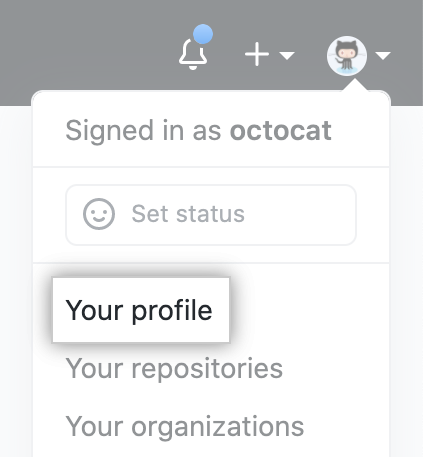
- In der oberen rechten Ecke von GitHub klicke auf Dein Profilfoto und dann auf your profile (Dein Profil).
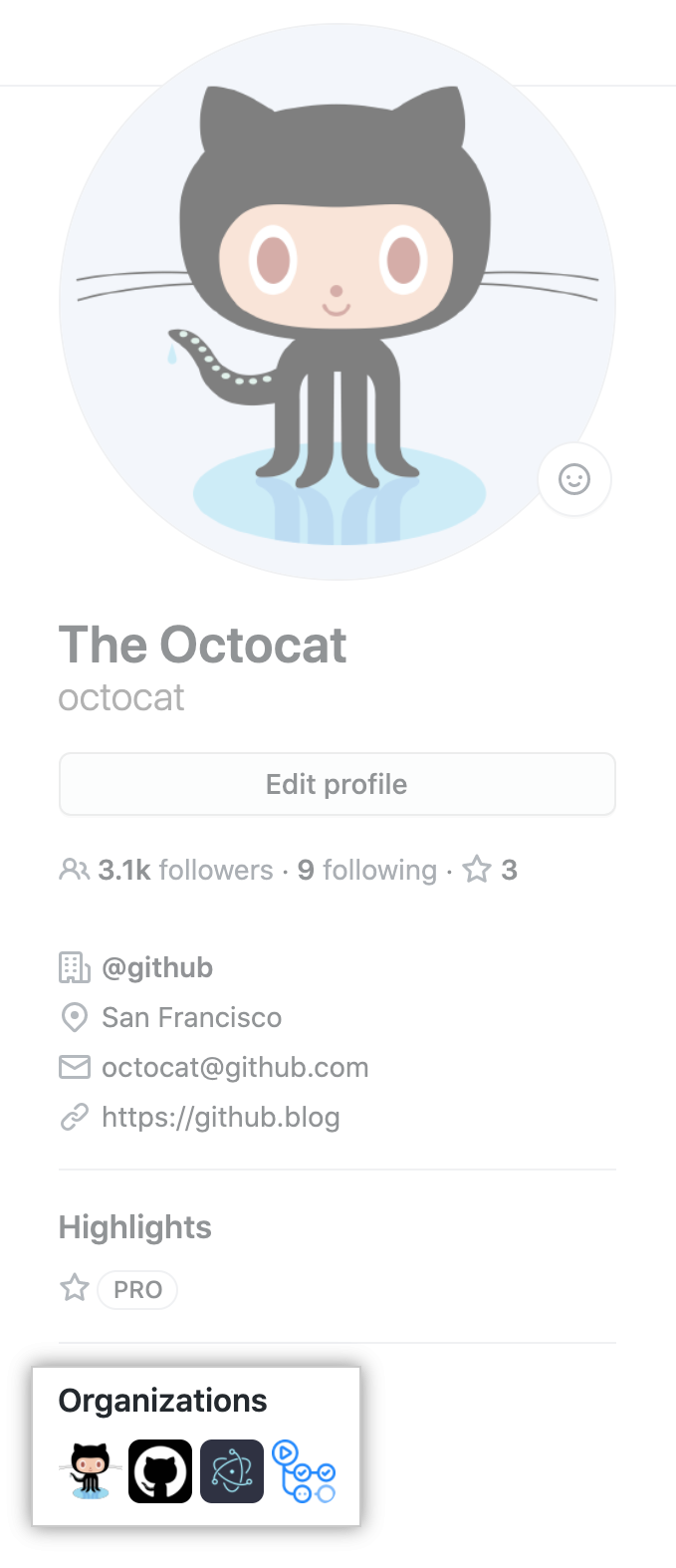
- Klicke auf der linken Seite Deiner Profilseite unter „Organizations" (Organisationen) auf das Symbol für Deine Organisation.
- Klicke unter Deinem Organisationsnamen auf Settings (Einstellungen).

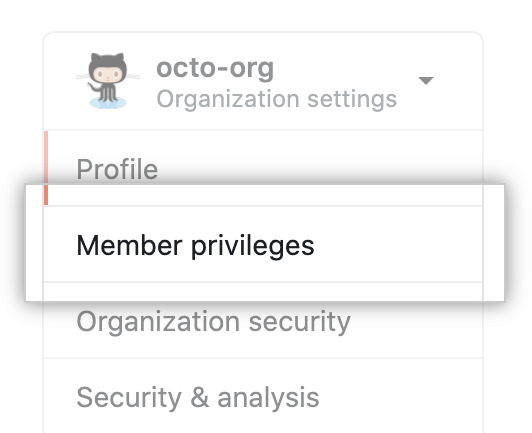
- Klicke in der linken Seitenleiste auf Member privileges (Mitgliederberechtigungen).
- Under "Repository creation", select one or more options.

- Klicke auf Save (Speichern).