Hinweis: A user or organization can own up to 100 OAuth apps.
-
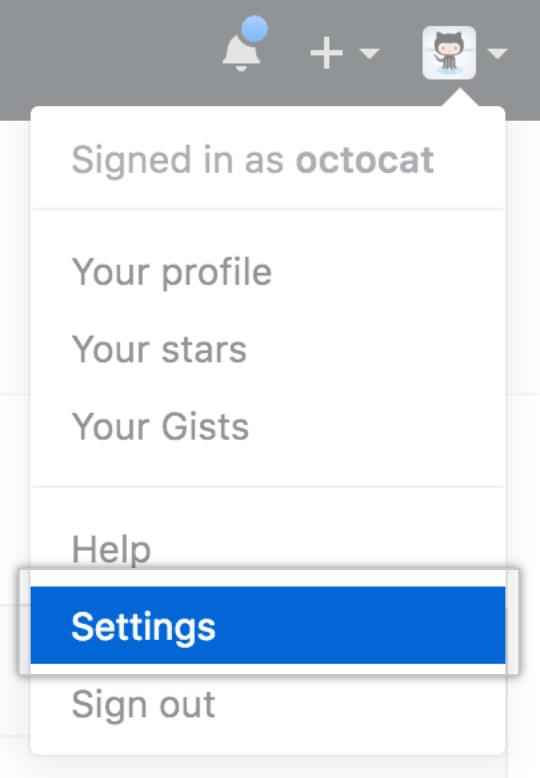
Klicke in der oberen rechten Ecke einer beliebigen Seite auf Dein Profilfoto und klicke dann auf Settings (Einstellungen).
-
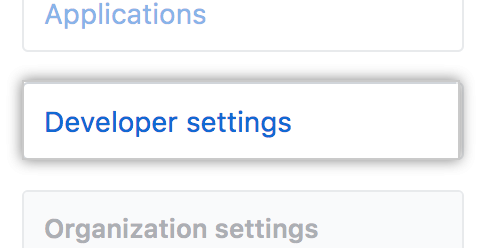
Klicke auf der linken Seitenleiste auf Developer settings (Entwicklereinstellungen).
-
In the left sidebar, click OAuth Apps.

-
Click New OAuth App.
Note: If you haven't created an app before, this button will say, Register a new application.
-
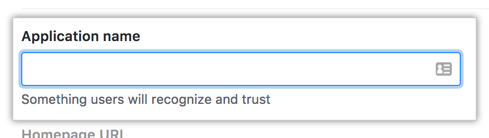
In "Application name", type the name of your app.
Warning: Only use information in your OAuth app that you consider public. Avoid using sensitive data, such as internal URLs, when creating an OAuth App.
-
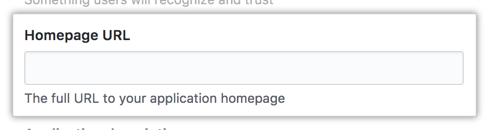
In "Homepage URL", type the full URL to your app's website.
-
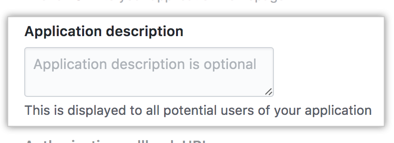
Optionally, in "Application description", type a description of your app that users will see.
-
In "Authorization callback URL", type the callback URL of your app.

-
Klicke auf Register application (Anwendung registrieren).