Note: Suspending a GitHub App installation is currently in beta and subject to change. Before you can suspend a GitHub App, the app owner must enable suspending installations for the app by opting-in to the beta. To opt-in to the suspending installations beta feature, see "Activating beta features for apps."
Suspending a GitHub App
The integrator who owns and maintains a GitHub app, also called a GitHub App owner, can suspend or unsuspend a GitHub App installation using REST API endpoints with a JWT. For more information, see the GitHub Apps REST API.
People who have installed a GitHub App, also called installation owners, can only suspend or unsuspend a GitHub App through their app's installation settings. Installation owners cannot use the API to suspend or unsuspend their app installation. Before people can suspend a GitHub app installation, the GitHub App owner must opt-in to the beta release. For more information, see "Suspending a GitHub App installation."
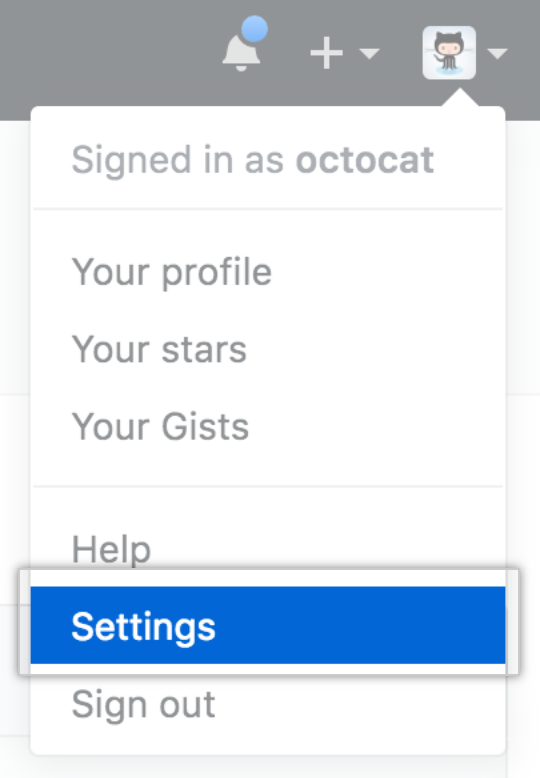
- Klicke in der oberen rechten Ecke einer beliebigen Seite auf Dein Profilfoto und klicke dann auf Settings (Einstellungen).
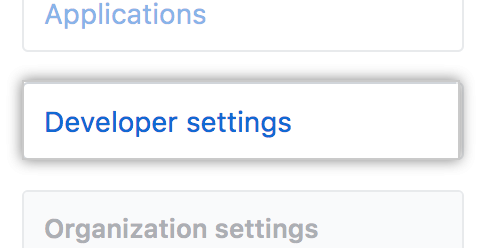
- Klicke auf der linken Seitenleiste auf Developer settings (Entwicklereinstellungen).
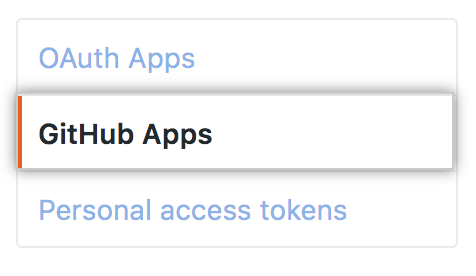
- In the left sidebar, click GitHub Apps.
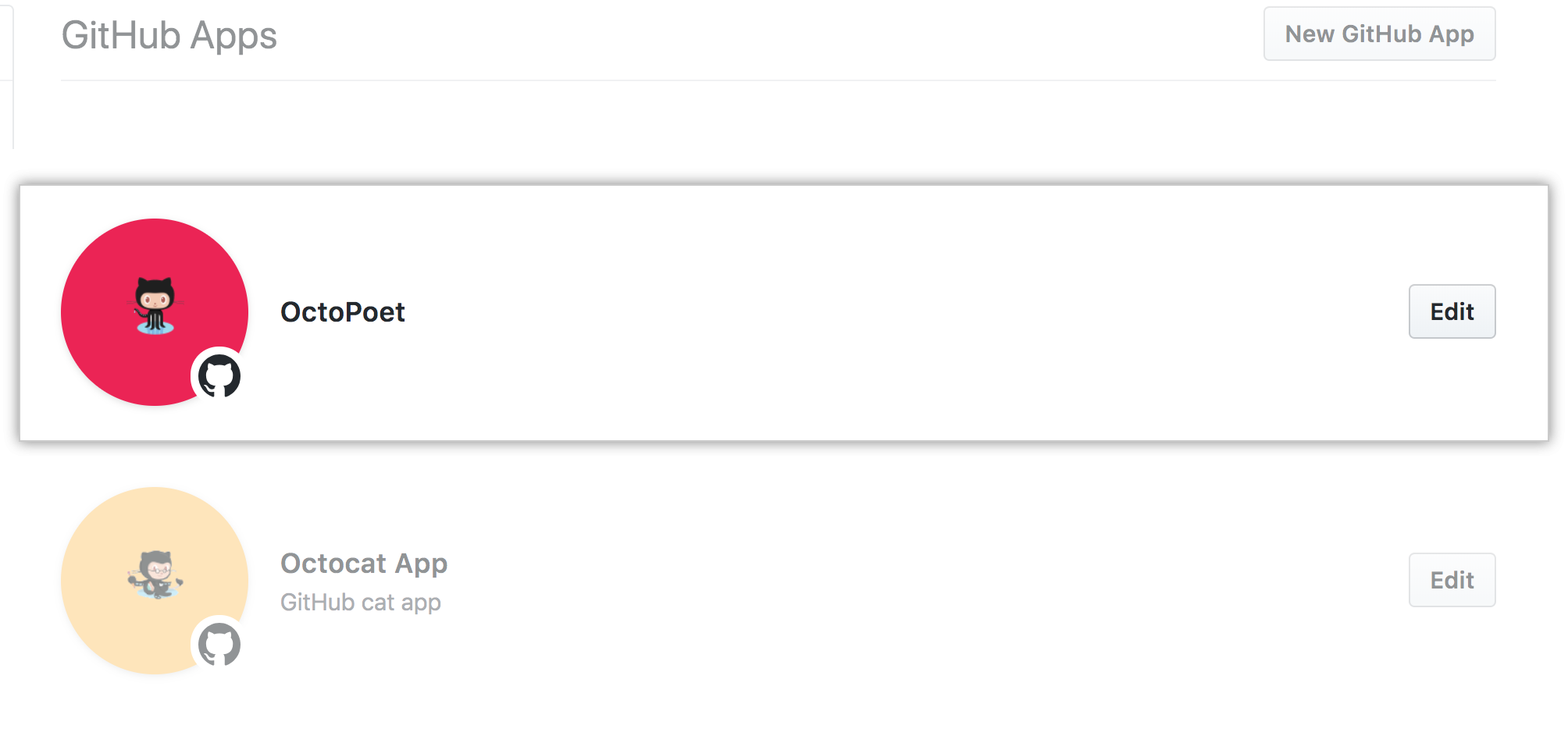
- Select the
GitHub App you want to suspend.
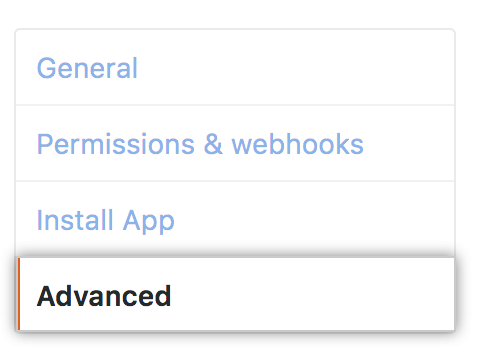
- In the left sidebar, click Advanced.
- Next to the suspension settings for the installation, click Suspend or Unsuspend.
