Organization owners, and members with admin privileges for a repository, can invite outside collaborators to work on the repository. You can also restrict outside collaborator invite permissions to only organization owners.
Adding an outside collaborator to a private repository will use one of your organization's paid licenses. 更多信息请参阅“关于每用户定价”。
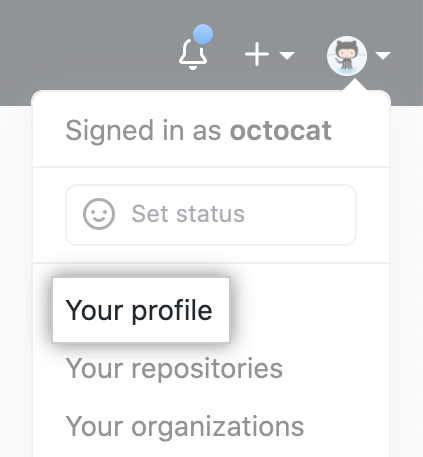
- 在 GitHub 的右上角,单击您的个人资料照片,然后单击 Your profile(您的个人资料)。
- 在您的个人资料页面左侧的“Organizations(组织)”下,单击组织的图标。

- 在组织名称下,单击 Settings(设置)。

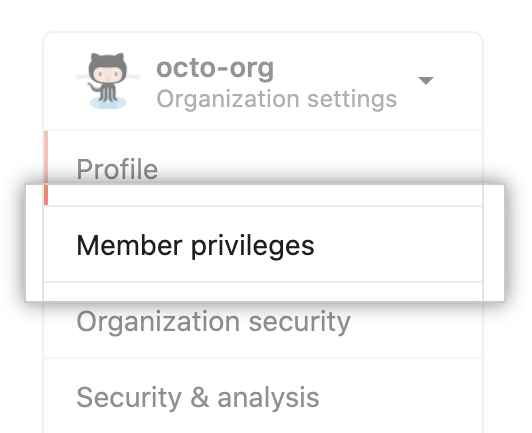
- 在左侧边栏中,单击 Member privileges(成员权限)。
- Under "Repository invitations", select Allow members to invite outside collaborators to repositories for this organization.
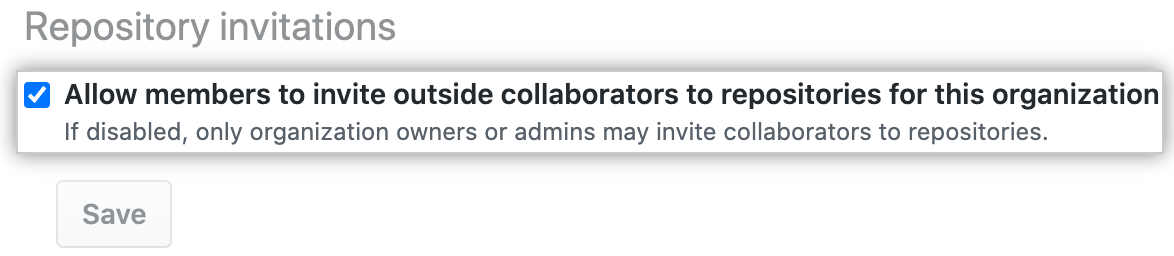
- Click Save.