注: Suspending a GitHub 应用程序 installation is currently in beta and subject to change. Before you can suspend a GitHub 应用程序, the app owner must enable suspending installations for the app by opting-in to the beta. 要选择加入挂起安装测试版功能,请参阅“激活应用程序的测试版功能”。
Suspending a GitHub App
The integrator who owns and maintains a GitHub app, also called a GitHub App owner, can suspend or unsuspend a GitHub App installation using REST API endpoints with a JWT. For more information, see the GitHub Apps REST API.
People who have installed a GitHub App, also called installation owners, can only suspend or unsuspend a GitHub App through their app's installation settings. Installation owners cannot use the API to suspend or unsuspend their app installation. Before people can suspend a GitHub app installation, the GitHub App owner must opt-in to the beta release. 更多信息请参阅“挂起 GitHub 应用程序安装”。
- 在任何页面的右上角,单击您的个人资料照片,然后单击 Settings(设置)。

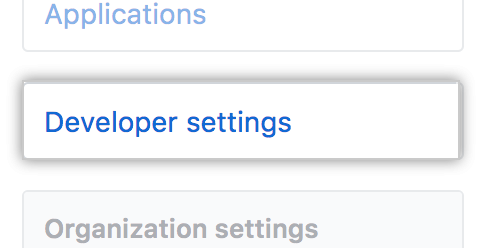
- 在左侧边栏中,单击 Developer settings。
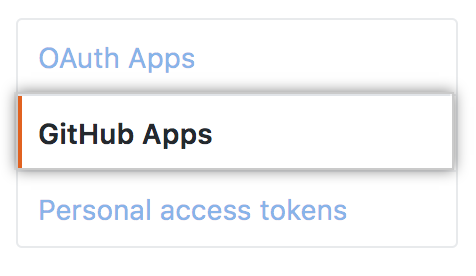
- 在左侧边栏中,单击 GitHub Apps(GitHub 应用程序)。
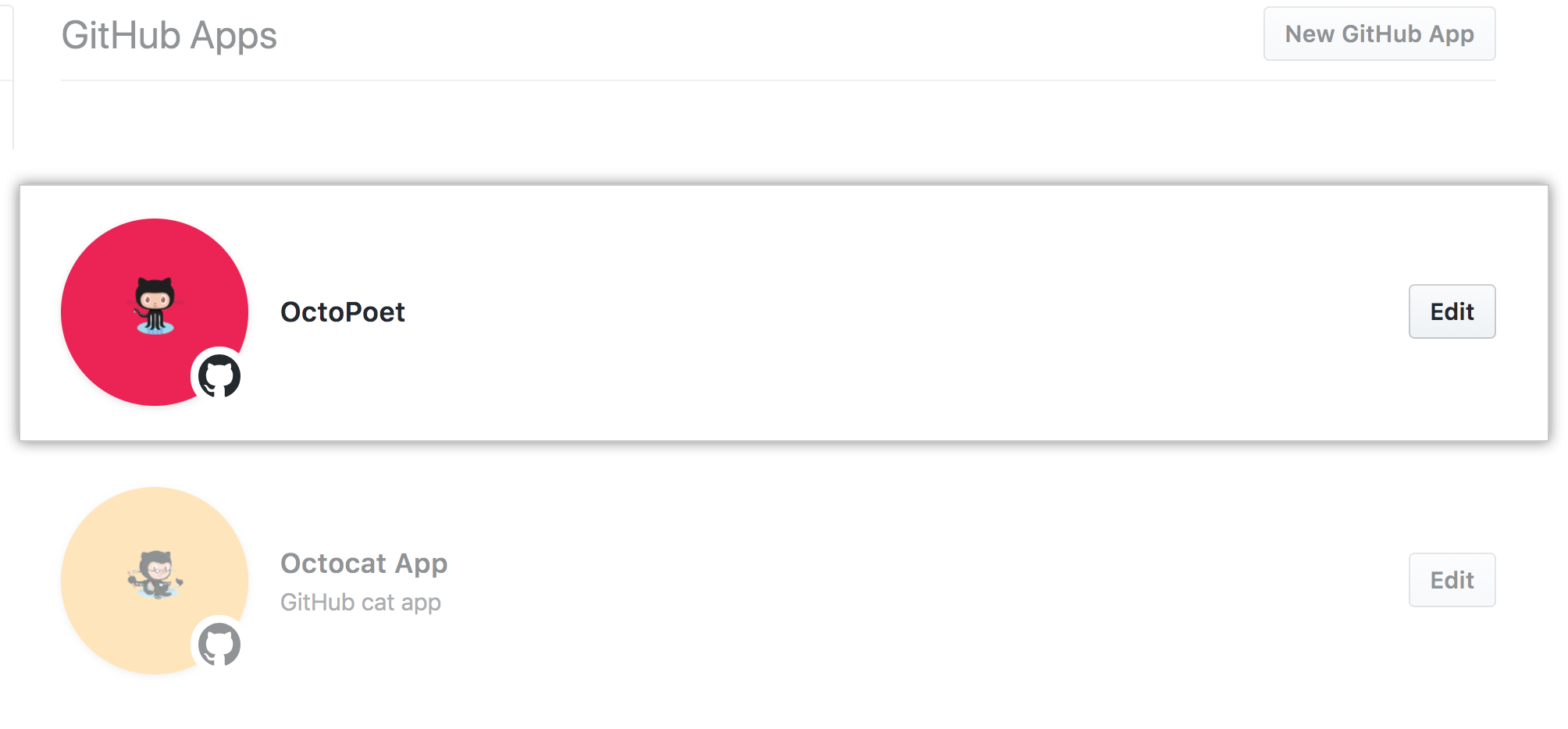
- Select the
GitHub 应用程序 you want to suspend.
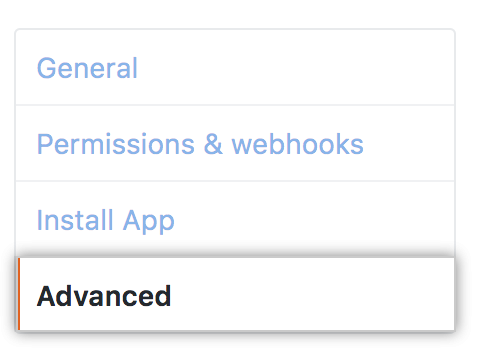
- 在左侧边栏中,单击 Advanced(高级)。
- Next to the suspension settings for the installation, click Suspend or Unsuspend.
