You can open a new issue based on code from an existing pull request. For more information, see "Opening an issue from code."
You can open a new issue directly from a comment in an issue or a pull request review. For more information, see "Opening an issue from a comment."
Tip: You can also create an issue using the CLI de GitHub. For more information, see "gh issue create" in the CLI de GitHub documentation.
If you're using a project board to track and prioritize your work, you can convert project board notes to issues. For more information, see "About project boards" and "Adding notes to a project board."
Tips: Project maintainers can choose to:
- Create an issue template for a repository. Templates include prompts for information in the body of an issue. For more information, see "About issue and pull request templates."
- Disable issues for a repository. For more information, see "Disabling issues." Pull requests can't be turned off and are always available.
-
En GitHub Enterprise, visita la página principal del repositorio.
-
Debajo del nombre de tu repositorio, da clic en Informe de problemas.

-
Click New issue.

-
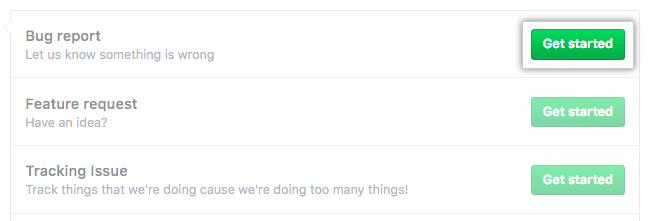
If there are multiple issue types, click Get started next to the type of issue you'd like to open.
-
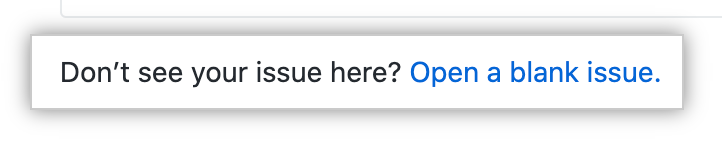
Optionally, click Open a blank issue. if the type of issue you'd like to open isn't included in the available options.
-
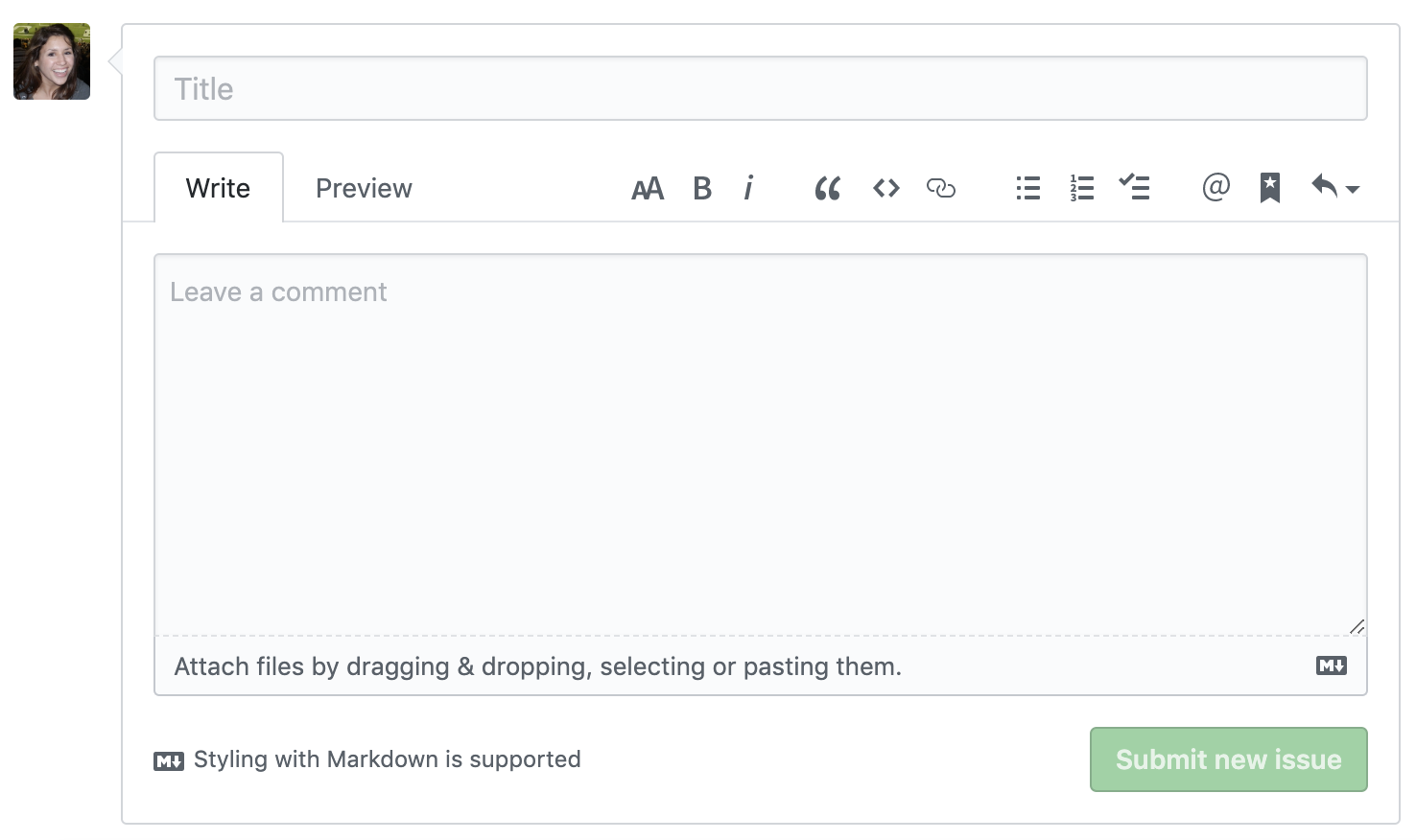
Teclea un título y descripción para tu informe de problemas.
-
Si eres un mantenedor de proyecto, puedes asignar el informe de problemas a alguien, agregarlo a un tablero de proyecto, asociarlo con un hito, o aplicar una etiqueta.
-
Cuando termines, da clic en Emitir nuevo informe de problemas.