注意: A user or organization can own up to 100 OAuth apps.
-
在任何页面的右上角,单击您的个人资料照片,然后单击 Settings(设置)。

-
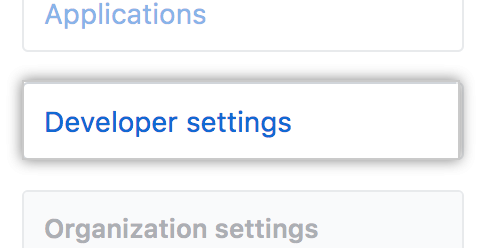
在左侧边栏中,单击 Developer settings。
-
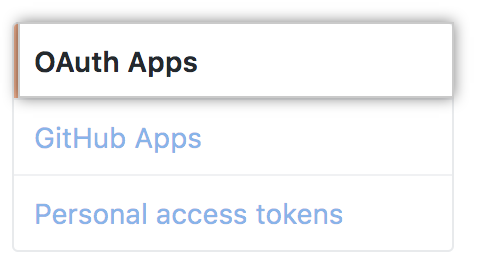
在左边栏中,单击 OAuth Apps(OAuth 应用程序)。
-
Click New OAuth App.

Note: If you haven't created an app before, this button will say, Register a new application.
-
In "Application name", type the name of your app.

Warning: Only use information in your OAuth app that you consider public. Avoid using sensitive data, such as internal URLs, when creating an OAuth App.
-
In "Homepage URL", type the full URL to your app's website.

-
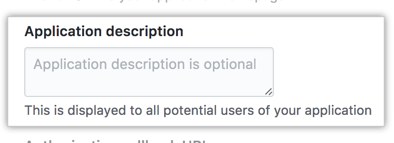
Optionally, in "Application description", type a description of your app that users will see.
-
In "Authorization callback URL", type the callback URL of your app.

-
单击 Register application(注册应用程序)。
