Viewing dependencies monitored by Dependabot
After you've enabled version updates, you can confirm that your configuration is correct using the Dependabot tab in the dependency graph for the repository. For more information, see "Enabling and disabling version updates."
- Navigiere in GitHub zur Hauptseite des Repository.
- Klicke unter Deinem Repository-Namen auf Insights (Einblicke).

- Klicke in der linken Seitenleiste auf Dependency graph (Abhängigkeitsdiagramm).
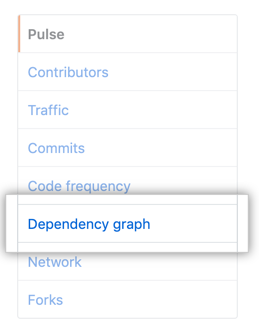
- Under "Dependency graph", click Dependabot.

- Optionally, to view the files monitored for a package manager, click the associated .
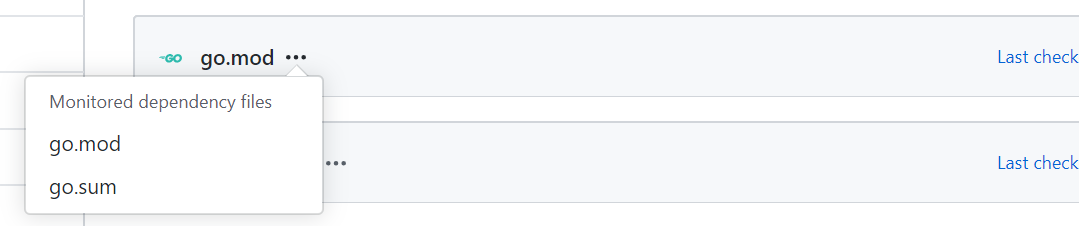
If any dependencies are missing, check the log files for errors. If any package managers are missing, review the configuration file.
Viewing Dependabot log files
- On the Dependabot tab, click Last checked TIME ago to see the log file that Dependabot generated during the last check for version updates.

- Optionally, to rerun the version check, click Check for updates.
