Bandwidth and storage usage only count against the repository owner's quotas. In forks, bandwidth and storage usage count against the root of the repository network. Anyone with write access to a repository can push files to Git LFS without affecting their personal bandwidth and storage quotas or purchasing data packs. Forking and pulling a repository counts against the parent repository's bandwidth limit. Unused bandwidth doesn't roll over month-to-month.
Viewing storage and bandwidth usage for a personal account
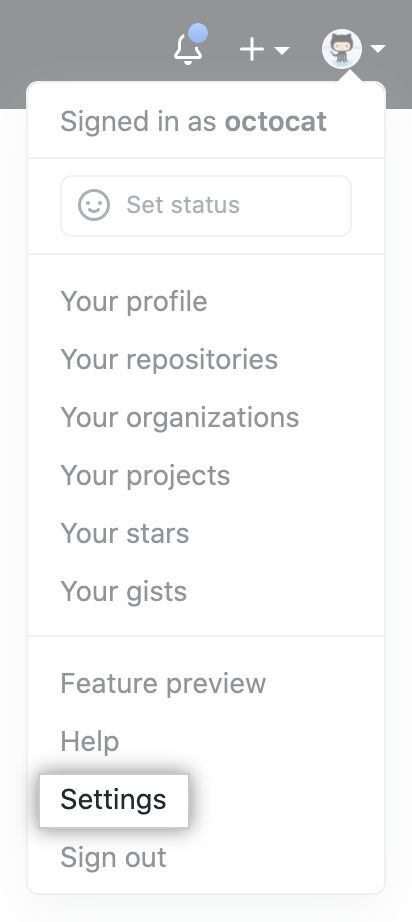
- In the upper-right corner of any page, click your profile photo, then click Settings.
- In your user settings sidebar, click Billing & plans.

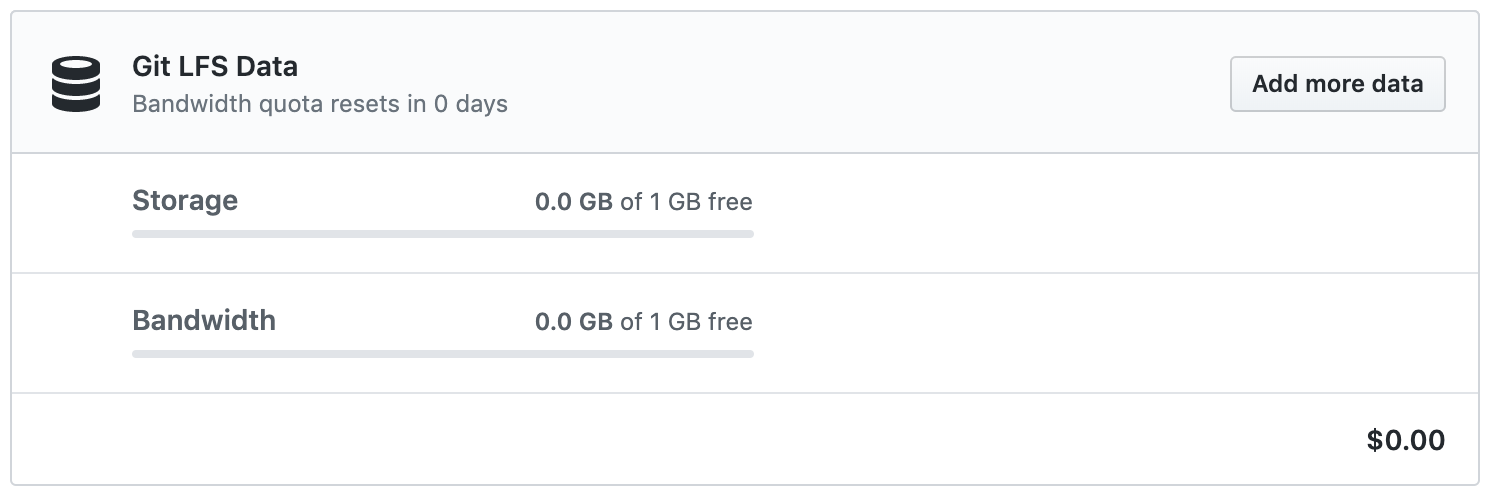
- View details of your bandwidth and storage usage under "Git LFS Data".
Viewing storage and bandwidth usage for an organization
Only organization members with the owner or billing manager role can access or change billing settings for your organization.
- In the upper-right corner of any page, click your profile photo, then click Settings.
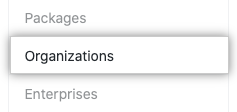
- In the settings sidebar, click Organizations.
- Next to the organization, click Settings.

- If you're an organization owner, in the left sidebar, click Billing & plans.

- View details of your bandwidth and storage usage under "Git LFS Data".