Enabling or disabling security and analysis features for public repositories
You can manage a subset of security and analysis features for public repositories. Other features are permanently enabled, including dependency graph and secret scanning.
- Navigiere in GitHub zur Hauptseite des Repository.
- Klicke unter Deinem Repository-Namen auf Settings (Einstellungen).

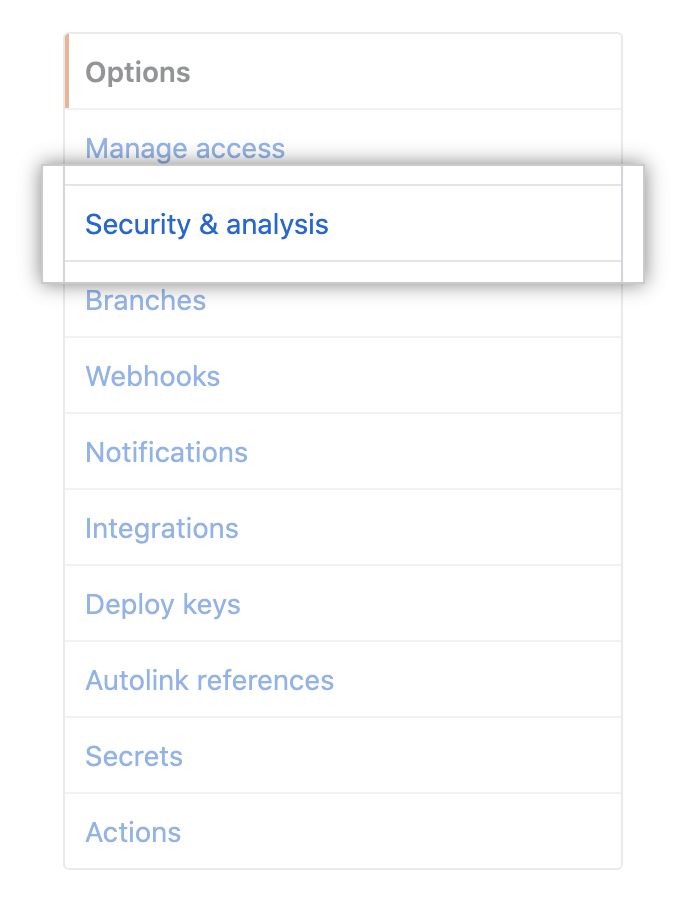
- Klicke in der linken Seitenleiste auf Security & analysis (Sicherheit und Analysen).
- Under "Configure security and analysis features", to the right of the feature, click Disable or Enable.

Enabling or disabling security and analysis features for private repositories
You can manage the security and analysis features for your private or internal repository. If your organization or enterprise has a license for GitHub Advanced Security then extra options are available. Weitere Informationen findest Du unter „Informationen zu GitHub Advanced Security“.
If you enable security and analysis features, GitHub performs read-only analysis on your repository. Weitere Informationen findest Du unter „Über GitHub's Verwendung Deiner Daten."
-
Navigiere in GitHub zur Hauptseite des Repository.
-
Klicke unter Deinem Repository-Namen auf Settings (Einstellungen).
-
Klicke in der linken Seitenleiste auf Security & analysis (Sicherheit und Analysen).
-
Under "Configure security and analysis features", to the right of the feature, click Disable or Enable. If "Secret scanning" is not displayed, you may need to enable GitHub Advanced Security first.
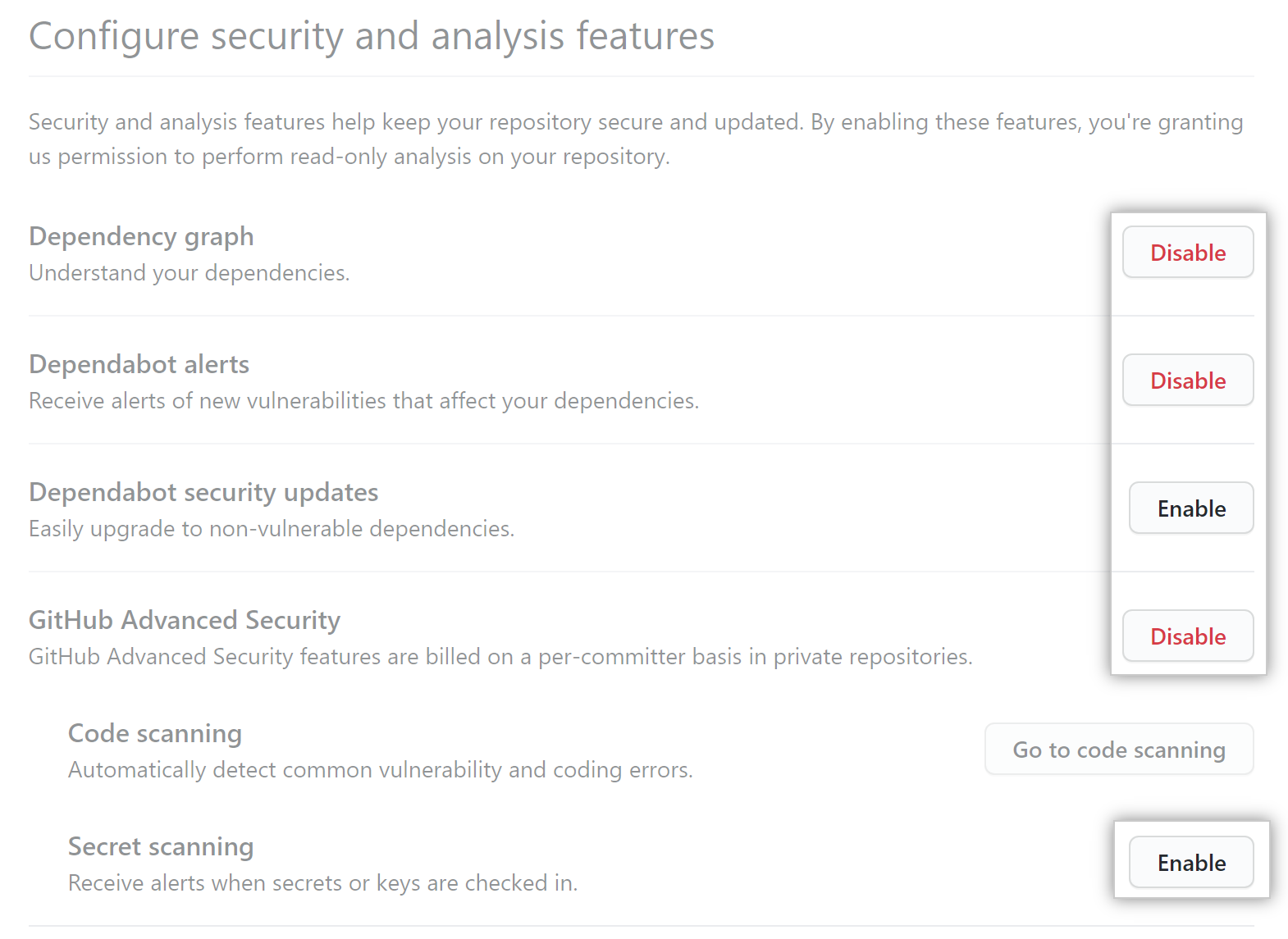 **Note:** If you disable
GitHub Advanced Security, both secret scanning and code scanning are disabled. Any workflows, SARIF uploads, or API calls for code scanning will fail.
Zugriff auf Sicherheitsmeldungen gewähren
After you enable Dependabot or secret scanning alerts for a repository in an organization, organization owners and repository administrators can view the alerts by default. You can give additional teams and people access to the alerts for a repository.
Organization owners and repository administrators can only grant access to view security alerts, such as Dependabot and secret scanning alerts, to people or teams who have write access to the repo.
-
Navigiere in GitHub zur Hauptseite des Repository.
-
Klicke unter Deinem Repository-Namen auf Settings (Einstellungen).
-
Klicke in der linken Seitenleiste auf Security & analysis (Sicherheit und Analysen).
-
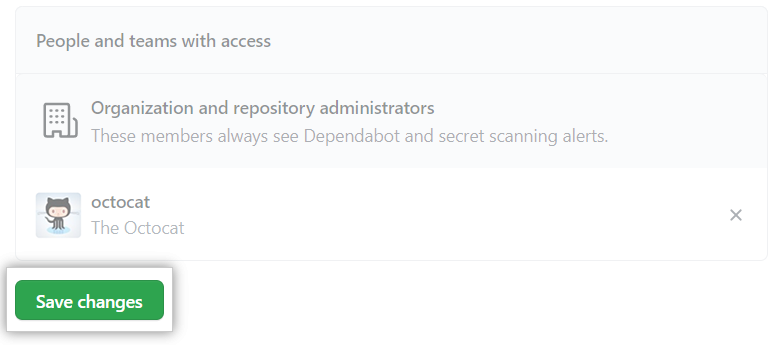
Under "Access to alerts", in the search field, start typing the name of the person or team you'd like to find, then click a name in the list of matches.

-
Klicke auf Save changes (Änderungen speichern).
Zugriff auf Sicherheitsmeldungen entfernen
- Navigiere in GitHub zur Hauptseite des Repository.
- Klicke unter Deinem Repository-Namen auf Settings (Einstellungen).
- Klicke in der linken Seitenleiste auf Security & analysis (Sicherheit und Analysen).
- Under "Access to alerts", to the right of the person or team whose access you'd like to remove, click
.
