Purchasing additional storage and bandwidth for a personal account
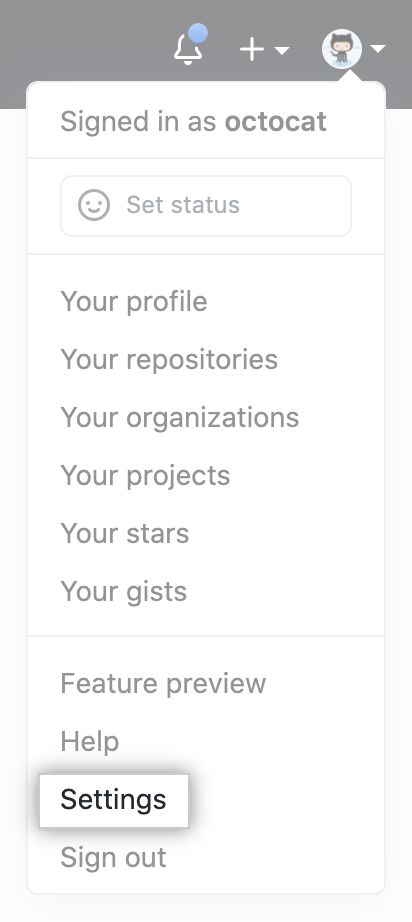
- In the upper-right corner of any page, click your profile photo, then click Settings.
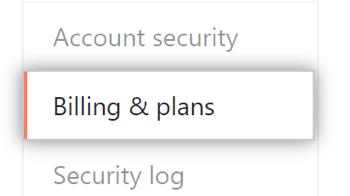
- In your user settings sidebar, click Billing & plans.
- Next to "Git LFS Data", click Add more data or use the Edit drop-down and click Add more data packs.

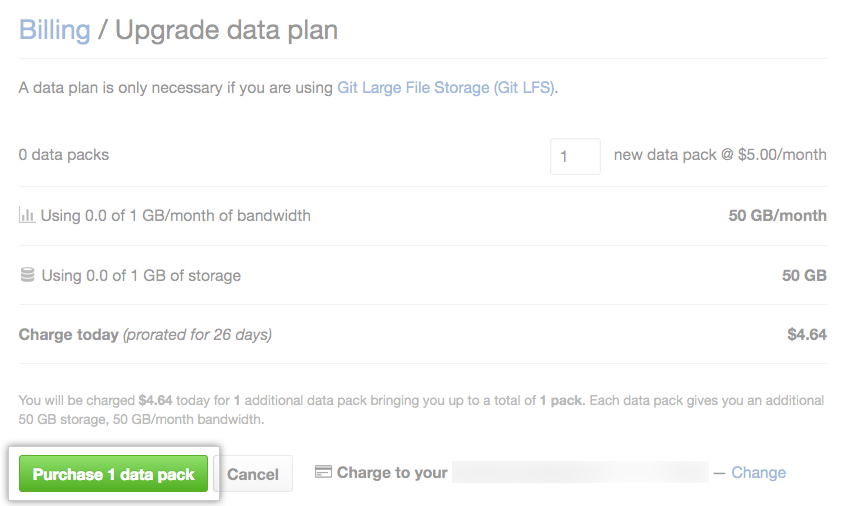
- Enter the number of data packs you want to add to your account. Each pack costs $5 per month, and provides 50 GB of bandwidth and 50 GB for storage.

- To confirm your new monthly data pack quantity, click Purchase.
Purchasing additional storage and bandwidth for an organization
Only organization members with the owner or billing manager role can access or change billing settings for your organization.
- In the upper-right corner of any page, click your profile photo, then click Settings.
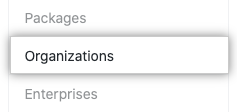
- In the settings sidebar, click Organizations.
- Next to the organization, click Settings.

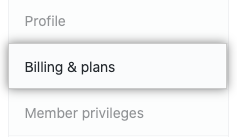
- If you're an organization owner, in the left sidebar, click Billing & plans.
- Next to "Git LFS Data", click Add more data or use the Edit drop-down and click Add more data packs.
- Enter the number of data packs you want to add to your account. Each pack costs $5 per month, and provides 50 GB of bandwidth and 50 GB for storage.
- To confirm your new monthly data pack quantity, click Purchase.