Note: Custom patterns for varredura secreta is currently in beta and is subject to change.
About custom patterns for varredura secreta
GitHub performs varredura secreta on public and private repositories for secret patterns provided by GitHub and GitHub partners. For more information on the varredura secreta partner program, see "Secret scanning partner program."
However, there can be situations where you want to scan for other secret patterns in your private repositories. For example, you might have a secret pattern that is internal to your organization. For these situations, you can define custom varredura secreta patterns in organizations and private repositories on GitHub. You can define up to 20 custom patterns for each private repository or organization.
Note: During the beta, there are some limitations when using custom patterns for varredura secreta:
- There is no dry-run functionality.
- You cannot edit custom patterns after they're created. To change a pattern, you must delete it and recreate it.
- There is no API for creating, editing, or deleting custom patterns. However, results for custom patterns are returned in the secret scanning alerts API.
Regular expression syntax for custom patterns
Custom patterns for varredura secreta are specified as regular expressions. Varredura secreta uses the Hyperscan library and only supports Hyperscan regex constructs, which are a subset of PCRE syntax. Hyperscan option modifiers are not supported. For more information on Hyperscan pattern constructs, see "Pattern support" in the Hyperscan documentation.
Defining a custom pattern for a repository
Before defining a custom pattern, you must ensure that varredura secreta is enabled on your repository. For more information, see "Configuring varredura secreta for your repositories."
-
No GitHub, navegue até a página principal do repositório.
-
No nome do seu repositório, clique em Configurações.

-
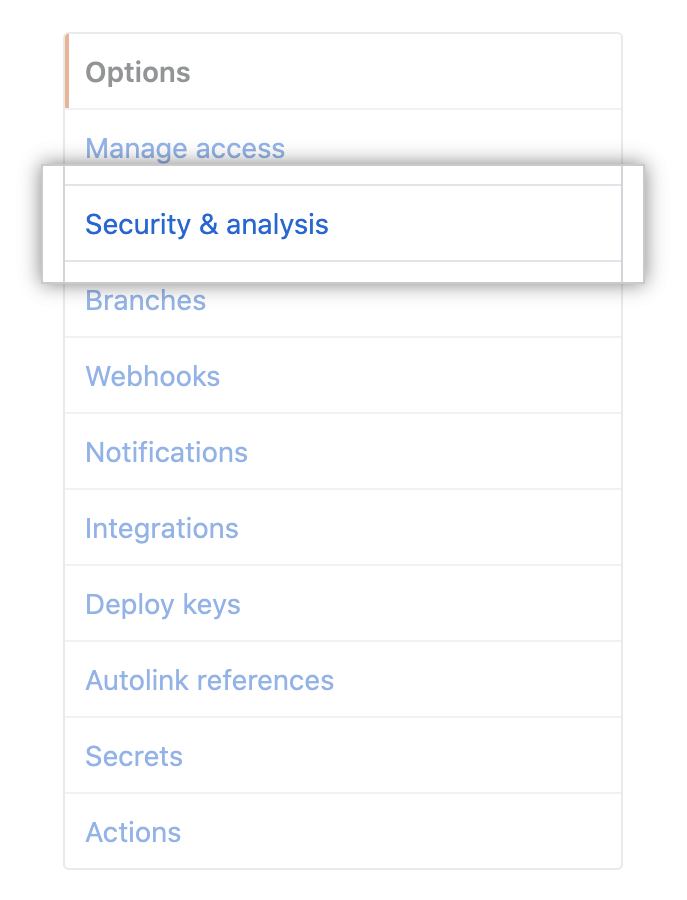
Na barra lateral esquerda, clique em Security & analysis (Segurança e análise).
-
Under "Configure security and analysis features", find "Segurança Avançada GitHub."
-
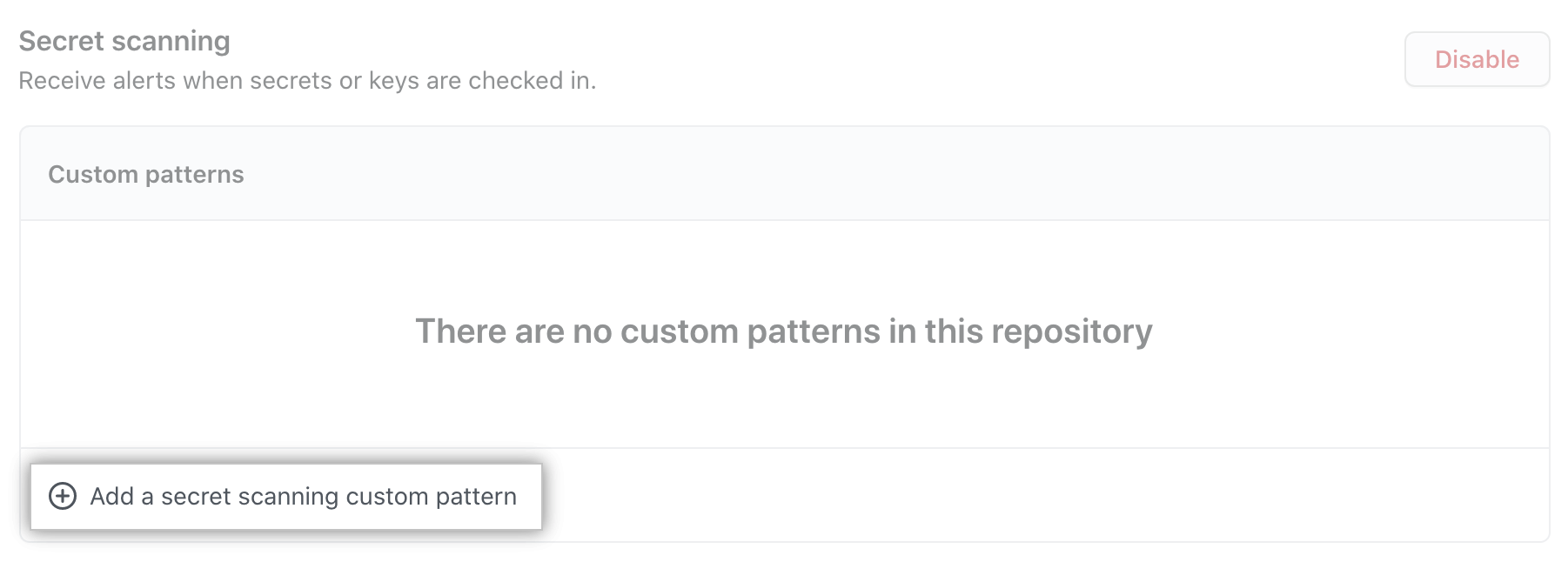
Under "Varredura secreta", click Add a varredura secreta custom pattern.
-
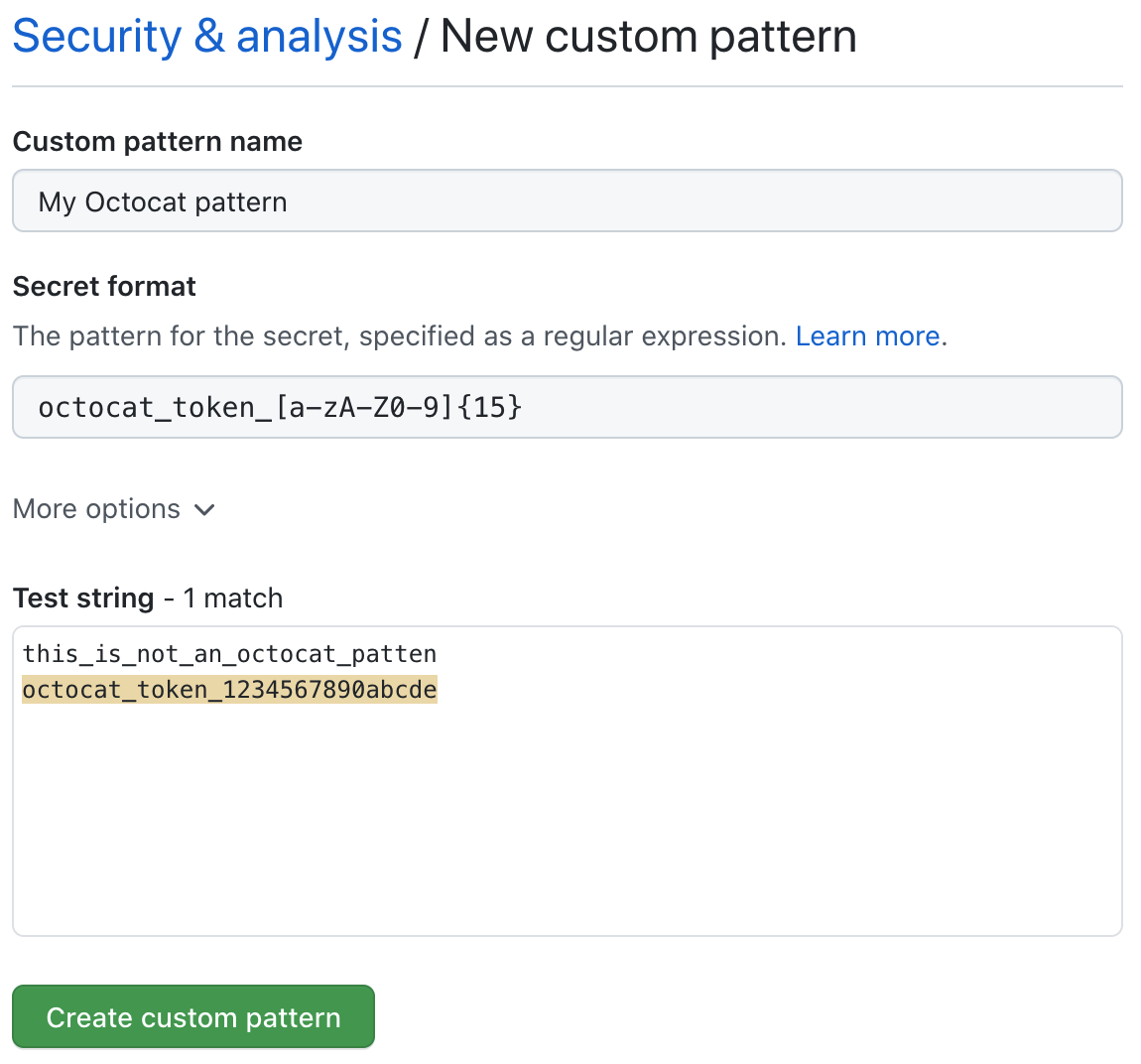
Enter the details for your new custom pattern:
- You must at least provide the name for your pattern, and a regular expression for the format of your secret pattern.
- You can click More options to provide other surrounding content or additional match requirements for the secret format.
- You can provide a sample test string and click the Test button to make sure your configuration is matching the patterns you expect.
-
When you are satisfied with your new custom pattern, click Create custom pattern.
After your pattern is created, varredura secreta scans for any secrets in your entire Git history on all branches present in your GitHub repository. For more information on viewing varredura secreta alerts, see "Managing alerts from varredura secreta."
Defining a custom pattern for an organization
Before defining a custom pattern, you must ensure that you enable varredura secreta for the private repositories that you want to scan in your organization. To enable varredura secreta on all private repositories in your organization, see "Managing security and analysis settings for your organization."
Note: There is no dry-run functionality during the custom patterns beta. To avoid excess false-positive varredura secreta alerts, we recommend that you test your custom patterns in a repository before defining them for your entire organization.
-
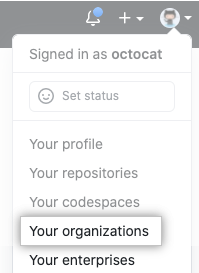
In the top right corner of GitHub, click your profile photo, then click Your organizations.
-
Next to the organization, click Settings.

-
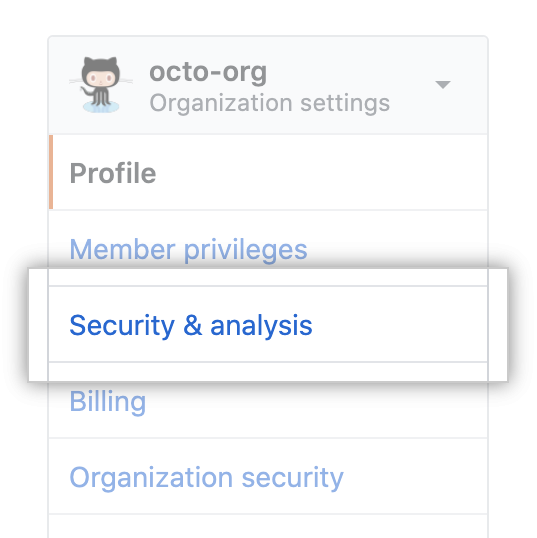
Na barra lateral esquerda, clique em Security & analysis (Segurança e análise).
-
Under "Configure security and analysis features", find "Segurança Avançada GitHub."
-
Under "Varredura secreta", click Add a varredura secreta custom pattern.
-
Enter the details for your new custom pattern:
- You must at least provide the name for your pattern, and a regular expression for the format of your secret pattern.
- You can click More options to provide other surrounding content or additional match requirements for the secret format.
- You can provide a sample test string and click the Test button to make sure your configuration is matching the patterns you expect.
-
When you are satisfied with your new custom pattern, click Create custom pattern.
After your pattern is created, varredura secreta scans for any secrets in private repositories in your organization, including their entire Git history on all branches. Organization owners and repository administrators will be alerted to any secrets found, and can review the alert in the repository where the secret is found. For more information on viewing varredura secreta alerts, see "Managing alerts from varredura secreta."
Removing a custom pattern
Removing a custom pattern also closes all the varredura secreta alerts that the pattern created.
-
Navigate to the Security & analysis settings for the repository or organization where the custom pattern was created. For more information, see "Defining a custom pattern for a repository" or "Defining a custom pattern for an organization" above.
-
Under "Configure security and analysis features", find "Segurança Avançada GitHub."
-
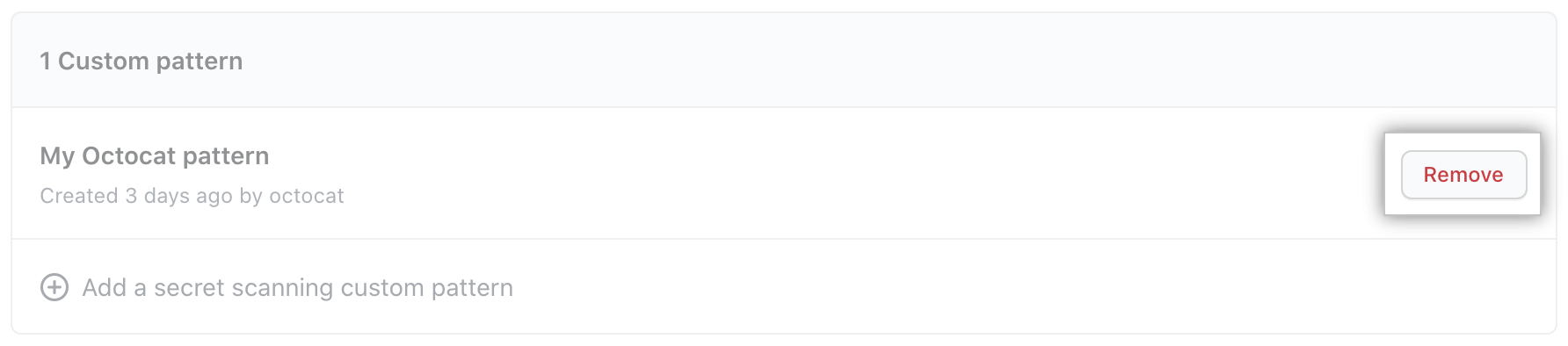
Under "Varredura secreta", find the custom pattern you want to remove and click Remove.
-
Review the confirmation and click Remove custom pattern.