-
Navigiere in GitHub zur Hauptseite des Repository.
-
Klicke unter Deinem Repository-Namen auf Actions (Aktionen).

-
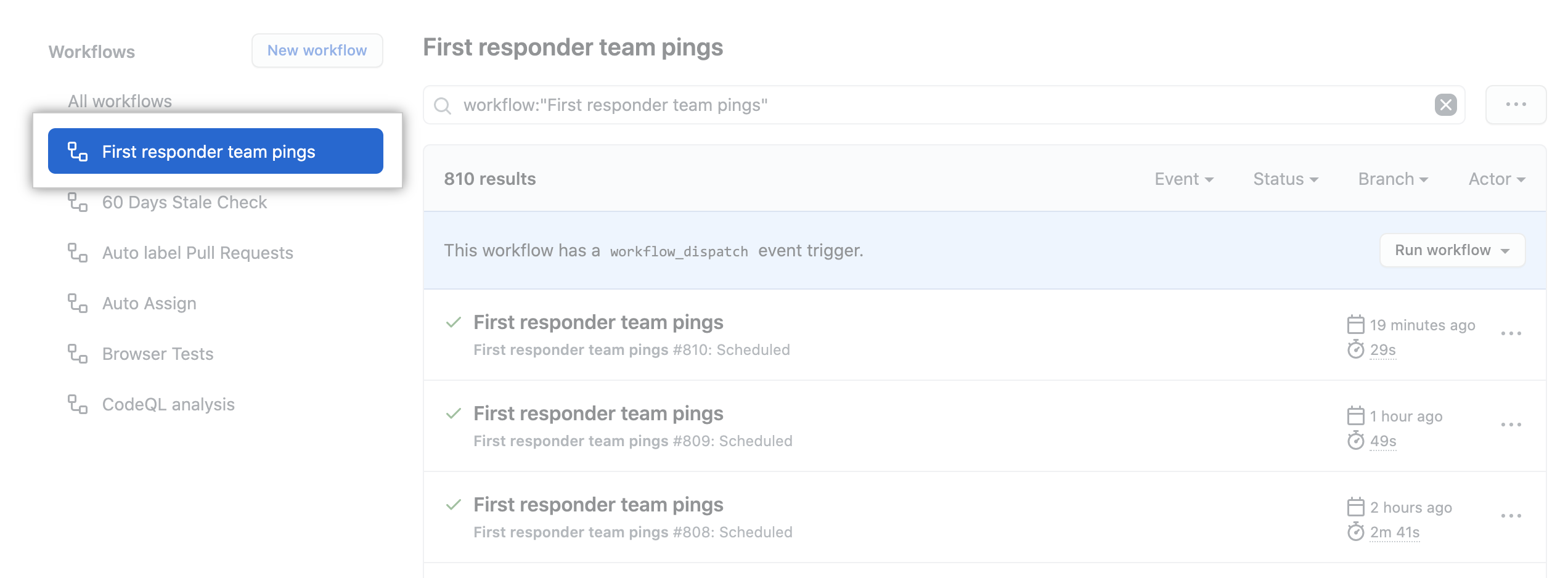
Klicke in der linken Seitenleiste auf den Workflow, den Du sehen willst.
-
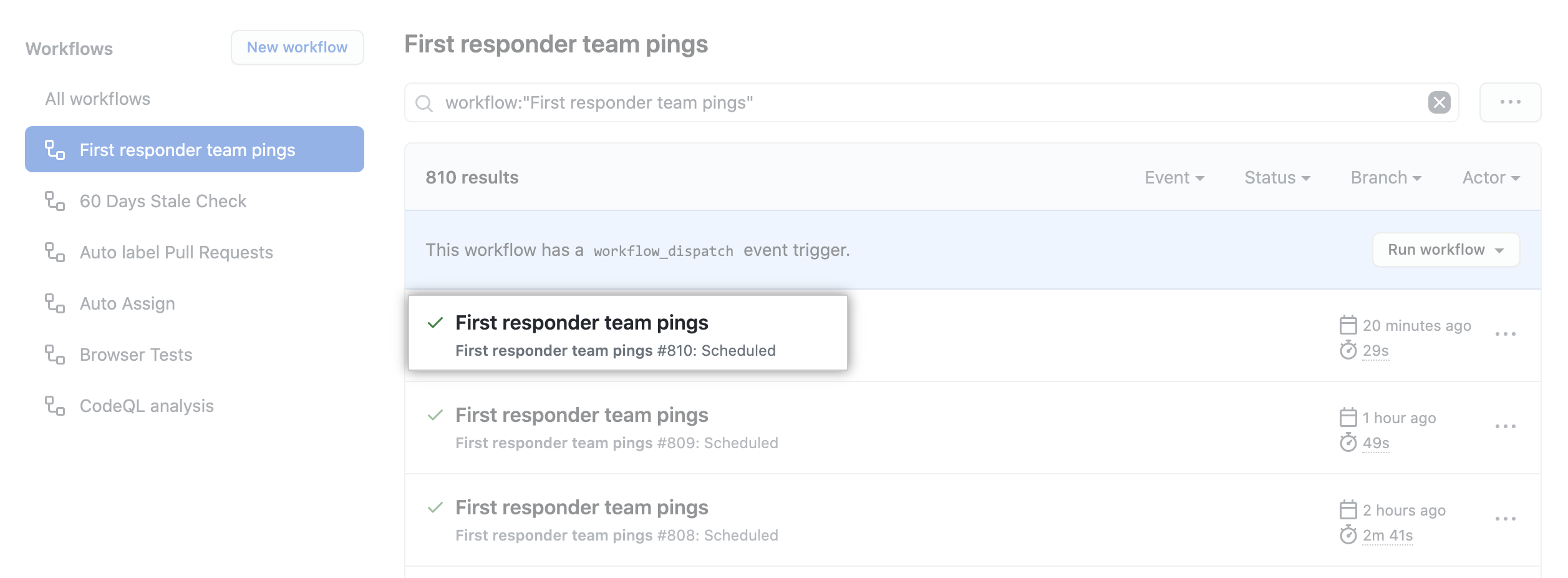
From the list of workflow runs, click the name of the run you want to see.
-
The graph displays each job in the workflow. An icon to the left of the job name indicates the status of the job. Lines between jobs indicate dependencies.

-
Click on a job to view the job log.

Artikelversion: GitHub.com
Artikelversion: GitHub.com
Using the visualization graph
Every workflow run generates a real-time graph that illustrates the run progress. You can use this graph to monitor and debug workflows.
GitHub Actions ist verfügbar mit GitHub Free, GitHub Pro, GitHub Free für Organisationen, GitHub Team, GitHub Enterprise Cloud, und GitHub AE. GitHub Actions ist nicht verfügbar für private Repositorys, die im Besitz von Konten mit älteren Pro-Repository-Plänen sind. For more information, see "GitHub's products."