Re-run a workflow using the GitHub UI
Write access to the repository is required to perform these steps.
- Navigiere in GitHub zur Hauptseite des Repository.
- Klicke unter Deinem Repository-Namen auf Actions (Aktionen).

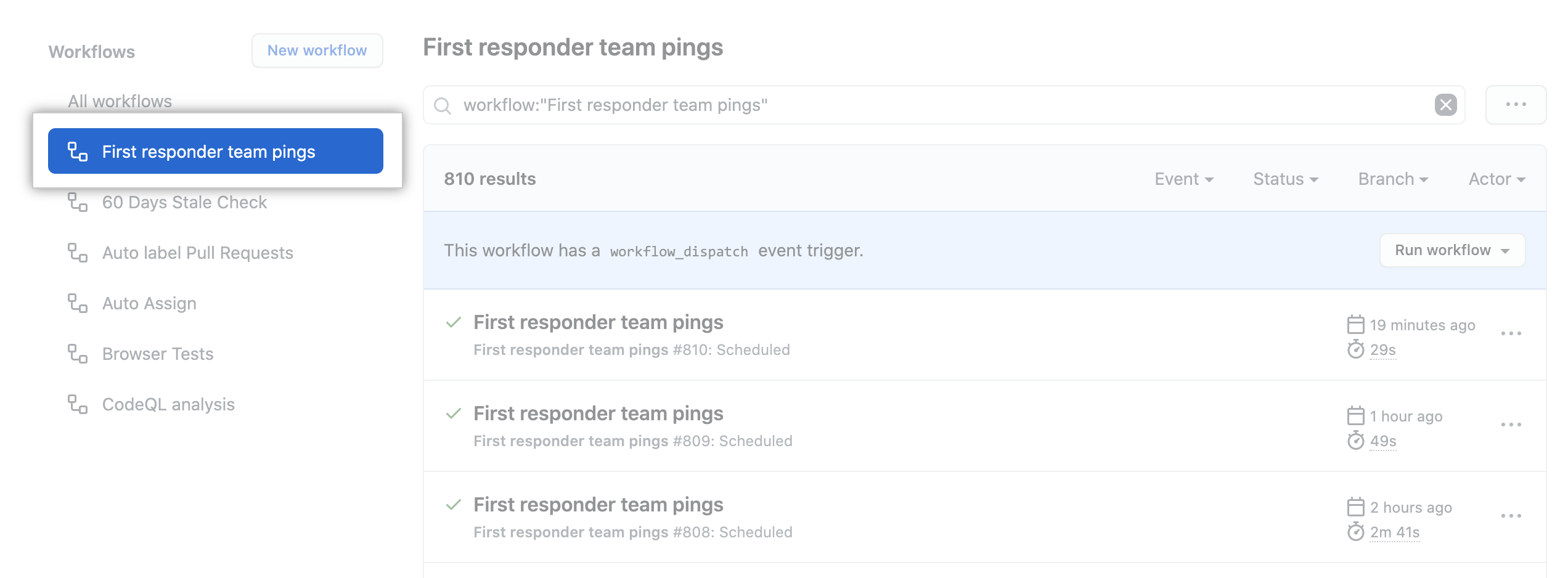
- Klicke in der linken Seitenleiste auf den Workflow, den Du sehen willst.
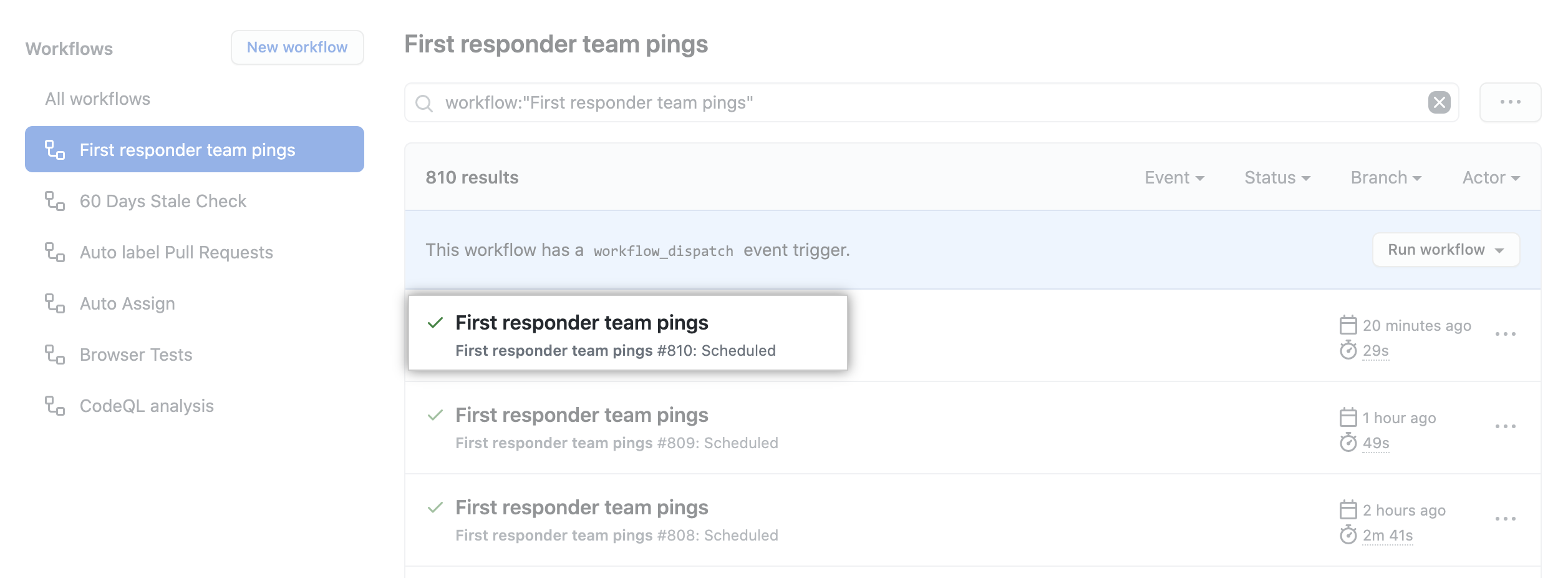
- From the list of workflow runs, click the name of the run you want to see.
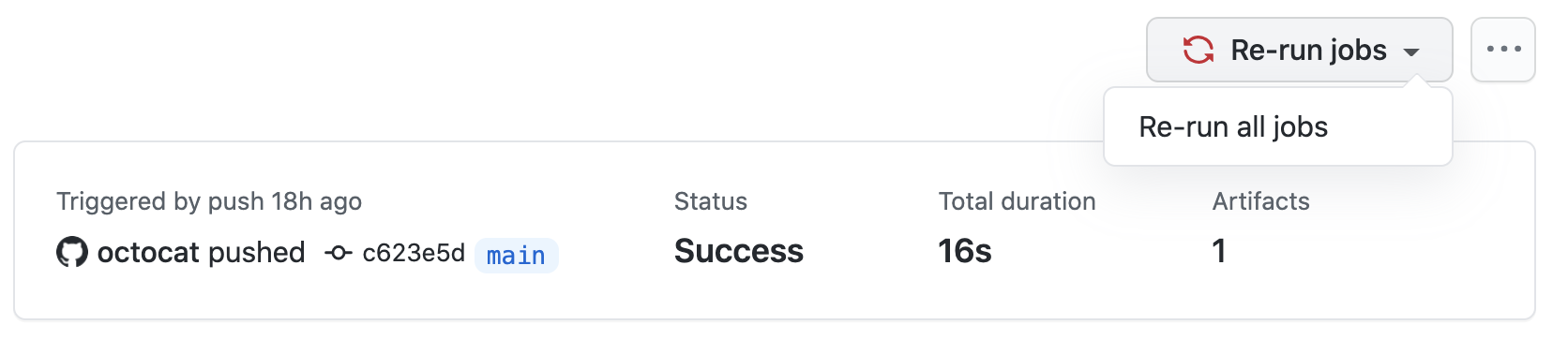
- In the upper-right corner of the workflow, use the Re-run jobs drop-down menu, and select Re-run all jobs.
Re-run a workflow using GitHub CLI
For information on setting up GitHub CLI, see "Managing GitHub Actions with GitHub CLI."
To re-run a failed workflow run, use the run rerun subcommand. Replace run-id with the ID of the failed run that you want to re-run. If you don't specify a run-id, GitHub CLI returns an interactive menu for you to choose a recent failed run.
gh run rerun run-idTo view the progress of the workflow run, use the run watch subcommand and select the run from the interactive list.
gh run watch