Each license for GitHub Advanced Security specifies a maximum number of accounts, or seats, that can use these features. Periodically you should check that your use is within your license capacity. For more information, see "About licensing for GitHub Advanced Security."
Viewing license usage for GitHub Advanced Security
You can check how many seats your license includes and how many seats are currently in use.
-
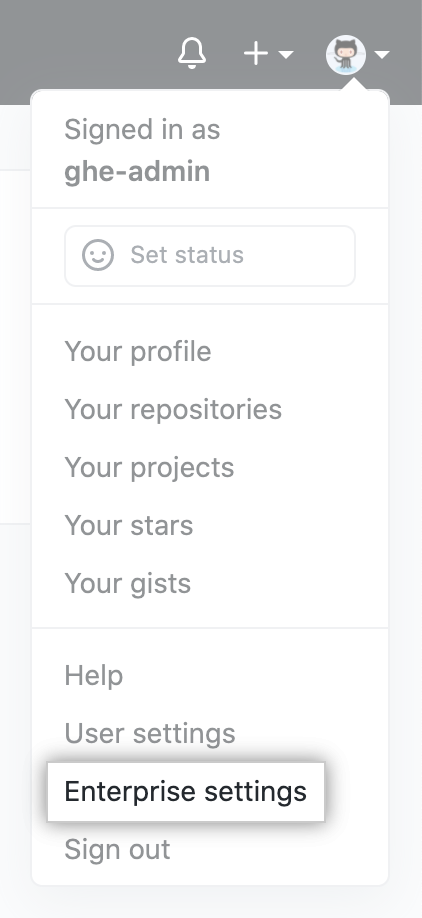
In the top-right corner of GitHub Enterprise Server, click your profile photo, then click Enterprise settings.
-
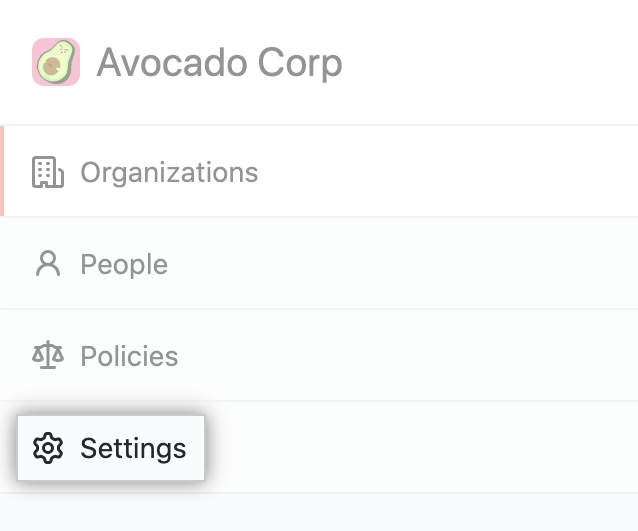
Klicke in der Seitenleiste des Enterprise-Kontos auf Settings (Einstellungen).
-
Klicke auf der linken Seitenleiste auf License (Lizenz).

The "GitHub Advanced Security" section shows details of the current usage. You can see the total number of seats used, as well as a table with the number of committers and unique committers for each organization.

-
Optionally, click the name of an organization where you are an owner to display the security and analysis settings for the organization.

-
On the "Security & analysis" settings page, scroll to the "GitHub Advanced Security repositories" section to see a detailed breakdown of usage by repository for this organization.
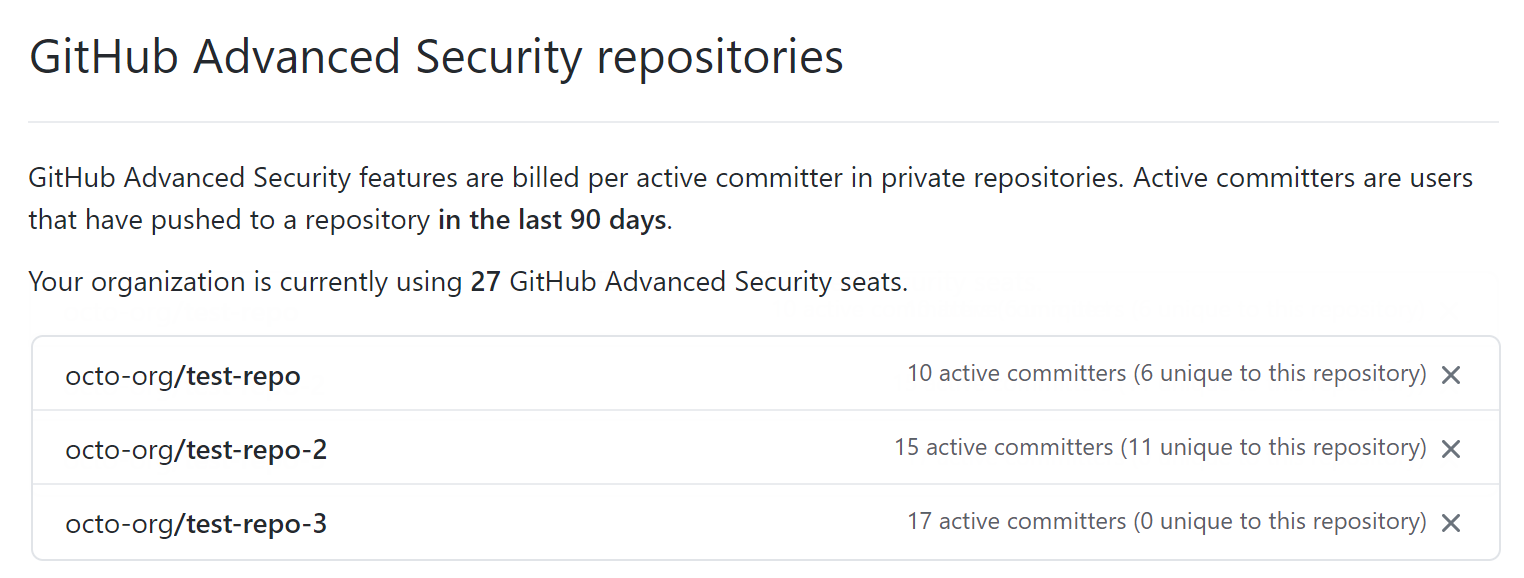 For more information, see "Managing security and analysis settings for your organization."