Write access to the repository is required to perform these steps.
- On GitHub, navigate to the main page of the repository.
- Under your repository name, click Actions.

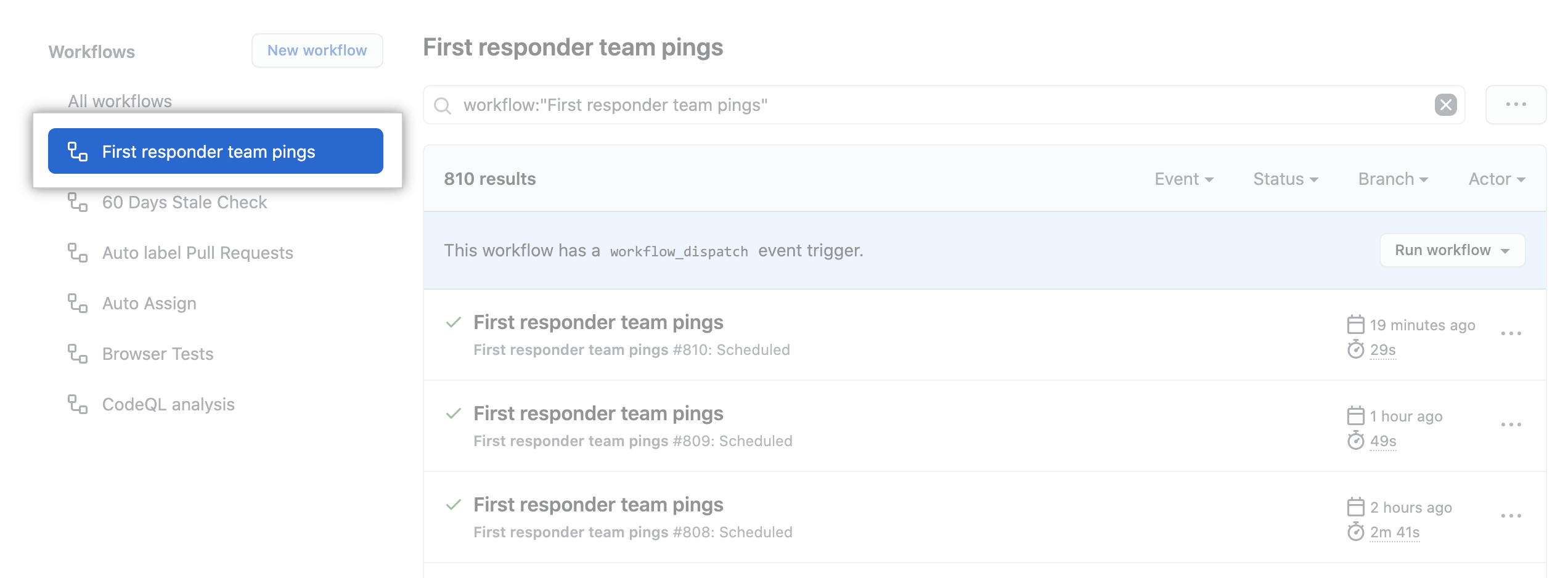
- In the left sidebar, click the workflow you want to see.
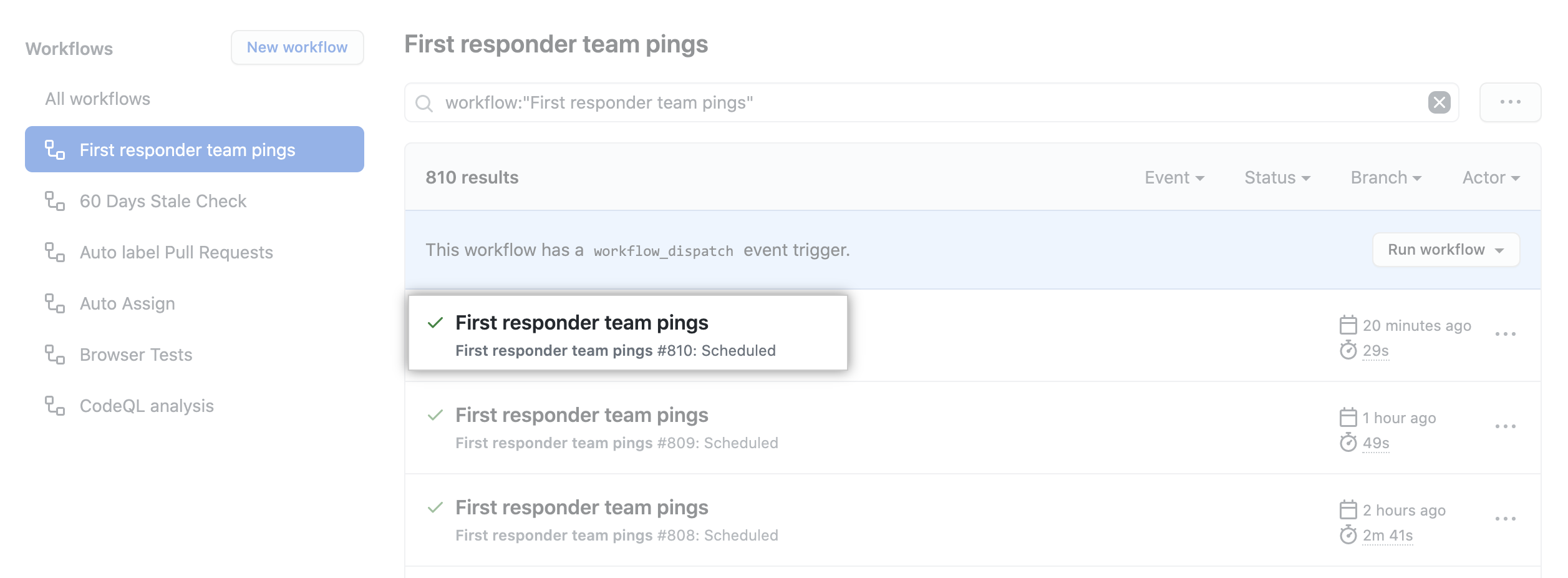
- From the list of workflow runs, click the name of the run you want to see.
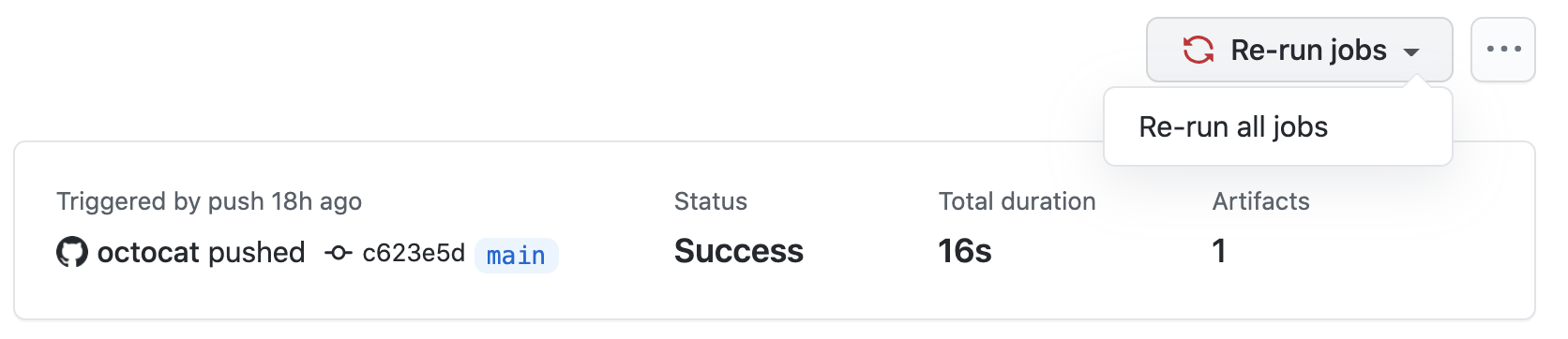
- In the upper-right corner of the workflow, use the Re-run jobs drop-down menu, and select Re-run all jobs.
To download or find more information about GitHub CLI, see the GitHub CLI feature page.
For information on setting up GitHub CLI, see "Managing GitHub Actions with GitHub CLI."
To re-run a failed workflow run, use the run rerun subcommand. Replace run-id with the ID of the failed run that you want to re-run. If you don't specify a run-id, GitHub CLI returns an interactive menu for you to choose a recent failed run.
gh run rerun run-idTo view the progress of the workflow run, use the run watch subcommand and select the run from the interactive list.
gh run watch