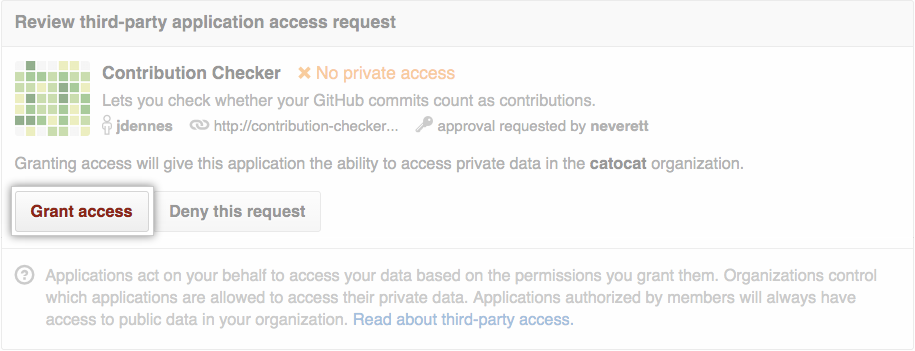
When OAuth App access restrictions are enabled, organization members and outside collaborators must request approval from an organization owner before they can authorize an OAuth App that has access to the organization's resources.
Organisationsbesitzer können auswählen, ob externe Mitarbeiter Zugriff auf nicht genehmigte OAuth Apps und GitHub Apps anfordern können. Weitere Informationen findest du unter Einschränken von OAuth-App- und GitHub-App-Zugriffsanforderungen.
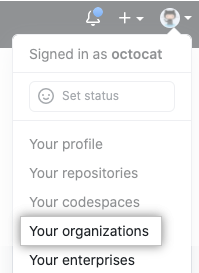
- Klicke in der oberen rechten Ecke von GitHub.com auf dein Profilfoto, und klicke dann auf Deine Organisationen.
- Klicke neben der Organisation auf Einstellungen.

- Klicke im Abschnitt „Integrationen“ der Randleiste auf Drittanbieterzugriff.
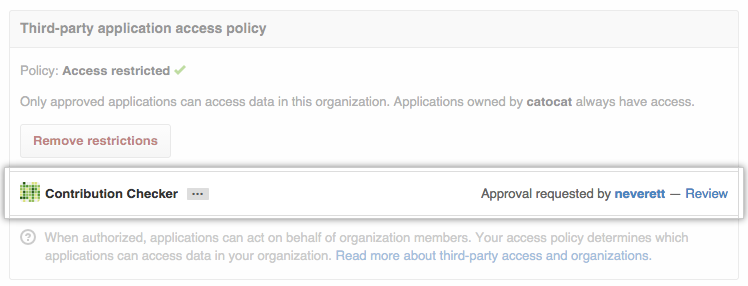
- Next to the application you'd like to approve, click Review.
- After you review the information about the requested application, click Grant access.