About IP address allow lists for GitHub Apps
Enterprise and organization owners can restrict access to assets by configuring an IP address allow list. This list specifies the IP addresses that are allowed to connect. For more information, see "Managing allowed IP addresses for your organization" and "Restricting network traffic to your enterprise."
When an organization has an allow list, third-party applications that connect via a GitHub App will be denied access unless both of the following are true:
- The creator of the GitHub App has configured an allow list for the application that specifies the IP addresses at which their application runs. See below for details of how to do this.
- The organization owner has chosen to permit the addresses in the GitHub App's allow list to be added to their own allow list. 詳細は「 Organization に対する許可 IP アドレスを管理する」を参照してください。
ノート: GitHub AppのIP許可リスト中のアドレスは、GitHub Appのインストールによって発行されたリクエストにのみ影響します。 GitHub AppのIPアドレスのOrganizationの許可リストへの自動追加は、そのIPアドレスから接続するGitHub AEユーザへのアクセスを許可しません。
Adding an IP address allow list to a GitHub App
- アカウント設定にアクセスしてください。
- ユーザアカウントが所有するGitHub Appの場合、任意のページの右上でプロフィール写真をクリックしてから、Settings(設定)をクリックしてください。
![ユーザバーの [Settings(設定)] アイコン](/web/20210801081216im_/https://docs.github.com/assets/images/settings/userbar-account-settings_post2dot12.png)
- Organizationが所有するGitHub Appの場合、任意のページの右上でプロフィール写真をクリックしてから、Your organizations(自分のOrganization)をクリックしてください。 そして、Organizationの右のSettings(設定)をクリックしてください。
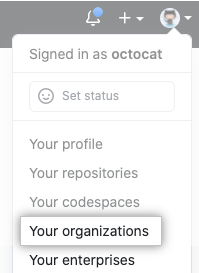

- ユーザアカウントが所有するGitHub Appの場合、任意のページの右上でプロフィール写真をクリックしてから、Settings(設定)をクリックしてください。
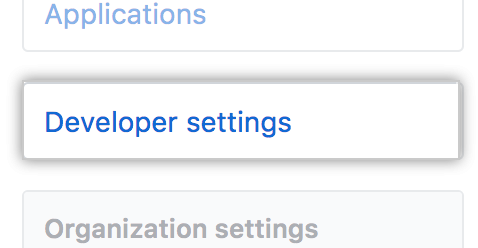
- 左サイドバーで [Developer settings] をクリックします。
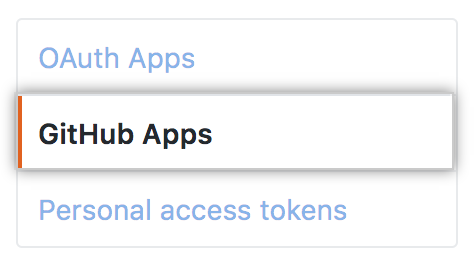
- 左のサイドバーでGitHub Appsをクリックしてください。
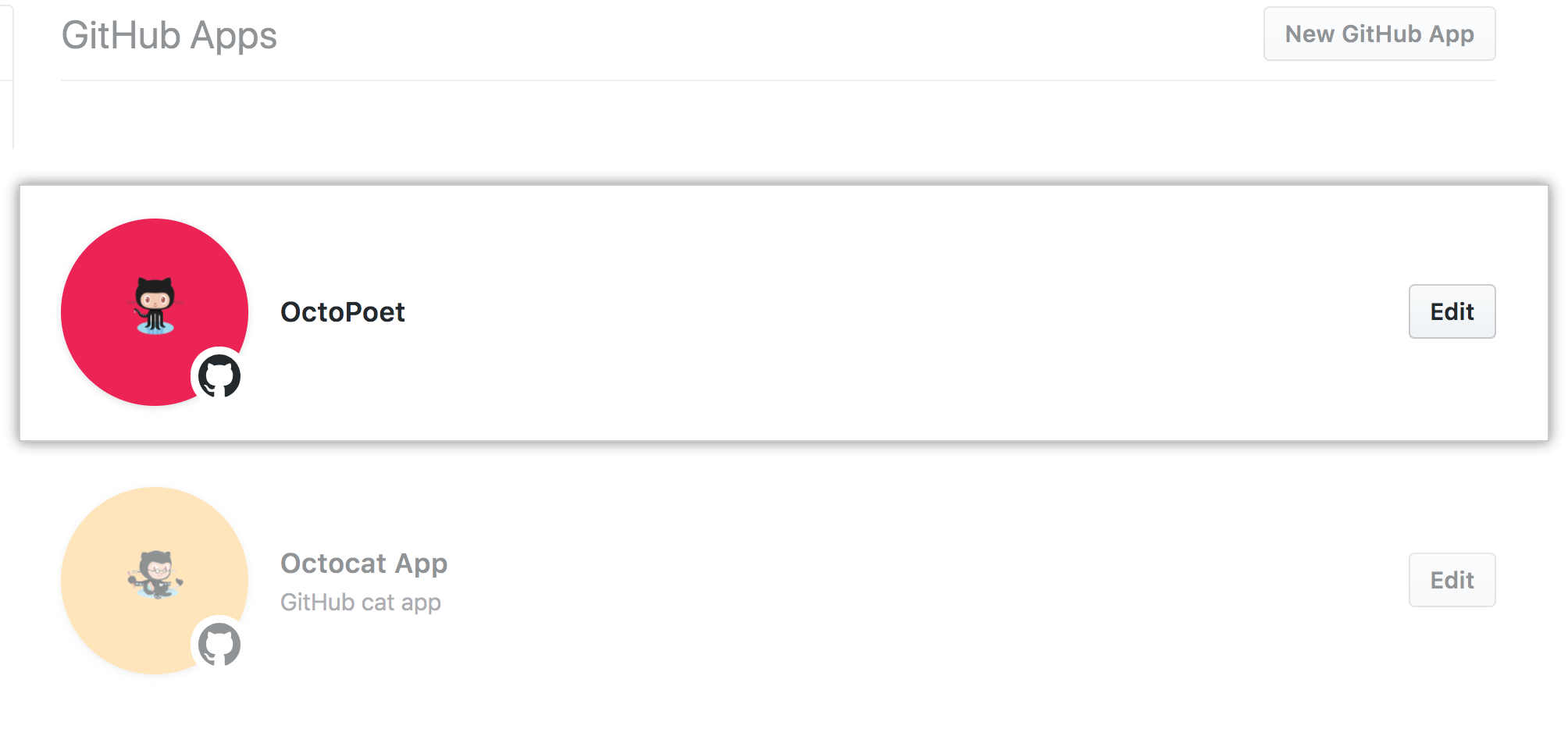
- 変更したいGitHub Appの右でEdit(編集)をクリックしてください。
- Scroll down to the "IP allow list" section.
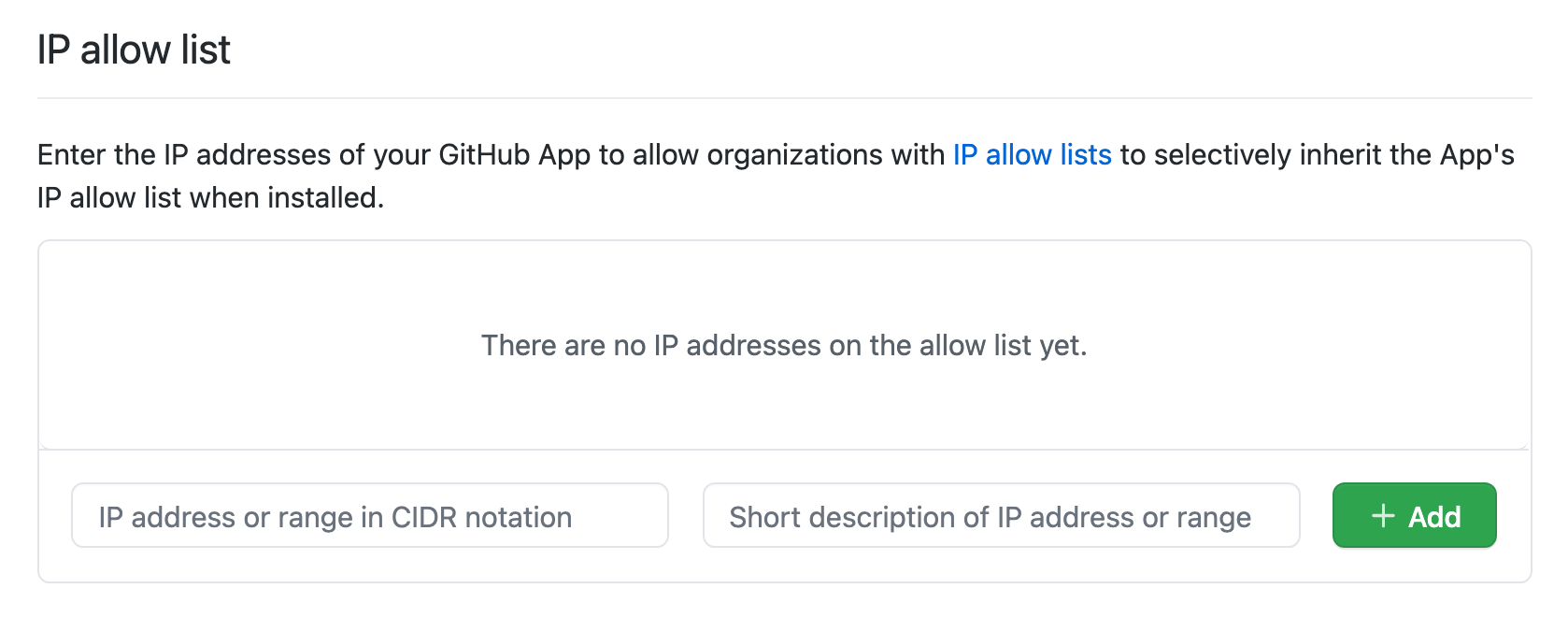
- "IP allow list(IP許可リスト)"セクションの下部で、IPアドレスもしくはCIDR表記でアドレスの範囲を入力してください。
![IP アドレスを追加する [Key] フィールド](/web/20210801081216im_/https://docs.github.com/assets/images/help/security/ip-address-field.png)
- あるいは、許可された IP アドレスもしくはIPアドレスの範囲の説明を入力してください。
![IP アドレスの名前を追加する [Key] フィールド](/web/20210801081216im_/https://docs.github.com/assets/images/help/security/ip-address-name-field.png) The description is for your reference and is not used in the allow list of organizations where the GitHub App is installed. Instead, organization allow lists will include "Managed by the NAME GitHub App" as the description.
The description is for your reference and is not used in the allow list of organizations where the GitHub App is installed. Instead, organization allow lists will include "Managed by the NAME GitHub App" as the description. - [Add] をクリックします。
![[Add allowed ip address] ボタン](/web/20210801081216im_/https://docs.github.com/assets/images/help/security/new-allowlist-entry-button.png)