GitHub Advanced Securityの各ライセンスは、それらの機能を使用できるアカウントもしくはシートの最大数を指定します。 定期的に、使用がライセンス容量の容量内であることを確認する必要があります。 For more information, see "About licensing for GitHub Advanced Security."
Viewing GitHub Advanced Security license usage for your enterprise account
You can check how many seats your license includes and how many of them are currently used.
-
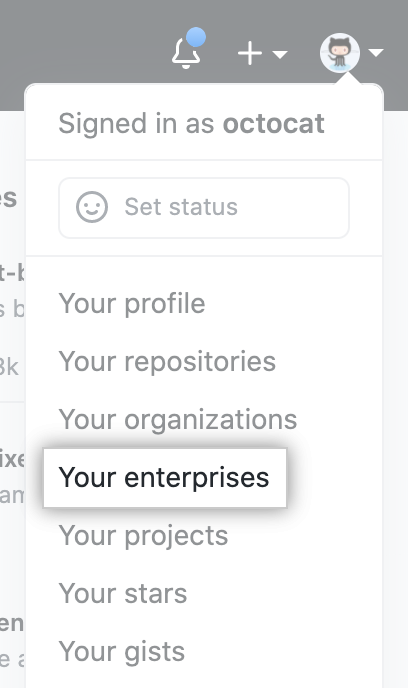
GitHubの右上で、自分のプロフィール写真をクリックし、続いてYour enterprises(自分のEnterprise)をクリックしてください。
-
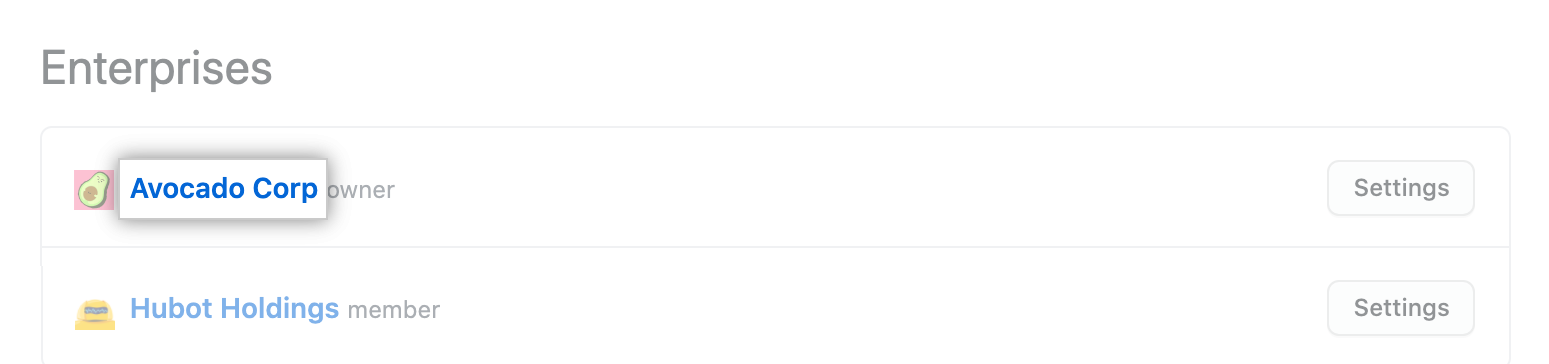
Enterpriseのリストで、表示したいEnterpriseをクリックしてください。
-
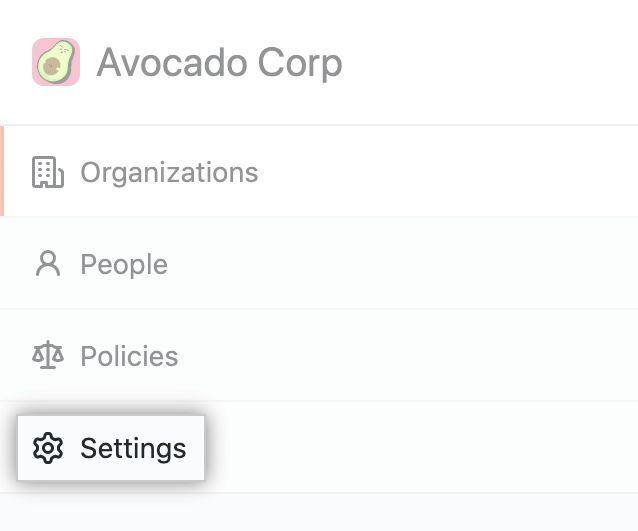
Enterpriseアカウントのサイドバーで、 Settings(設定)をクリックしてください。
-
左のサイドバーで、 Enterprise licensing(Enterpriseライセンス)をクリックしてください。
![[Enterprise account settings] サイトバーの "Enterprise licensing"](/web/20210805163559im_/https://docs.github.com/assets/images/help/enterprises/enterprise-licensing-tab.png)
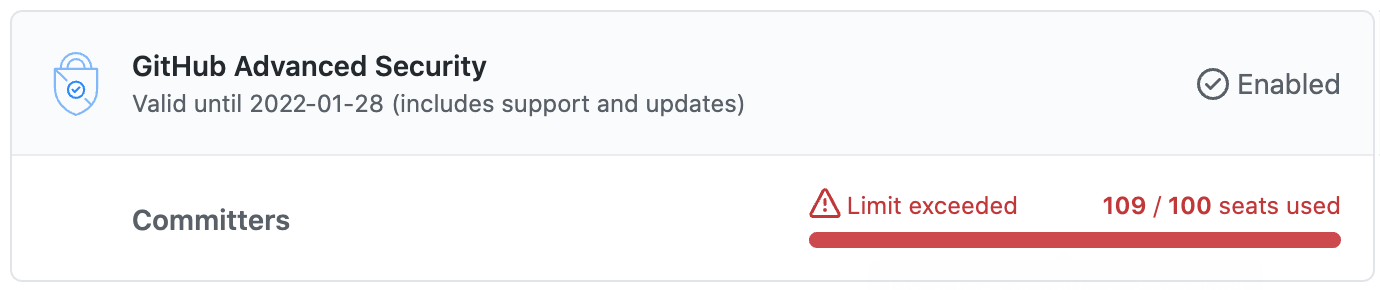
The "GitHub Advanced Security" section shows details of the current usage.
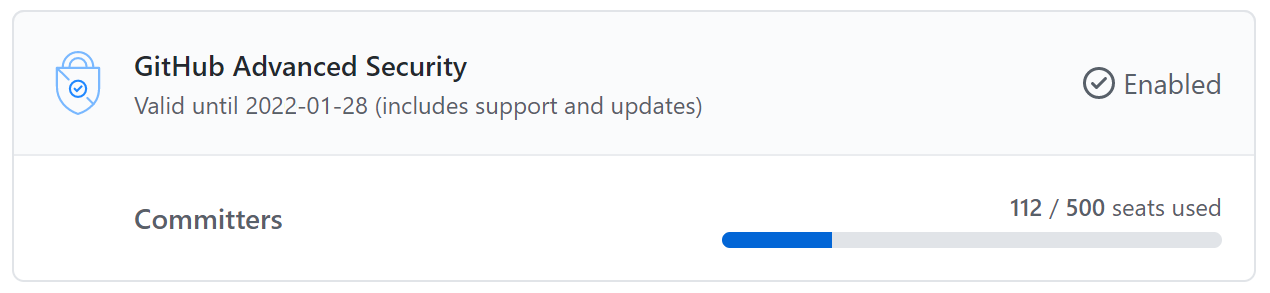 If you run out of seats, the section will be red. You should either reduce your use of GitHub Advanced Security or purchase more seats. For more information, see "About licensing for GitHub Advanced Security."
-
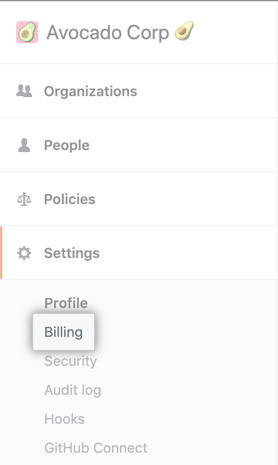
Optionally, to see a detailed breakdown of usage per organization, in the left sidebar, click Billing.
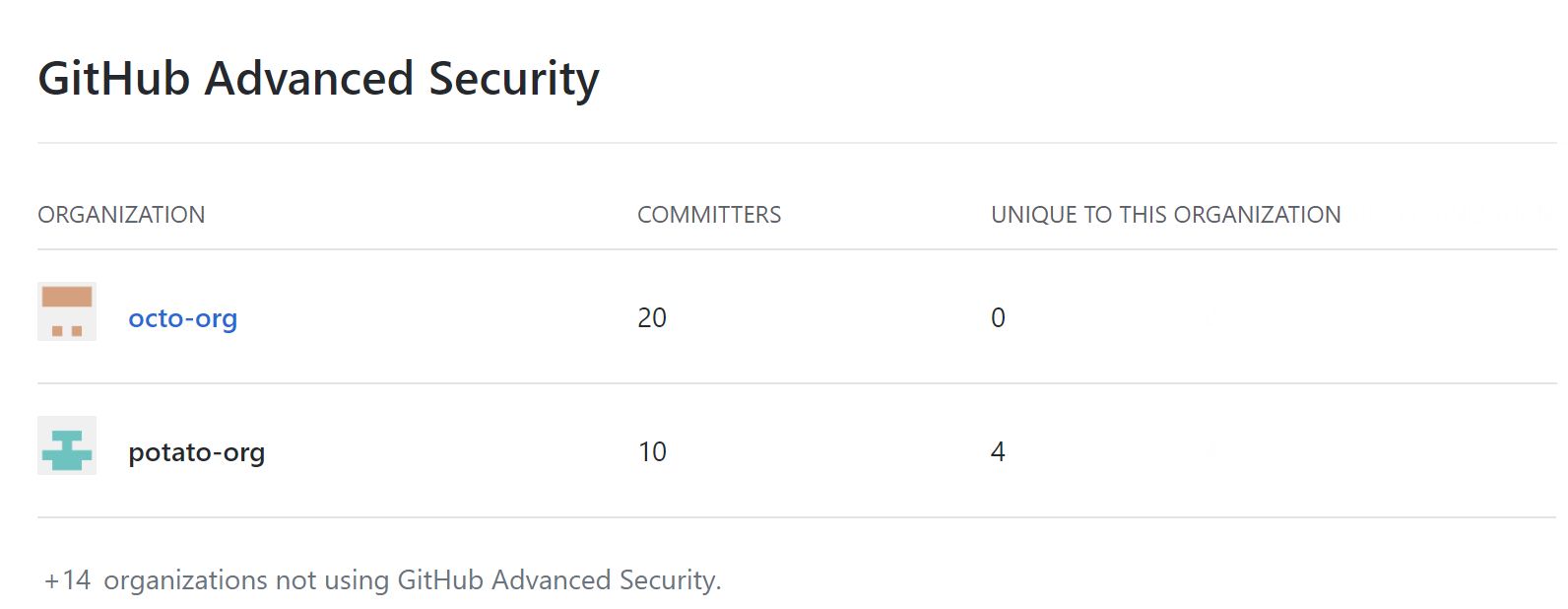
 In the "GitHub Advanced Security" section you can see the number of committers and unique committers for each organization.
-
Optionally, click the name of an organization where you are an owner to display the security and analysis settings for the organization.

-
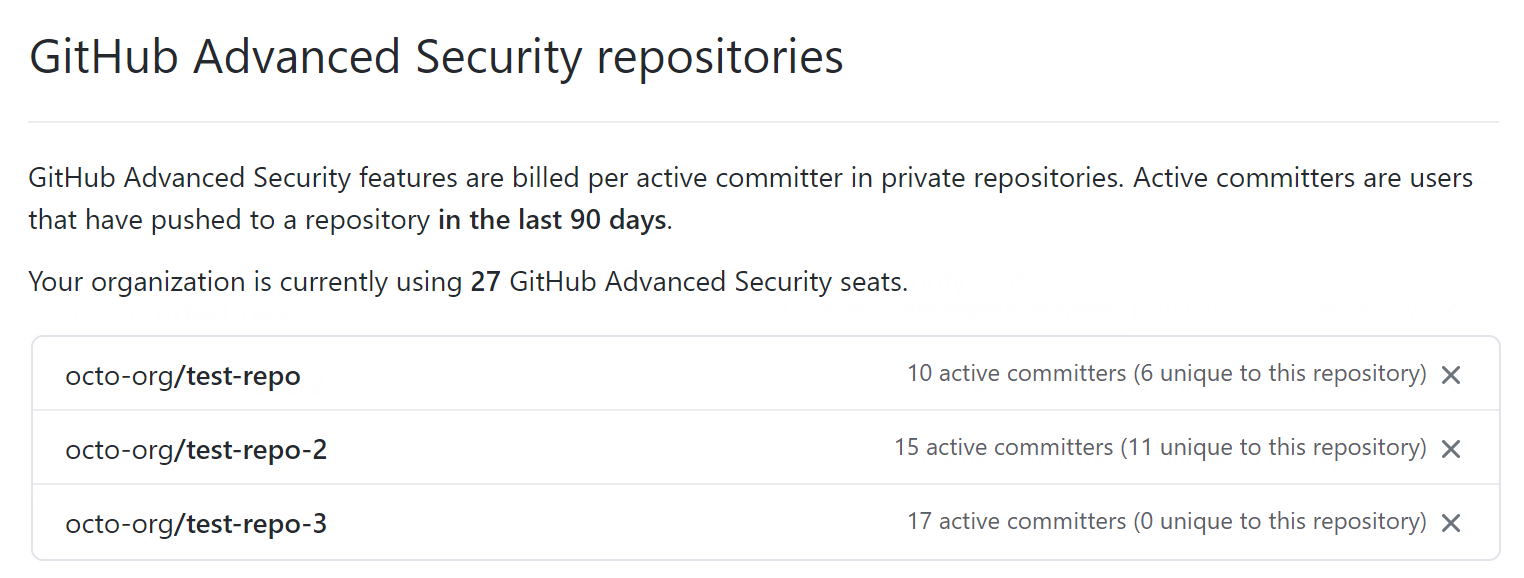
On the "Security & analysis" settings page, scroll to the "GitHub Advanced Security repositories" section to see a detailed breakdown of usage by repository for this organization.
 For more information, see "Managing security and analysis settings for your organization."