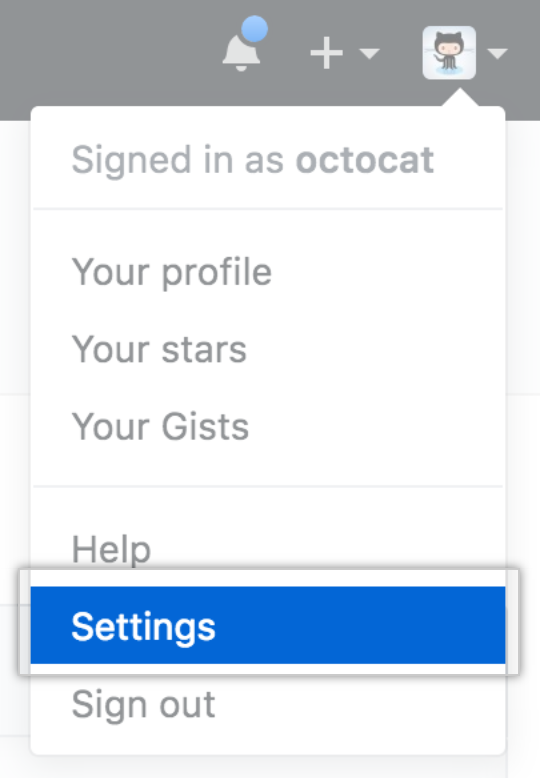
- In the upper-right corner of any page, click your profile photo, then click Settings.
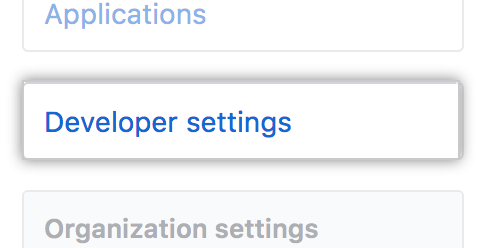
- In the left sidebar, click Developer settings.
- In the left sidebar, click GitHub Apps.

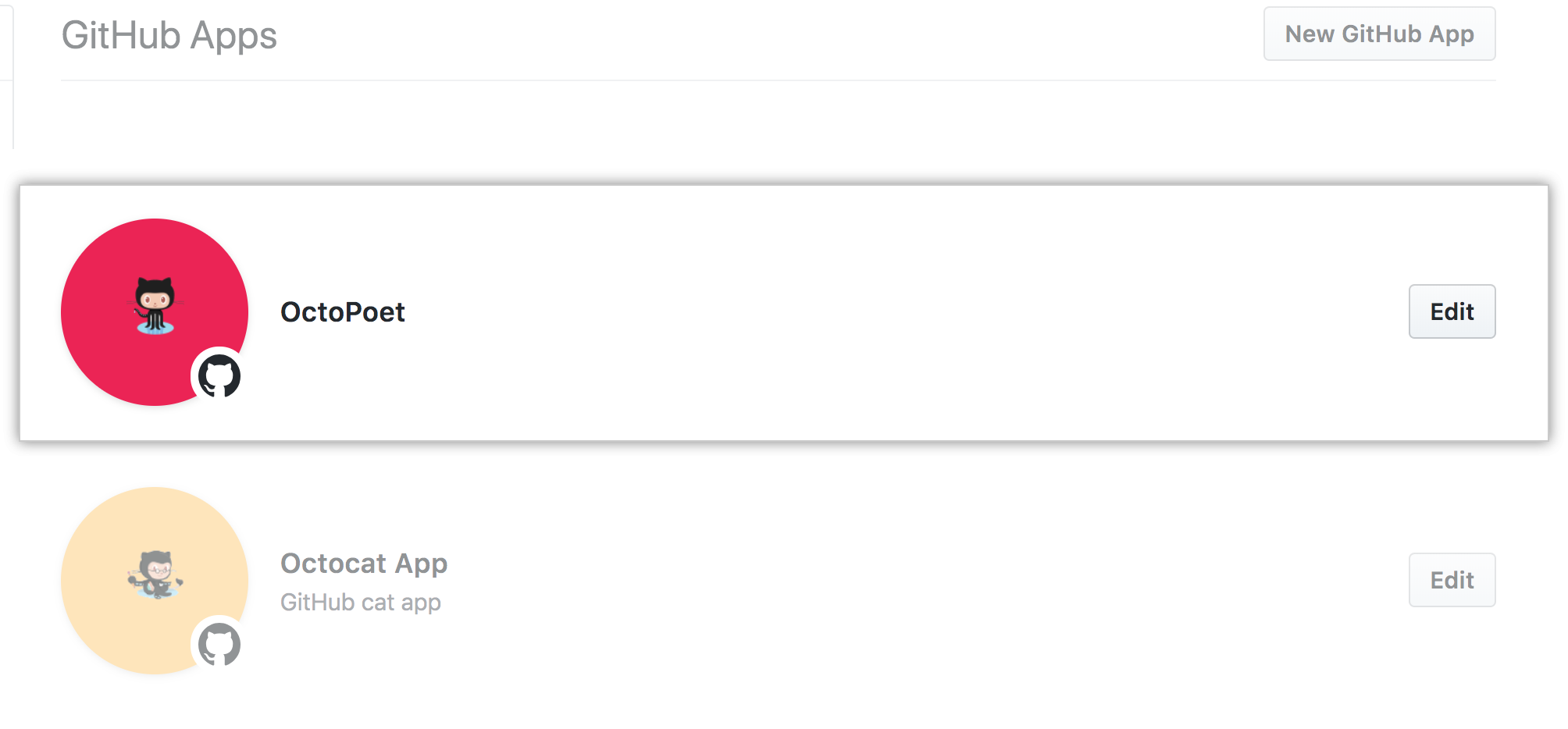
- To the right of the GitHub App you want to modify, click Edit.
- In "Basic information", modify the GitHub App information that you'd like to change.

- Click Save changes.

No results found.
Explore by product
Developers
Get startedAccount and profileRepositoriesGitHubEnterprise administratorsBilling and paymentsOrganizationsCode securityGitHub IssuesGitHub ActionsGitHub CodespacesGitHub PackagesDevelopersREST APIGraphQL APIGitHub CLIGitHub DiscussionsGitHub SponsorsBuilding communitiesGitHub PagesEducationGitHub DesktopAtomElectronCodeQL
Modifying a GitHub App
After creating a GitHub App, you can make changes to it.
Help us make these docs great!
All GitHub docs are open source. See something that's wrong or unclear? Submit a pull request.
Make a contribution