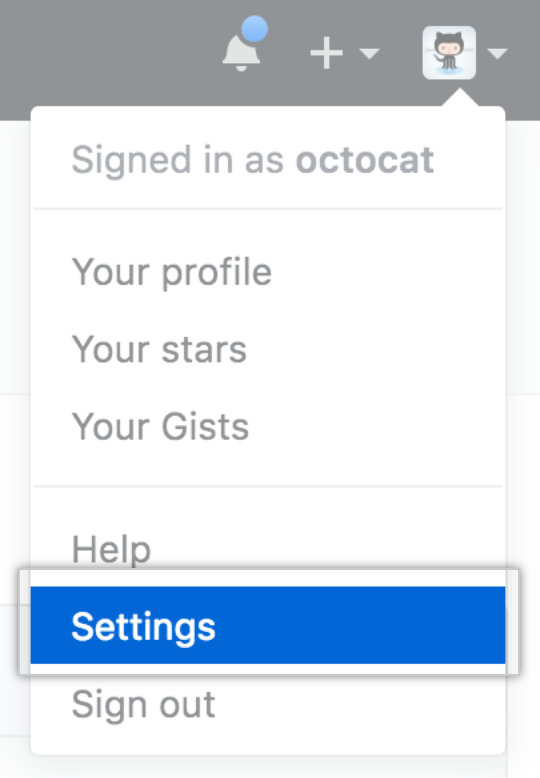
- In the upper-right corner of any page, click your profile photo, then click Settings.
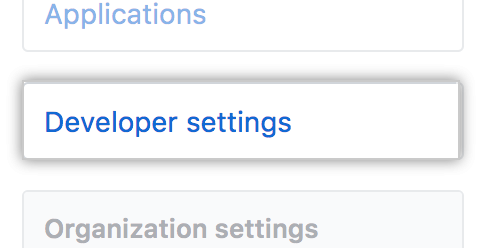
- In the left sidebar, click Developer settings.
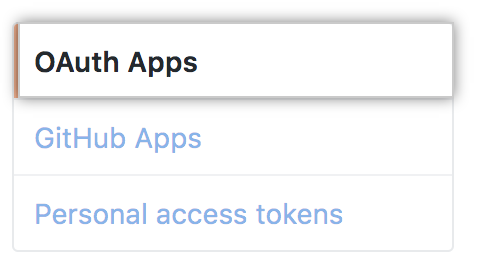
- In the left sidebar, click OAuth Apps.
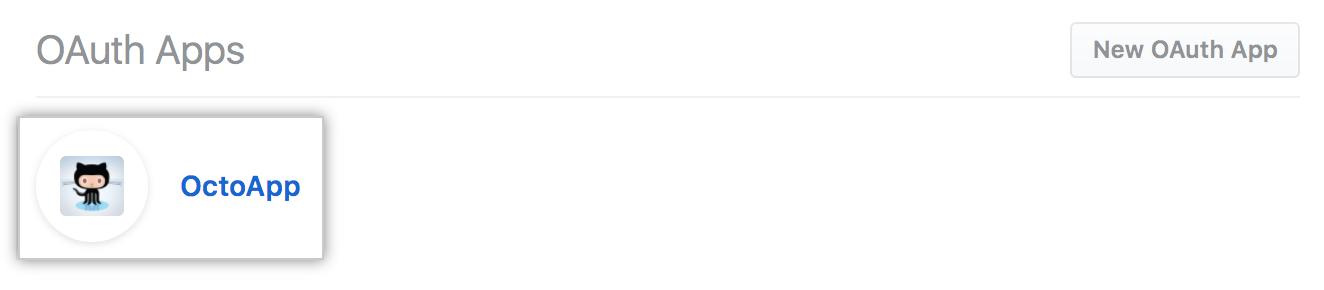
- Select the OAuth App you want to modify.
- Modify the OAuth App information that you'd like to change.
- Click Update application.
No results found.
Explore by product
Developers
Get startedAccount and profileRepositoriesGitHubEnterprise administratorsBilling and paymentsOrganizationsCode securityGitHub IssuesGitHub ActionsGitHub CodespacesGitHub PackagesDevelopersREST APIGraphQL APIGitHub CLIGitHub DiscussionsGitHub SponsorsBuilding communitiesGitHub PagesEducationGitHub DesktopAtomElectronCodeQL
Modifying an OAuth App
After creating and registering an OAuth App, you can make changes to it.
Help us make these docs great!
All GitHub docs are open source. See something that's wrong or unclear? Submit a pull request.
Make a contribution