Note: Changing your primary method for two-factor authentication invalidates your current two-factor authentication setup, including your recovery codes. Keep your new set of recovery codes safe. Changing your primary method for two-factor authentication does not affect your fallback SMS configuration, if configured. For more information, see "Configuring two-factor authentication recovery methods."
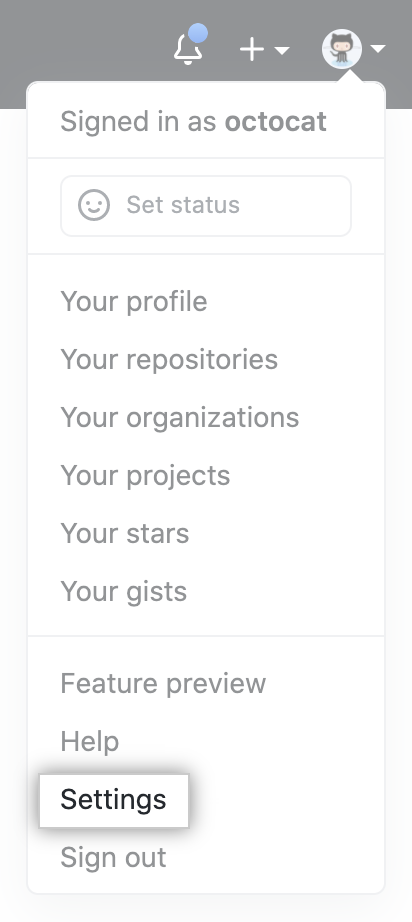
- 在任何页面的右上角,单击您的个人资料照片,然后单击 Settings(设置)。
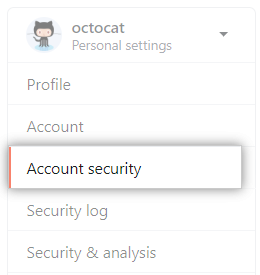
- 在左侧边栏中,单击 Account security(帐户安全)。
- Next to "SMS delivery", click Edit.

- Under "Delivery options", click Reconfigure two-factor authentication.

- Decide whether to set up two-factor authentication using a TOTP mobile app or text message. For more information, see "Configuring two-factor authentication."
- To set up two-factor authentication using a TOTP mobile app, click Set up using an app.
- To set up two-factor authentication using text message (SMS), click Set up using SMS.