- 任意のページの右上で、プロフィール画像をクリックし、続いてSettings(設定)をクリックしてください。
![ユーザバーの [Settings(設定)] アイコン](/web/20220101224843im_/https://docs.github.com/assets/cb-50046/images/settings/userbar-account-settings_post2dot12.png)
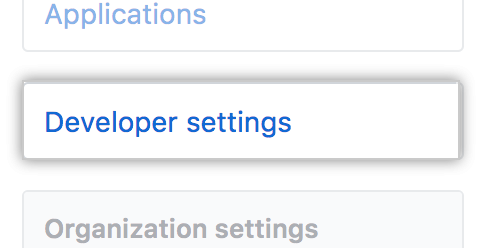
- 左サイドバーで [Developer settings] をクリックします。
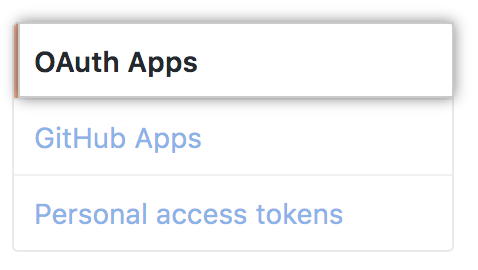
- ひだりのサイドバーでOAuth Appsをクリックしてください。
- Select the OAuth App you want to modify.

- Click Transfer ownership.
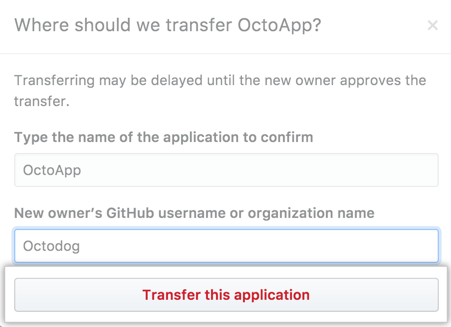
- Type the name of the OAuth App you want to transfer.

- Type the name of the user or organization you want to transfer the OAuth App to.

- Click Transfer this application.
Developers
Free, Pro, & Team
Transferring ownership of an OAuth App
OAuth Appの所有権は、他のユーザもしくはOrganizationに移譲できます。
これらのドキュメントを素晴らしいものにするのを手伝ってください!
GitHubのすべてのドキュメントはオープンソースです。間違っていたり、はっきりしないところがありましたか?Pull Requestをお送りください。
コントリビューションを行う