Re-running all the jobs in a workflow
Re-running a workflow uses the same GITHUB_SHA (commit SHA) and GITHUB_REF (Git ref) of the original event that triggered the workflow run. You can re-run a workflow for up to 30 days after the initial run.
-
On GitHub.com, navigate to the main page of the repository.
-
Under your repository name, click Actions.

-
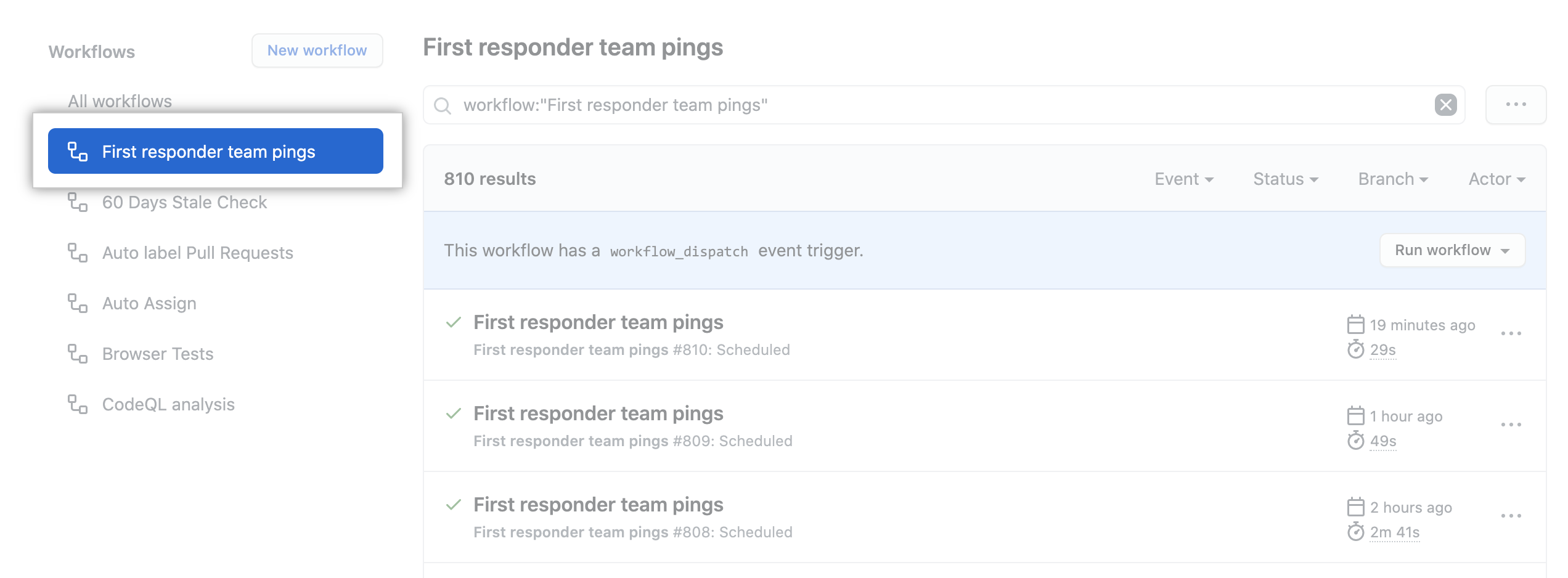
In the left sidebar, click the workflow you want to see.
-
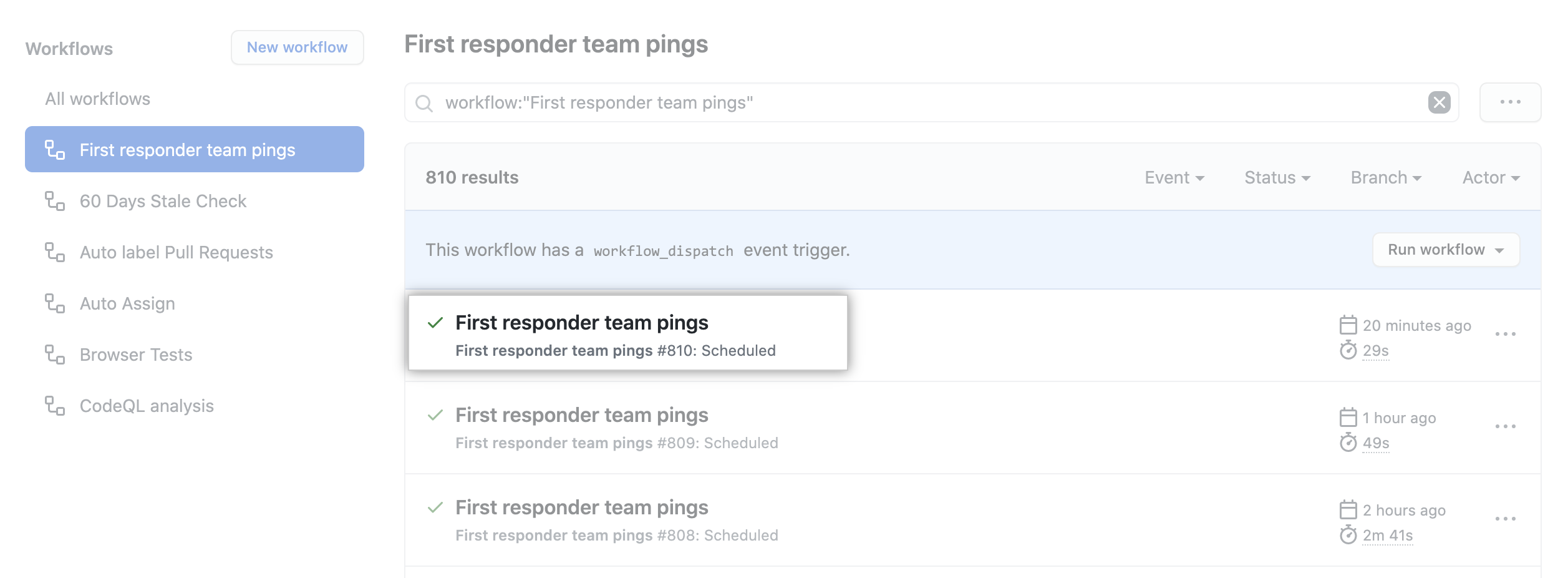
From the list of workflow runs, click the name of the run you want to see.
-
In the upper-right corner of the workflow, use the Re-run jobs drop-down menu, and select Re-run all jobs

To learn more about GitHub CLI, see "About GitHub CLI."
To re-run a failed workflow run, use the run rerun subcommand. Replace run-id with the ID of the failed run that you want to re-run. If you don't specify a run-id, GitHub CLI returns an interactive menu for you to choose a recent failed run.
gh run rerun run-idTo view the progress of the workflow run, use the run watch subcommand and select the run from the interactive list.
gh run watchReviewing previous workflow runs
You can view the results from your previous attempts at running a workflow. You can also view previous workflow runs using the API. For more information, see "Get a workflow run".
- On GitHub.com, navigate to the main page of the repository.
- Under your repository name, click Actions.
- In the left sidebar, click the workflow you want to see.
- From the list of workflow runs, click the name of the run you want to see.
- Any previous run attempts are shown in the left pane.
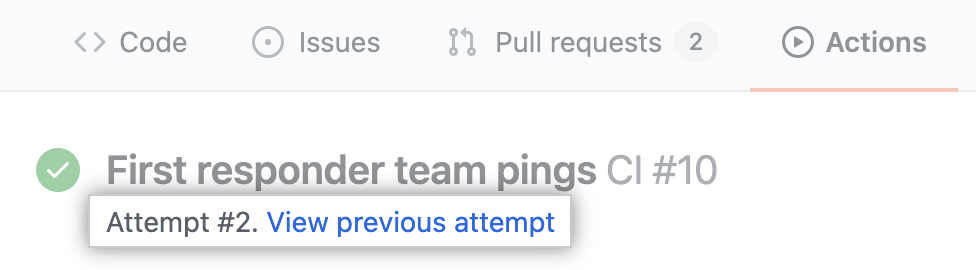
- Click an entry to view its results.