Viewing receipts for your personal account
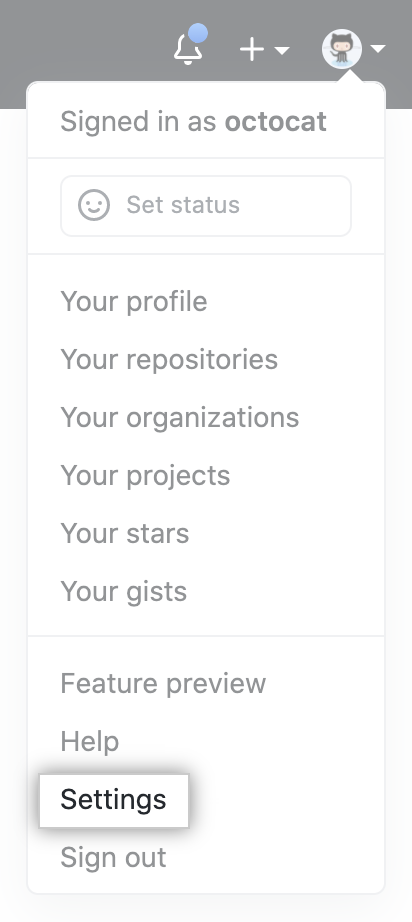
- In the upper-right corner of any page, click your profile photo, then click Settings.
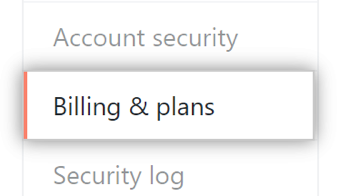
- In your user settings sidebar, click Billing & plans.
- At the top of the page, under "Next payment due", click View payment history.

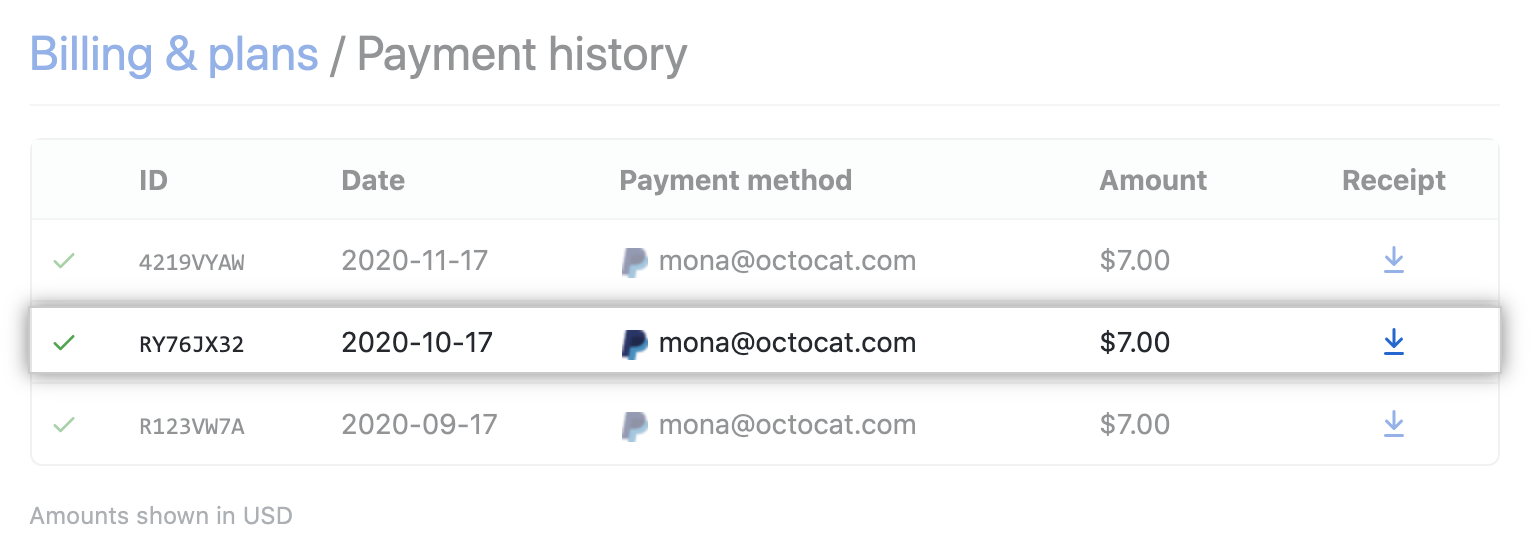
- Under "Payment history", review your past payments. To download a receipt for a specific payment, click .
Viewing receipts for your organization
Only organization members with the owner or billing manager role can access or change billing settings for your organization.
- In the upper-right corner of any page, click your profile photo, then click Settings.
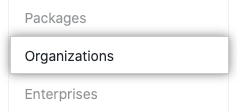
- In the settings sidebar, click Organizations.
- Next to the organization, click Settings.

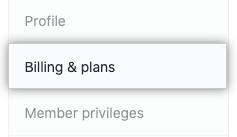
- If you're an organization owner, in the left sidebar, click Billing & plans.
- At the top of the page, under "Next payment due", click View payment history.
- Under "Payment history", review your past payments. To download a receipt for a specific payment, click .