By default, GitHub stores build logs and artifacts for 90 days, and you can customize this retention period, depending on the type of repository. For more information, see "Managing GitHub Actions settings for a repository."
Se requiere tener acceso de lectura en el repositorio para llevar a cabo estos pasos.
-
En GitHub.com, visita la página principal del repositorio.
-
Debajo del nombre de tu repositorio, da clic en Acciones.

-
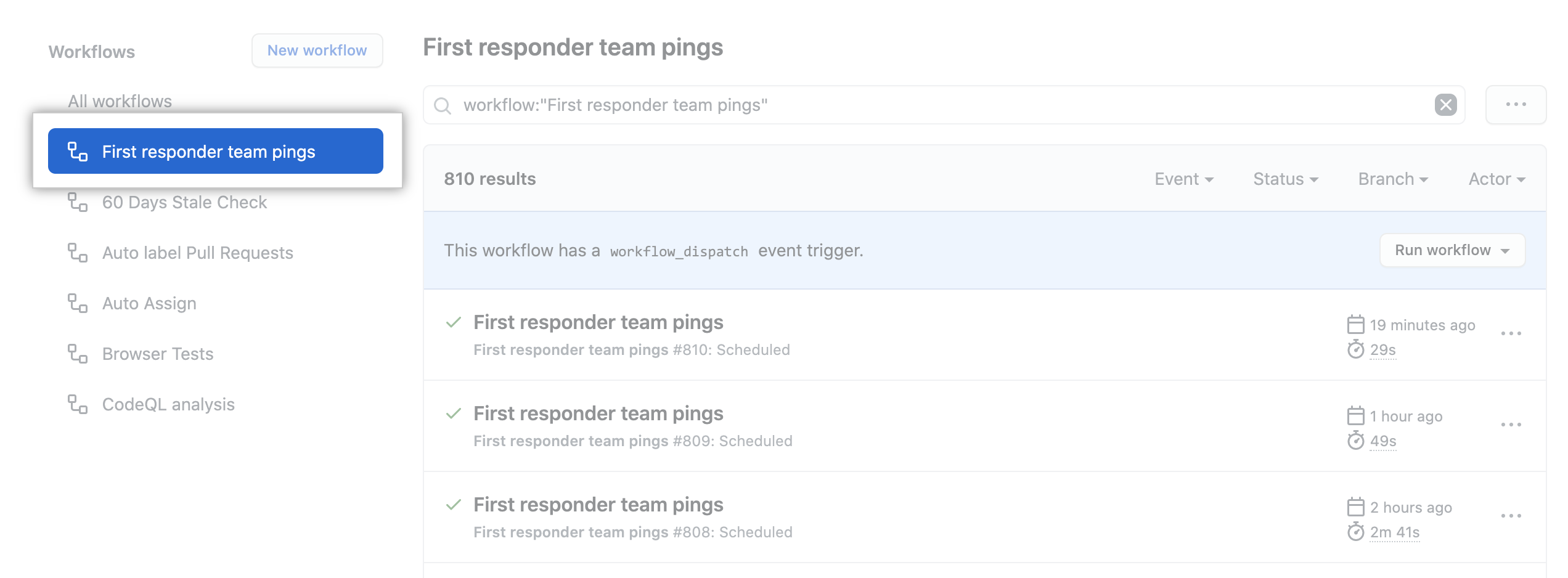
En la barra lateral izquierda, da clic en el flujo de trabajo que quieres ver.
-
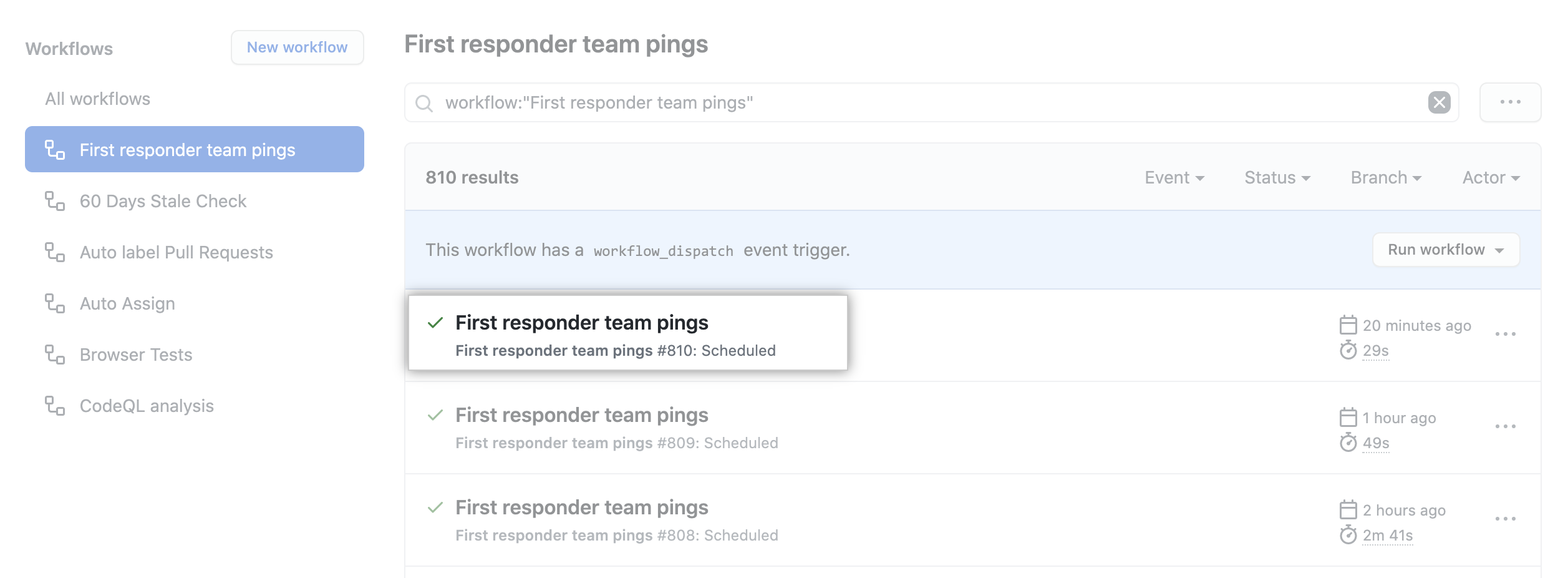
Desde la lista de ejecuciones de flujo de trabajo, da clic en el nombre de la ejecución que quieres ver.
-
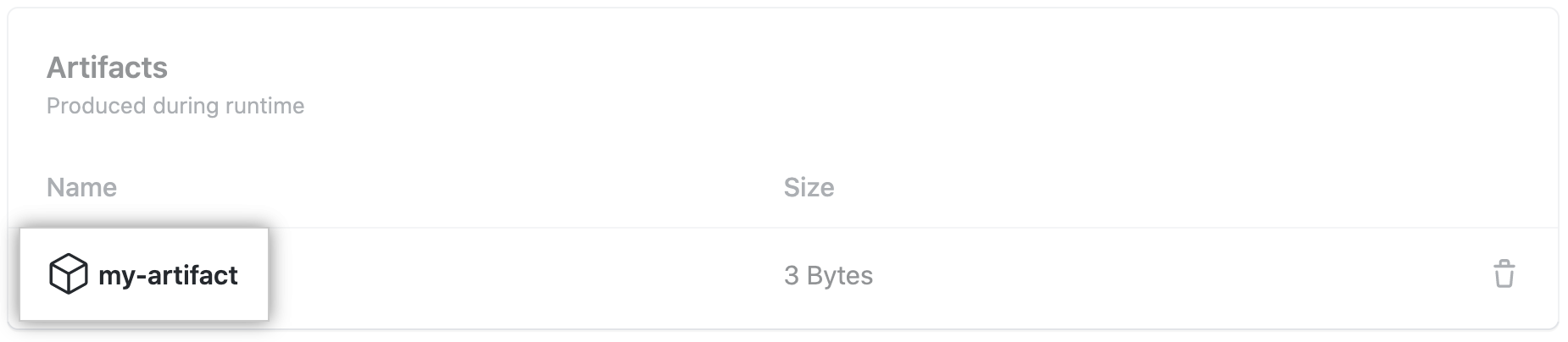
Under Artifacts, click the artifact you want to download.
Para aprender más sobre el CLI de GitHub, consulta la sección "Acerca del CLI de GitHub".
CLI de GitHub will download each artifact into separate directories based on the artifact name. If only a single artifact is specified, it will be extracted into the current directory.
To download all artifacts generated by a workflow run, use the run download subcommand. Replace run-id with the ID of the run that you want to download artifacts from. If you don't specify a run-id, CLI de GitHub returns an interactive menu for you to choose a recent run.
gh run download run-idTo download a specific artifact from a run, use the run download subcommand. Replace run-id with the ID of the run that you want to download artifacts from. Replace artifact-name with the name of the artifact that you want to download.
gh run download run-id -n artifact-nameYou can specify more than one artifact.
gh run download run-id -n artifact-name-1 -n artifact-name-2To download specific artifacts across all runs in a repository, use the run download subcommand.
gh run download -n artifact-name-1 -n artifact-name-2