About re-running workflows and jobs
Re-running a workflow uses the same GITHUB_SHA (commit SHA) and GITHUB_REF (Git ref) of the original event that triggered the workflow run. You can re-run a workflow for up to 30 days after the initial run.
Re-running all the jobs in a workflow
-
No your enterprise, navegue até a página principal do repositório.
-
Abaixo do nome do repositório, clique em Actions.

-
Na barra lateral esquerda, clique no fluxo de trabalho que deseja ver.

-
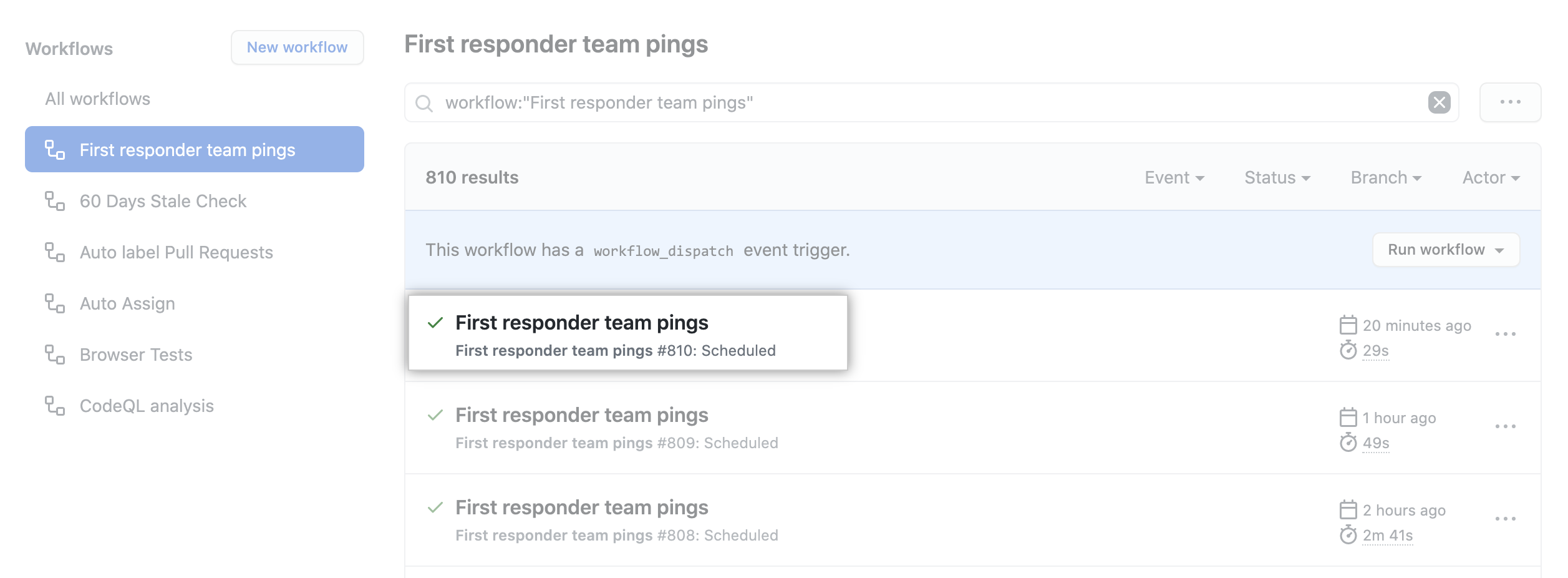
Na lista de execuções de fluxo de trabalho, clique no nome da execução para ver o resumo da execução do fluxo de trabalho.
-
In the upper-right corner of the workflow, use the Re-run jobs drop-down menu, and select Re-run all jobs.
If no jobs failed, you will not see the Re-run jobs drop-down menu. Instead, click Re-run all jobs.

-
In the upper-right corner of the workflow, use the Re-run jobs drop-down menu, and select Re-run all jobs.

Para saber mais sobre a GitHub CLI, confira "Sobre a GitHub CLI".
To re-run a failed workflow run, use the run rerun subcommand. Replace run-id with the ID of the failed run that you want to re-run. If you don't specify a run-id, GitHub CLI returns an interactive menu for you to choose a recent failed run.
gh run rerun RUN_IDTo view the progress of the workflow run, use the run watch subcommand and select the run from the interactive list.
gh run watchReviewing previous workflow runs
You can view the results from your previous attempts at running a workflow. You can also view previous workflow runs using the API. For more information, see "Get a workflow run".
-
No your enterprise, navegue até a página principal do repositório.
-
Abaixo do nome do repositório, clique em Actions.
-
Na barra lateral esquerda, clique no fluxo de trabalho que deseja ver.
-
Na lista de execuções de fluxo de trabalho, clique no nome da execução para ver o resumo da execução do fluxo de trabalho.
-
Any previous run attempts are shown in the left pane.

-
Click an entry to view its results.