Nota: Para poder utilizar esta característica, el administrador del sitio debe configurar Dependabot updates para your GitHub Enterprise Server instance. Para obtener más información, consulte "Habilitación de Dependabot para la empresa".
Viewing dependencies monitored by Dependabot
After you've enabled version updates, you can confirm that your configuration is correct using the Dependabot tab in the dependency graph for the repository. For more information, see "Configuring Dependabot version updates."
- On your GitHub Enterprise Server instance, navigate to the main page of the repository.
- En el nombre del repositorio, haga clic en Insights (Información).

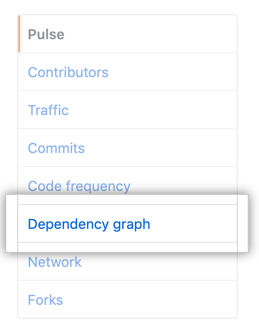
- En la barra lateral izquierda, haga clic en Gráfico de dependencias.
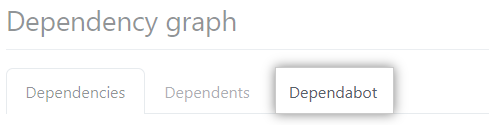
- En "Gráfico de dependencias", haga clic en Dependabot .
- Optionally, to view the files monitored for a package manager, click the associated .
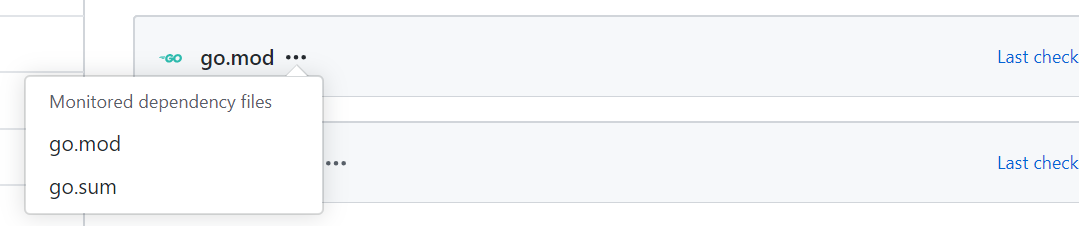
If any dependencies are missing, check the log files for errors. If any package managers are missing, review the configuration file.
Viewing Dependabot log files
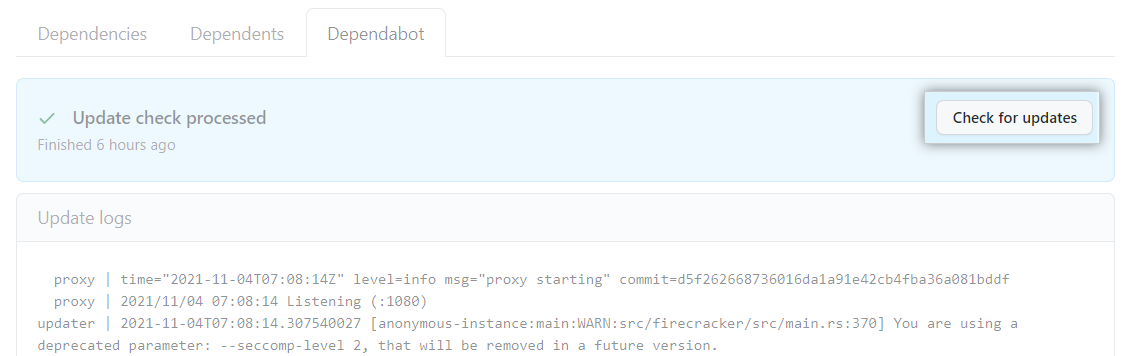
- On the Dependabot tab, click Last checked TIME ago to see the log file that Dependabot generated during the last check for version updates.

- Optionally, to rerun the version check, click Check for updates.