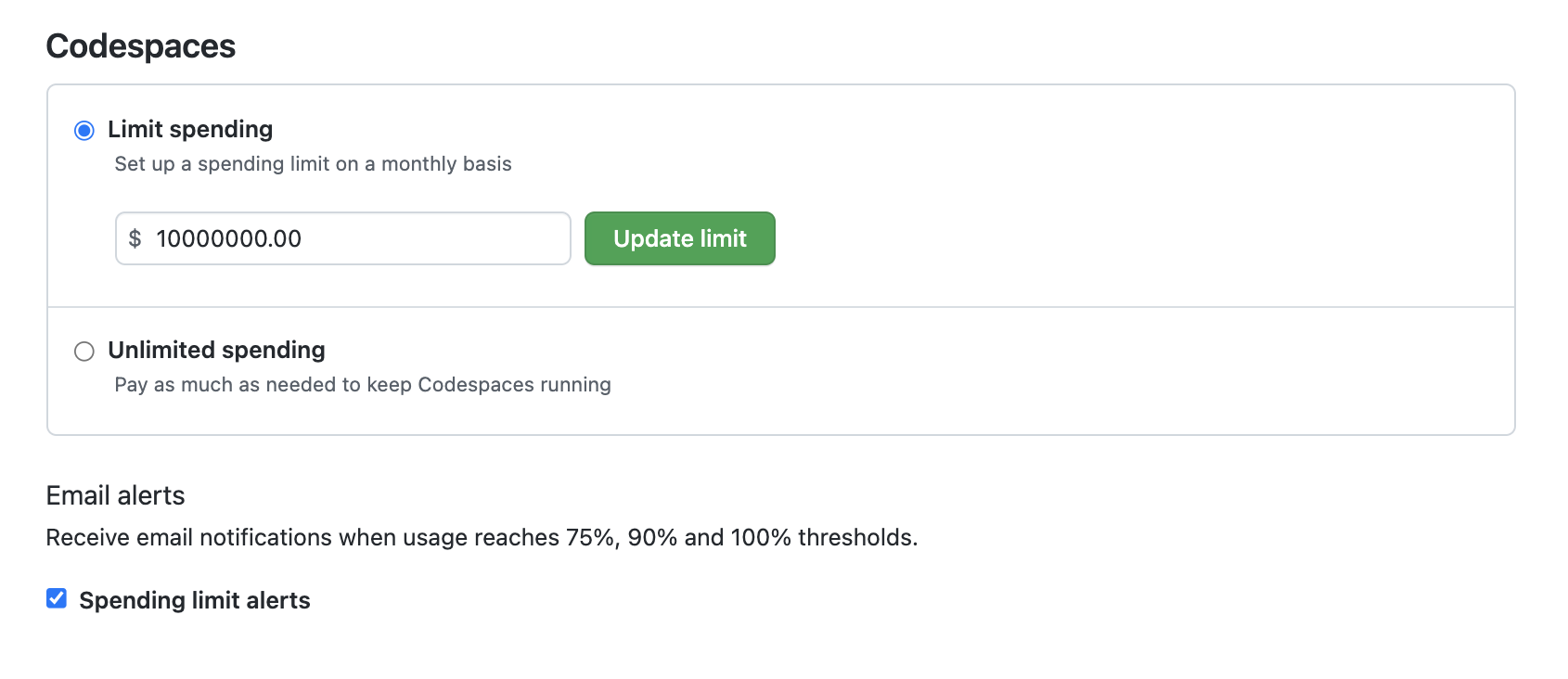
About spending limits for GitHub Codespaces
Note: You must set a non-zero spending limit before you can use GitHub Codespaces.
By default, your organization or enterprise will have a GitHub Codespaces spending limit of $0. This prevents new codespaces from being created, or existing codespaces from being opened, if this would incur a billable cost to your organization or enterprise. To allow your users to create codespaces in your organization, set the limit to a value higher than $0.
El uso por encima del límite siempre se factura mensualmente, independientemente del plazo de facturación (incluso si su cuenta se factura anualmente).
Once you've reached your spending limit, your organization or repository will no longer be able to create new codespaces, and won't be able to start existing codespaces. Any existing codespaces that are still running will not be shutdown; if you don't change the spending limit, you will not be charged for the amount that exceeds the limit.
For more information about pricing for GitHub Codespaces usage, see "About billing for GitHub Codespaces."
Managing the spending limit for Codespaces for your organization
Organizations owners and billing managers can manage the spending limit for GitHub Codespaces for an organization.
-
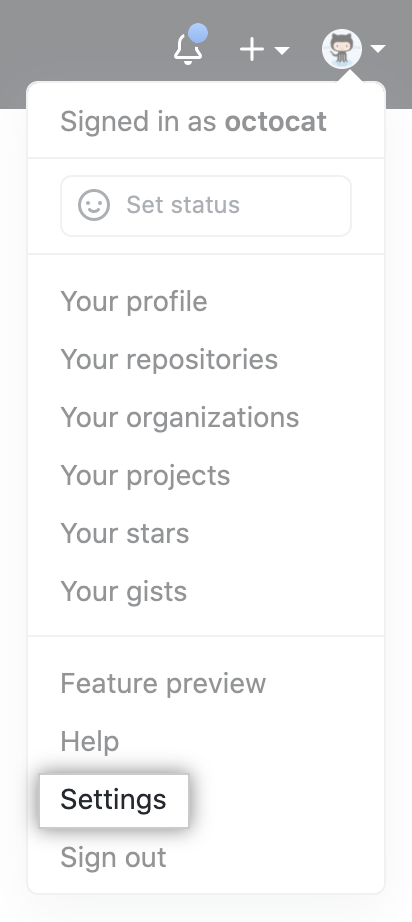
En la esquina superior derecha de cualquier página, haga clic en la foto del perfil y, luego, en Settings (Configuración).
-
En la sección de "Acceso" de la barra lateral, haga clic en Organizaciones.
-
Junto a la organización, haga clic en Settings.

-
Si es propietario de una organización, en la sección de "Acceso" de la barra lateral, haga clic en Facturación y planes.
-
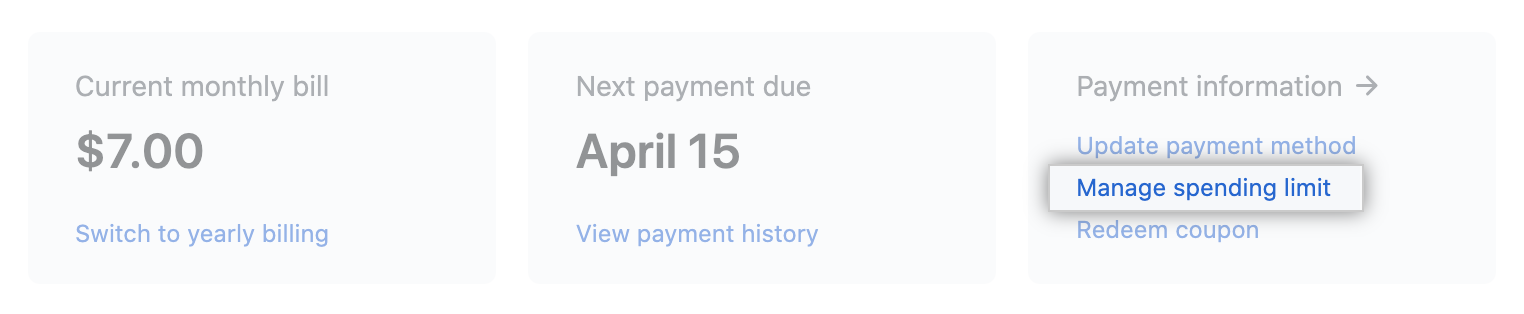
En la parte superior de la página, en "Información de pago", haga clic en Administrar límite de gasto.
-
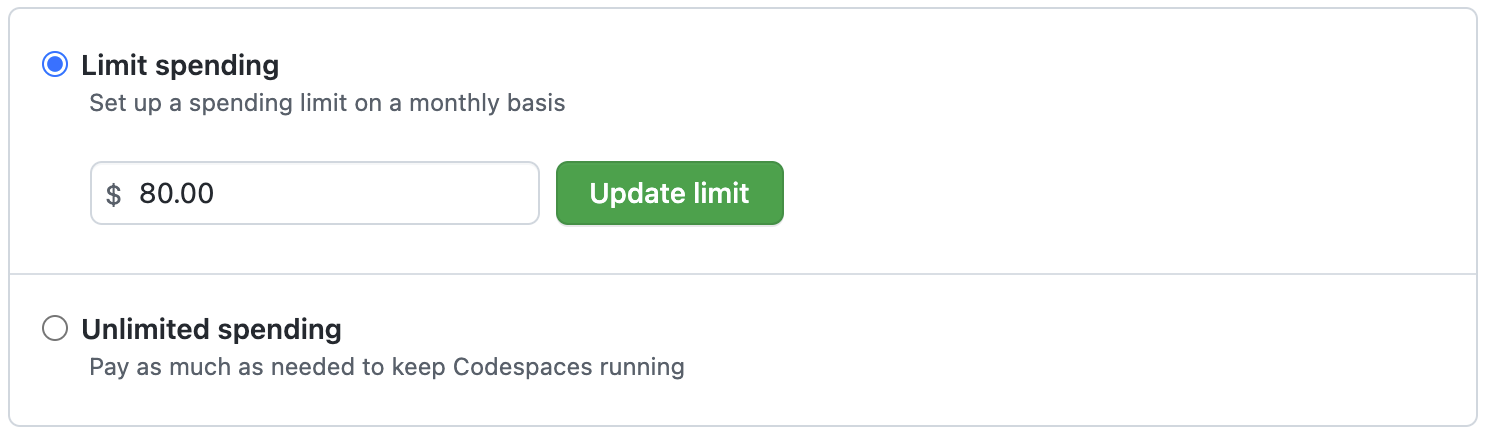
Debajo de "Límite de gastos mensual", desplázate hacia abajo para encontrar "Codespaces" y elige limitar el gasto o permitir el gasto ilimitado.
-
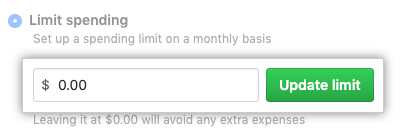
Si decide limitar el gasto, en "Limitar gasto", escriba un límite y, después, haga clic en Actualizar límite.
Exporting changes when you have reached your spending limit
Si llegas a un límite de gastos, ya no podrás crear o reanudar tus codespaces. Todavía puede exportar cualquier cambio del trabajo en curso a una nueva rama.
Managing usage and spending limit email notifications
Email notifications are sent to account owners and billing managers when spending reaches 50%, 75%, 90%, and 100% of your account's spending limit.
You can disable these notifications anytime by navigating to the bottom of the Spending Limit page.