About collaboration with maintainers using GitHub Discussions
Los GitHub Discussions son un foro abierto para tener conversaciones entre los mantenedores y la comunidad para un repositorio u organización en GitHub. If you use or contribute to a project, you can start a discussion to make suggestions and engage with maintainers and community members about your plans, questions, ideas, and feedback. For more information, see "About discussions."
Todos los debates deben crearse en una categoría. En el caso de los debates del repositorio, las personas con permisos de mantenedor o administrador en el repositorio definen las categorías de los debates de dicho repositorio. En el caso de los debates de la organización, las personas con permisos de mantenedor o administrador en el repositorio de origen definen las categorías de los debates de dicha organización. Cada categoría tiene un formato: debate abierto, pregunta y respuesta o anucio. Los mantenedores pueden utilizar categorías con el formato de anuncio para compartir información, lanzamientos o eventos. Para mantener a los debates de estas categorías con un enfoque en las actualizaciones importantes, solo las personas con permisos de mantenedor o administrador pueden crear debates, pero cualquiera puede comentar y responder.
Repository administrators and project maintainers can delete a discussion in that repository. Similarly, administrators and maintainers of the source repository for an organization's discussions can delete a discussion in that organization. For more information, see "Managing discussions."
GitHub reconocerá automáticamente a aquellos miembros de la comunidad que contribuyan a los debates de formato pregunta/respuesta con más comentarios marcados como respuesta. These members appear in a list of the most helpful contributors to the project's discussions. As your project grows, you can grant higher access permissions to active members of your community. For more information, see "Granting higher permissions to top contributors"
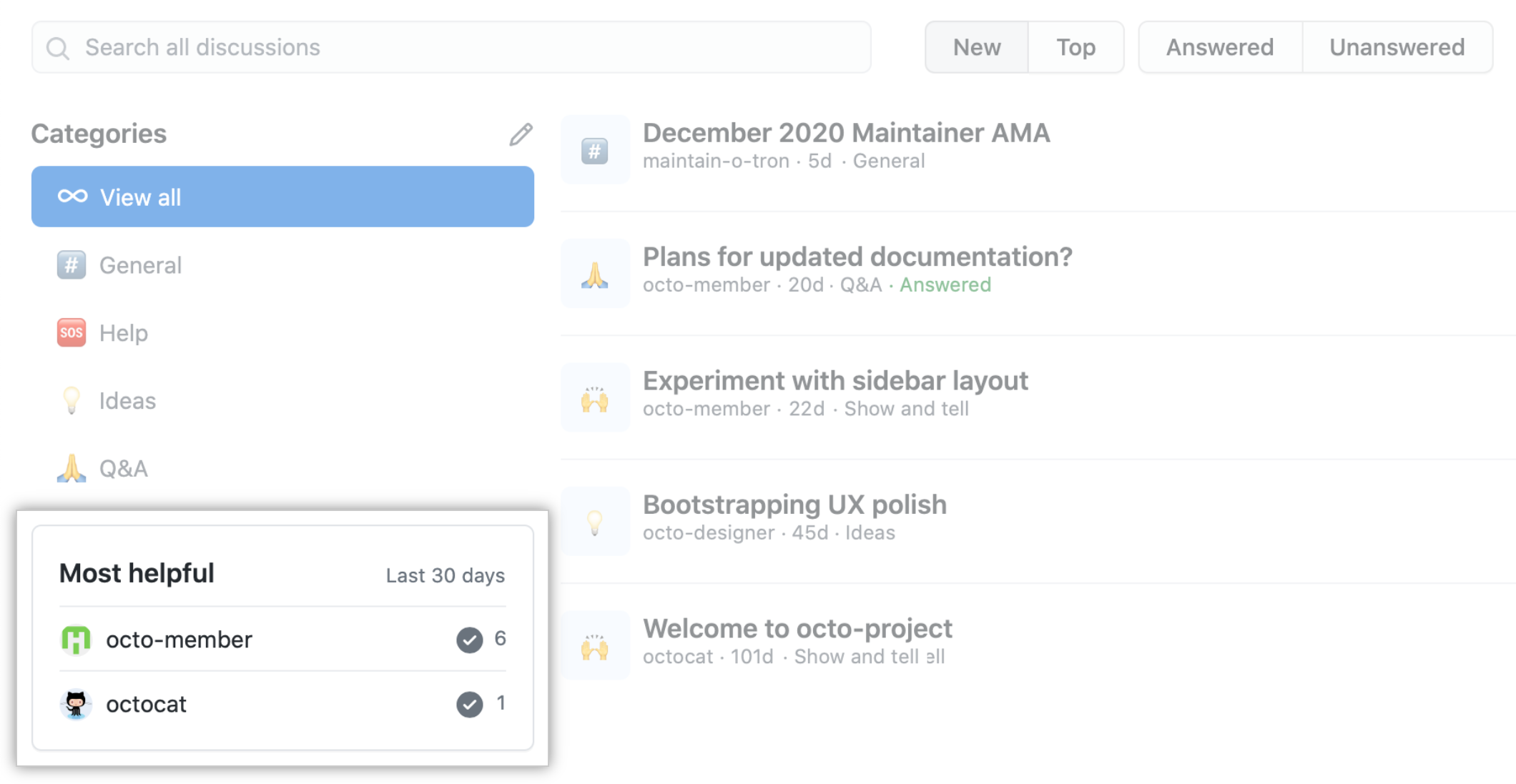
Community members can upvote discussions and top-level comments inside discussions to communicate with maintainers about ideas that matter to them. Project maintainers can then sort discussions and comments based on upvotes to gain insight into what community members value.
For more information about participation in discussions, see "Participating in a discussion."
Prerequisites
To collaborate with maintainers in repository discussions, a repository administrator or project maintainer must enable GitHub Discussions for the repository. For more information, see "Enabling or disabling GitHub Discussions for a repository."
To collaborate with maintainers in organization discussions, GitHub Discussions must be enabled for the organization. For more information, see "Enabling or disabling GitHub Discussions for an organization."
Starting a discussion
- On GitHub.com, navigate to the main page of the repository or organization where you want to start a discussion.
- En el nombre de la organización o el repositorio, haz clic en Discussions (Debates).

- Click New discussion.
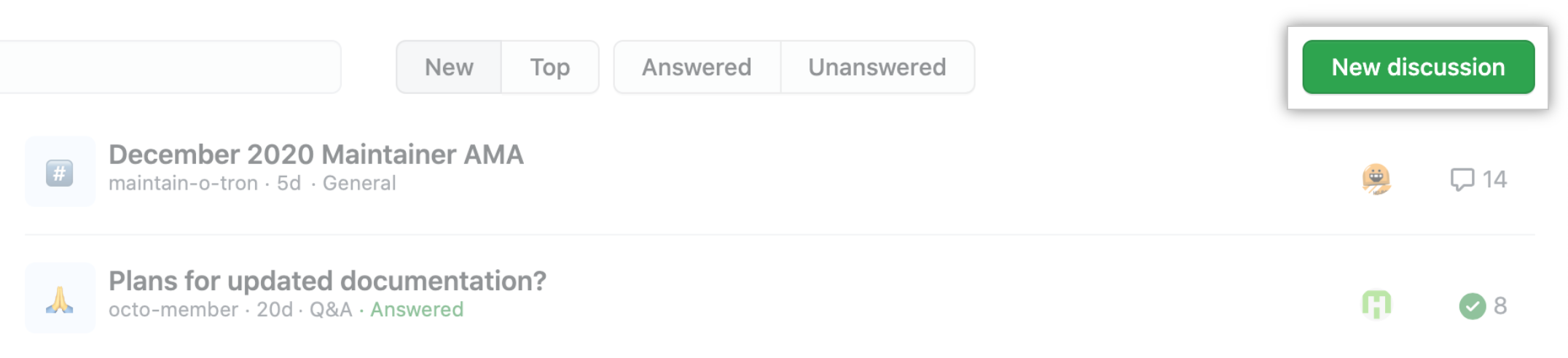
- Select the Select Category drop-down menu, and click a category for your discussion.
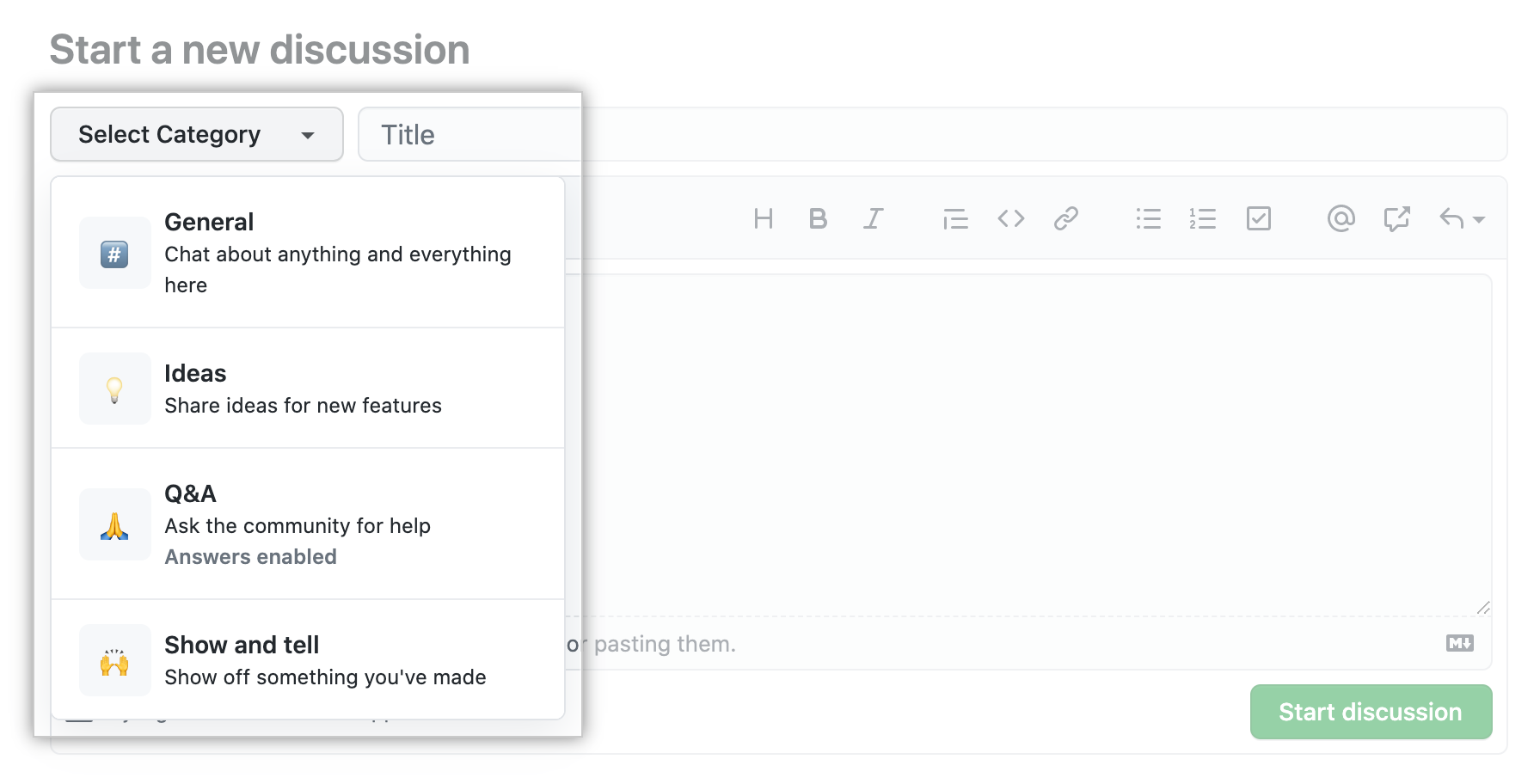
- Type a title and body for your discussion.

- Click Start discussion.

Starting a poll
- On GitHub.com, navigate to the main page of the repository. 1. En el nombre de la organización o el repositorio, haz clic en Discussions (Debates).
- En la lista de categorías, haz clic en Sondeos.

- A la derecha, haz clic en Iniciar sondeo.

- Escribe un título y un cuerpo opcional para el sondeo.

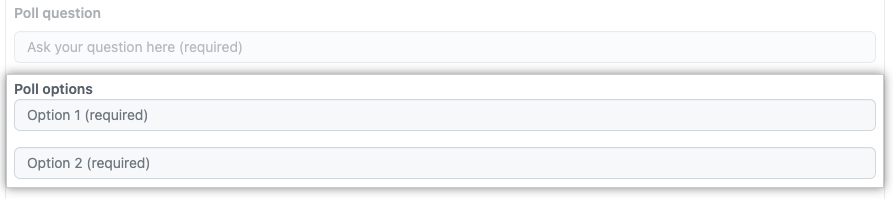
- Escribe una pregunta para el sondeo.
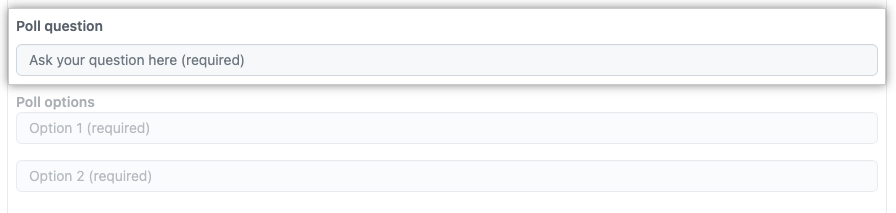
- Escribe al menos dos opciones para el sondeo.
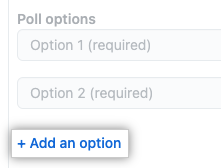
- Opcionalmente, para agregar opciones de sondeo adicionales, haz clic en Agregar una opción.
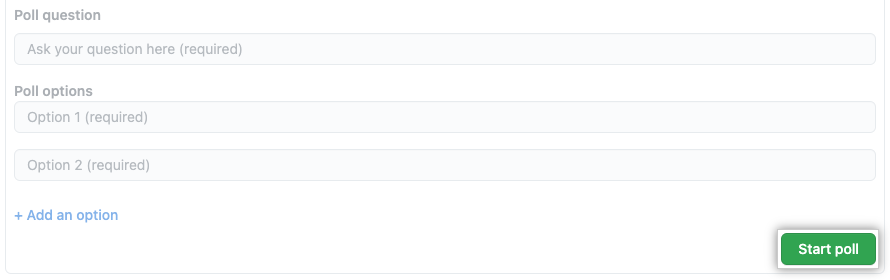
- Haz clic en Iniciar sondeo.
Filtering the list of discussions
You can search for discussions and filter the list of discussions in a repository or organization. For more information, see "Searching discussions."
- On GitHub.com, navigate to the main page of the repository or organization.
- En el nombre de la organización o el repositorio, haz clic en Discussions (Debates).
- In the Search all discussions field, type a search query. Optionally, to the right of the search field, click a button to further filter the results.

- In the list of discussions, click the discussion you want to view.

Sorting the list of discussions
You can choose how to sort the list of discussions.
-
On GitHub.com, navigate to the main page of the repository or organization.
-
En el nombre de la organización o el repositorio, haz clic en Discussions (Debates).
-
To the right of the Search all discussions field, select New, or select Top and choose a time period from the drop down menu.

- Sort by New to display the discussions with the most recent activity at the top of the list.
- Sort by Top to display the discussions with the most upvotes at the top of the list. You can limit the list to only display discussions from a specific time period.
Sorting top-level comments in discussions
You can choose how to sort top-level comments in discussions. Comment threads do not impact the order comments are sorted in.
-
On GitHub.com, navigate to the main page of the repository or organization.
-
En el nombre de la organización o el repositorio, haz clic en Discussions (Debates).
-
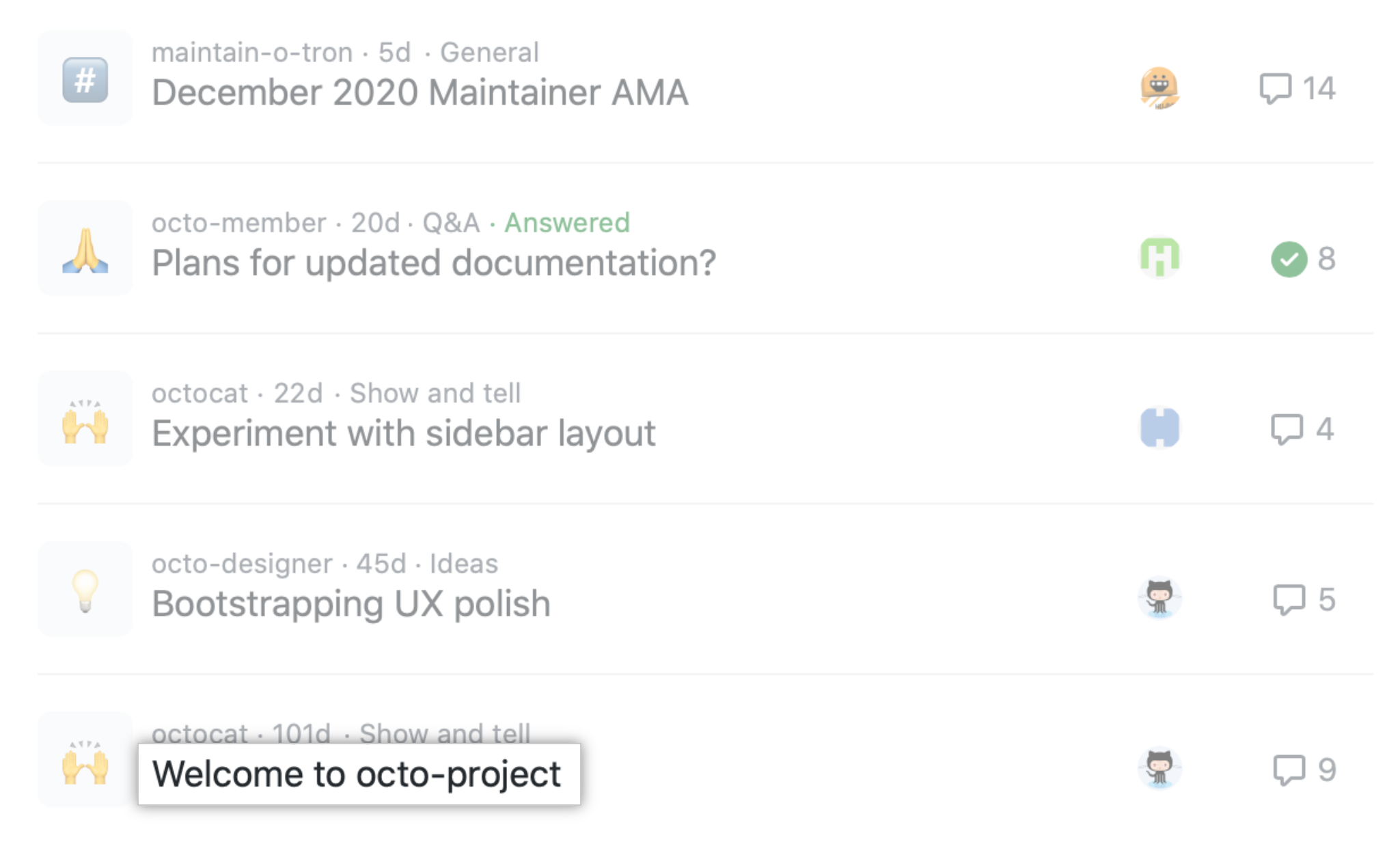
En la lista de debates, da clic en el debate que quieras ver.
-
Under the main discussion post, select Oldest, Newest, or Top.

- Sort by Oldest to display the oldest top-level comments first.
- Sort by Newest to display the newest top-level comments first.
- Sort by Top to display the most upvoted top-level comments first.
Converting an issue to a discussion
Si una propuesta resulta ser una pregunta o una conversación abierta en vez de un elemento de trabajo para rastrear y priorizar, puedes convertirla en un debate. For more information, see "Moderating discussions."