Note: You can reconfigure your 2FA settings without disabling 2FA entirely, allowing you to keep both your recovery codes and your membership in organizations that require 2FA.
-
В правом верхнем углу любой страницы щелкните фотографию профиля, а затем выберите Параметры.

-
В разделе "Доступ" боковой панели щелкните Пароль и проверка подлинности.
-
In "Two-factor methods", find the method you want to set as your preferred 2FA method. Next to that method, select , then click Set as preferred method.
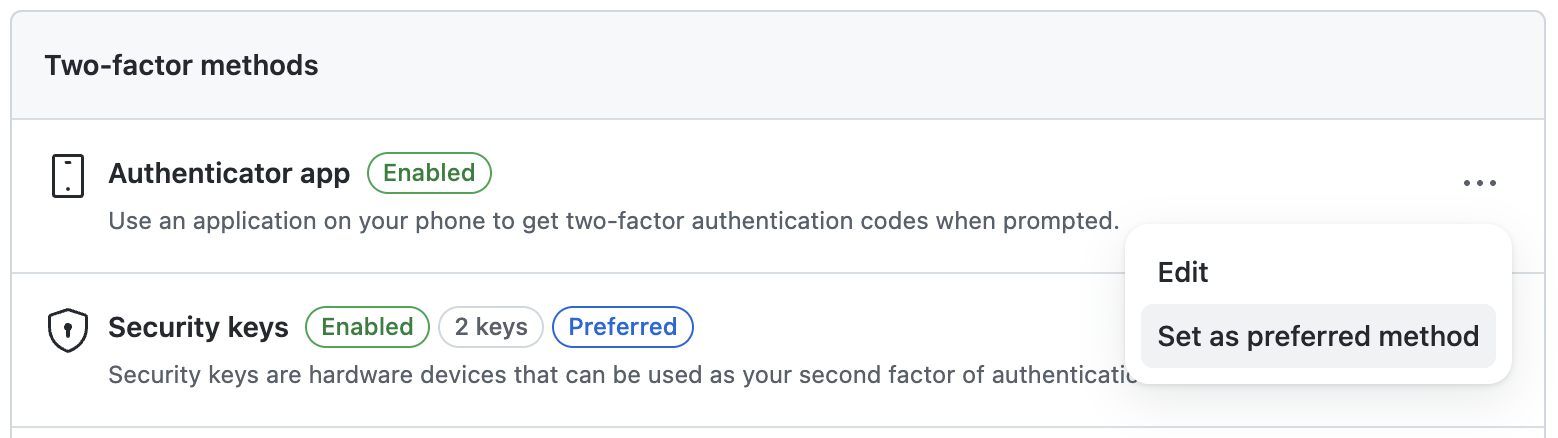
A "Preferred" label is displayed next to the name of your preferred method.