Note: You can reconfigure your 2FA settings without disabling 2FA entirely, allowing you to keep both your recovery codes and your membership in organizations that require 2FA.
-
任意のページで、右上隅にあるプロファイルの画像をクリックし、次に[設定]をクリックします。
![ユーザバーの [Settings(設定)] アイコン](/web/20230203181720im_/https://docs.github.com/assets/cb-34573/images/help/settings/userbar-account-settings.png)
-
サイドバーの [アクセス] セクションで、 [パスワードと認証] をクリックします。
-
In "Two-factor methods", find the method you want to set as your preferred 2FA method. Next to that method, select , then click Set as preferred method.
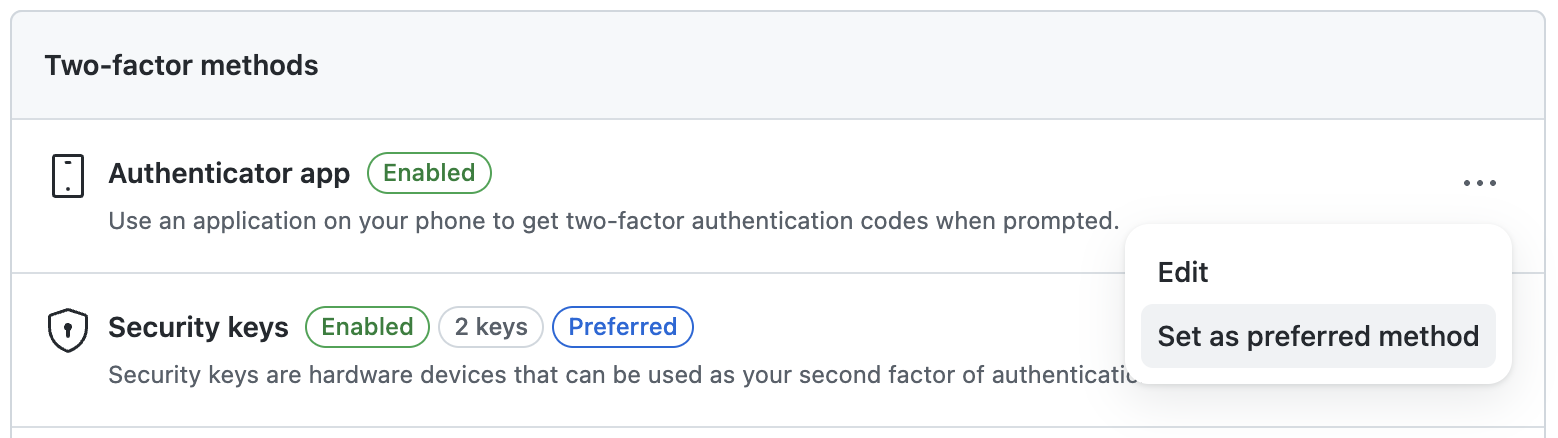
A "Preferred" label is displayed next to the name of your preferred method.