-
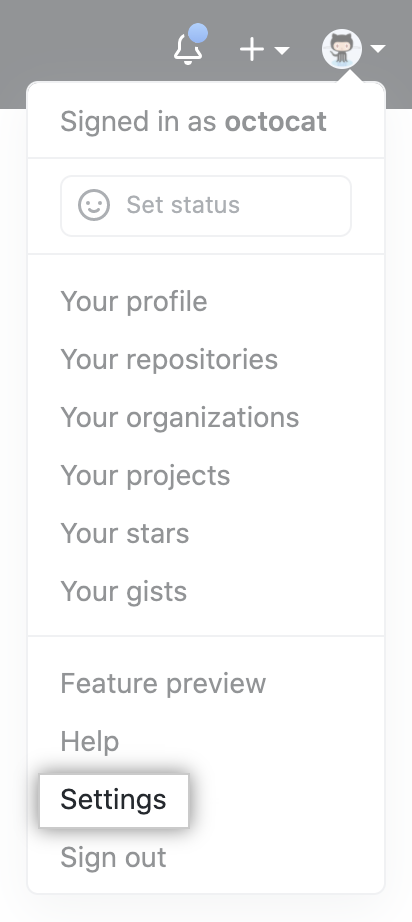
In the upper-right corner of any page, click your profile photo, then click Settings.
-
In the left sidebar, click Developer settings.
-
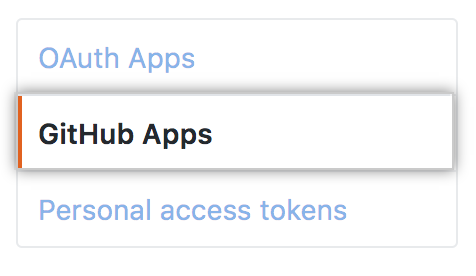
In the left sidebar, click GitHub Apps.
-
Select the GitHub App whose ownership you want to transfer.
-
In the left sidebar, click Advanced.

-
Click Transfer ownership.
-
Under "Type the name of the GitHub App to confirm", type the name of the GitHub App you want to transfer.
-
Under "New owner's GitHub username or organization name", type the name of the user or organization you want to transfer the GitHub App to.
-
Click Transfer this GitHub App.
Transferring ownership of a GitHub App
You can transfer ownership of a GitHub App to another user or organization.


