-
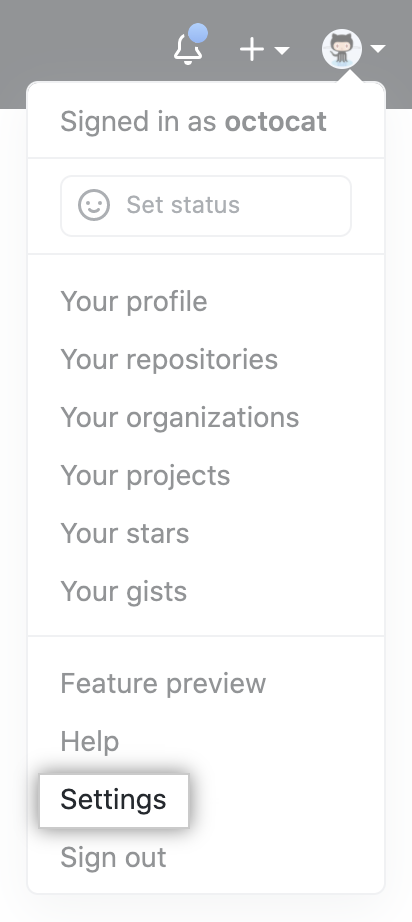
In the upper-right corner of any page, click your profile photo, then click Settings.
-
In the left sidebar, click Developer settings.
-
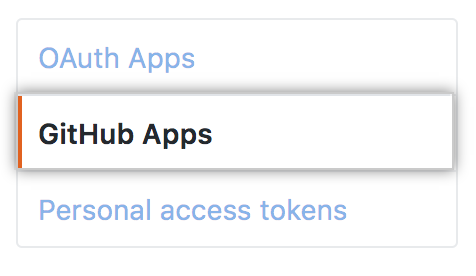
In the left sidebar, click GitHub Apps.
-
To the right of the GitHub App you want to modify, click Edit.
-
In "Basic information", modify the GitHub App information that you'd like to change.
-
If your GitHub App will use the device flow to identify and authorize users, click Enable device flow. For more information about the device flow, see "Authorizing OAuth Apps."
-
Click Save changes.
Modifying a GitHub App
After creating a GitHub App, you can make changes to it.

