-
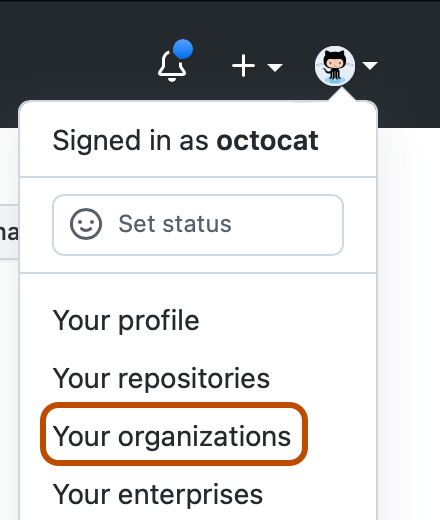
In the top right corner of GitHub.com, click your profile photo, then click Your organizations.
-
Click the name of your organization.

-
Under your organization name, click Teams.

-
Click the name of the team.
-
At the top of the team page, click Settings.

-
In the "Team name" field, type a new name for the team.
-
Optionally, in the "Description" field, type a new description of the team.
-
Click Update.
Renaming a team
Team maintainers and organization owners can edit the name and description of a team.


