-
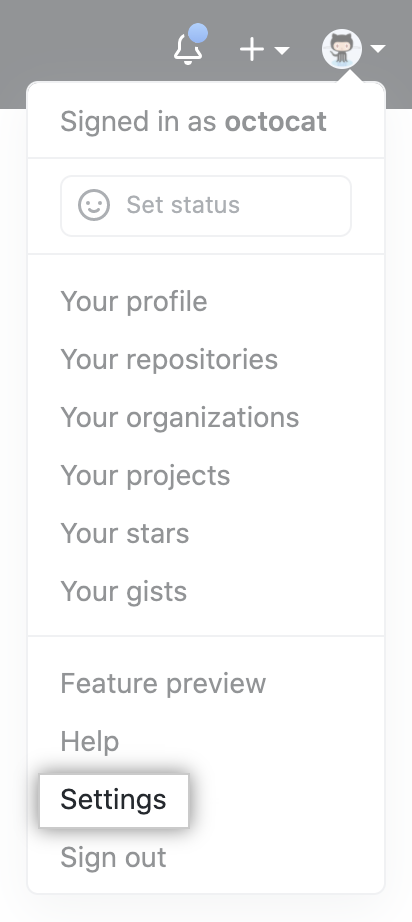
In the upper-right corner of any page, click your profile photo, then click Settings.
-
In the left sidebar, click Developer settings.
-
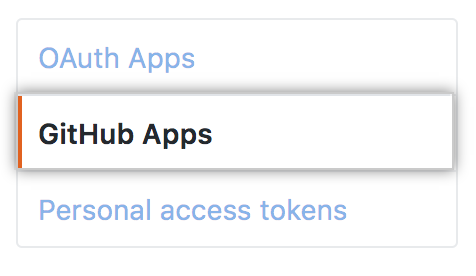
In the left sidebar, click GitHub Apps.
-
Select the GitHub App you want to delete.
-
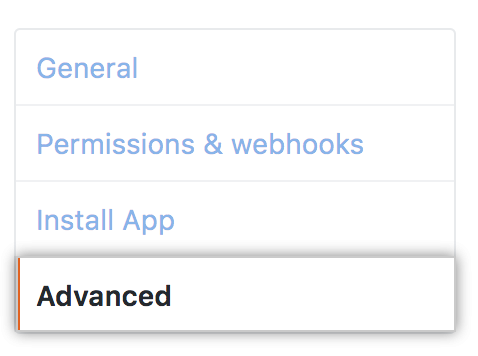
In the left sidebar, click Advanced.
-
Click Delete GitHub App.
-
In the confirmation box, type the name of the GitHub App to confirm you want to delete it.
-
Click I understand the consequences, delete this GitHub App.
Deleting a GitHub App
You can delete GitHub Apps when you no longer use them.


