- On your GitHub Enterprise Server instance, navigate to the main page of the repository.
- Under your repository name, click Issues or Pull requests.

- Click the desired issue or pull request.
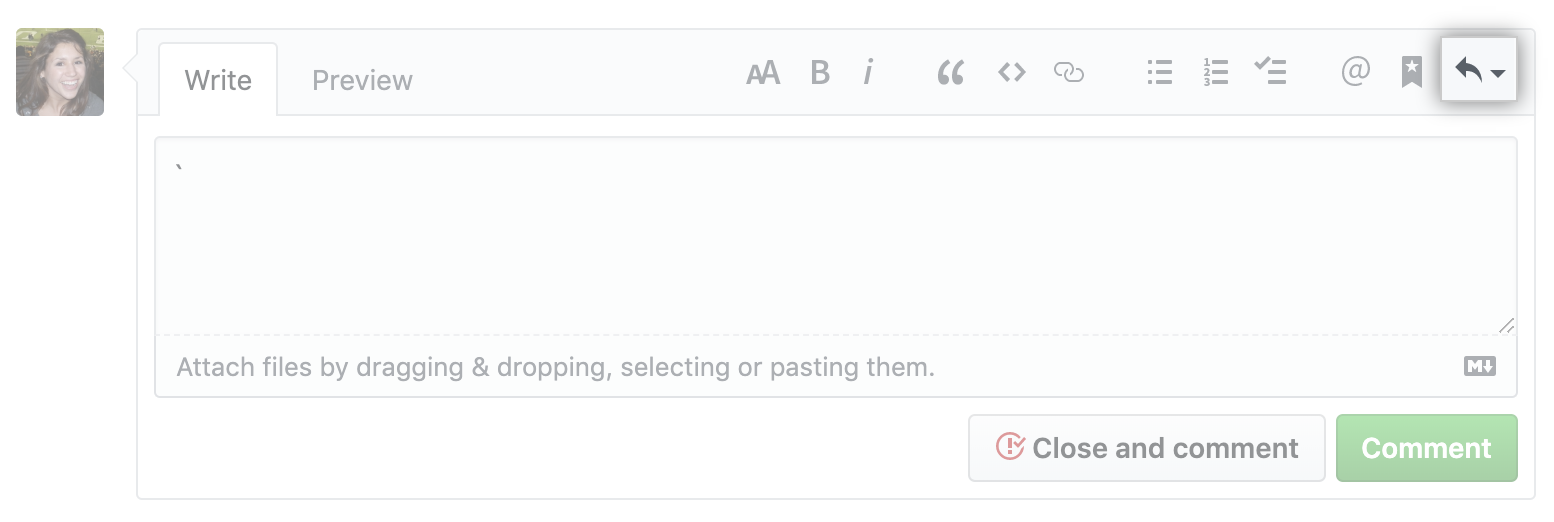
- To add a saved reply, in the comment field, click .
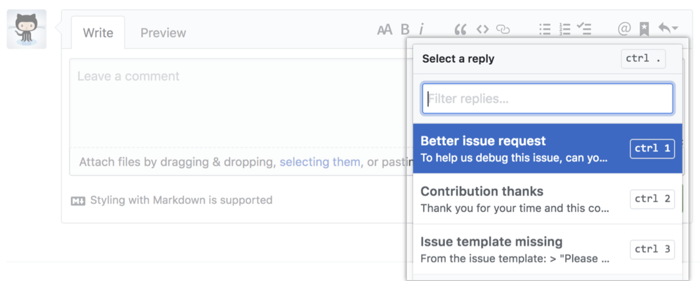
- From the list, select the saved reply you'd like to add to your comment.
Tips:
- You can use a keyboard shortcut to autofill the comment with a saved reply. For more information, see "Keyboard shortcuts."
- You can filter the list by typing the title of the saved reply.