Viewing GitHub Packages usage for your personal account
Anyone can view GitHub Packages usage for their own personal account.
-
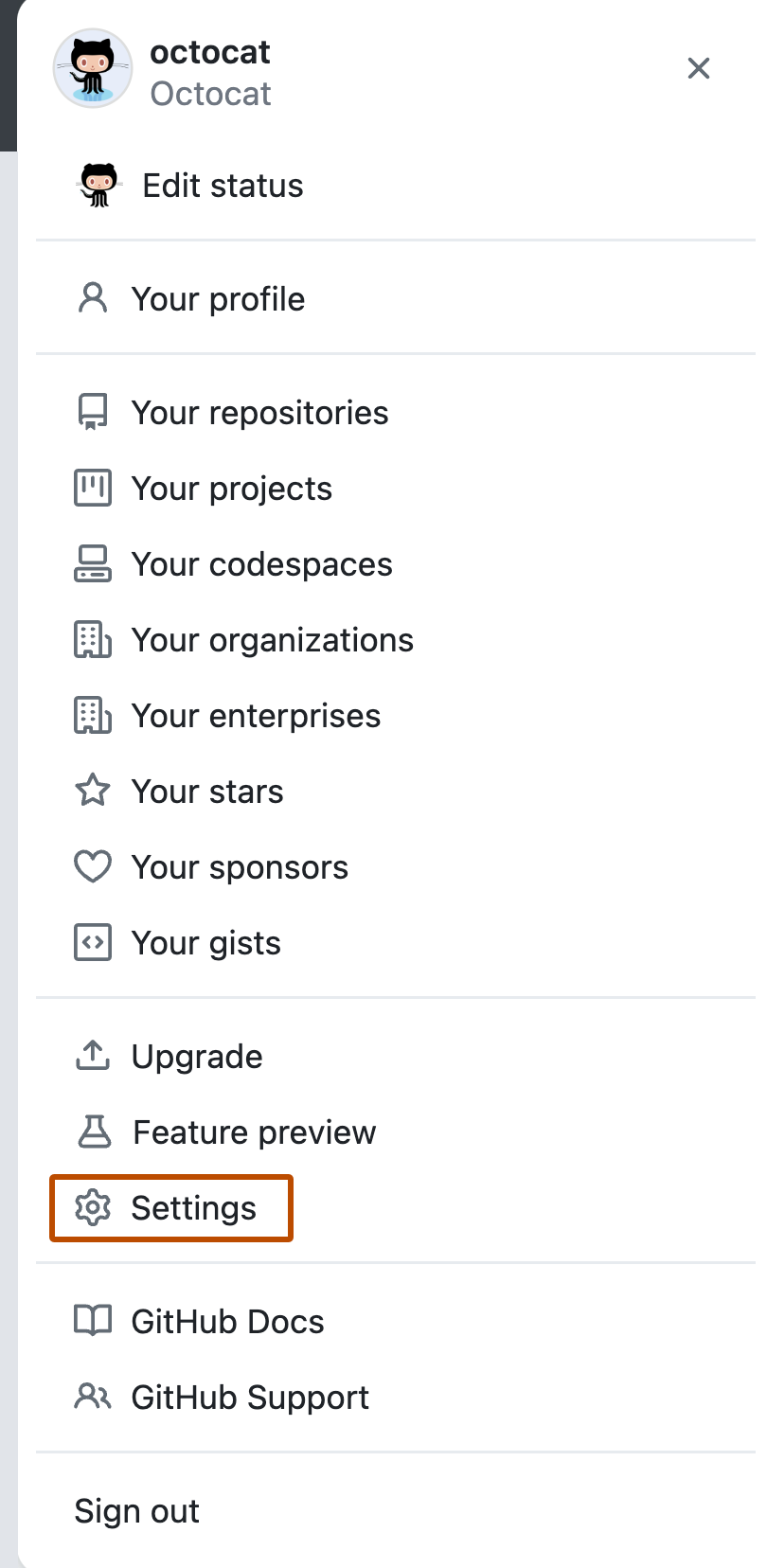
In the upper-right corner of any page, click your profile photo, then click Settings.
-
In the "Access" section of the sidebar, click Billing and plans, then click Plans and usage.
-
Under "GitHub Packages", view details of your usage for data transfer.
-
Under "Storage for Actions and Packages", view details of your storage usage for GitHub Actions and GitHub Packages combined. Storage usage data synchronizes every hour.
-
Optionally, next to "Usage this month", click Get usage report to email a CSV report of storage use for GitHub Actions and GitHub Packages to the account's primary email address.


Viewing GitHub Packages usage for your organization
Organization owners and billing managers can view GitHub Packages usage for an organization. For organizations managed by an enterprise account, only the organization owners can view GitHub Packages usage in the organization billing page.
-
In the upper-right corner of any page, click your profile photo, then click Settings.
-
In the "Access" section of the sidebar, click Organizations.
-
Next to the organization, click Settings.
-
If you are an organization owner, in the "Access" section of the sidebar, click Billing and plans.
-
Under "GitHub Packages", view details of your usage for data transfer.
-
Under "Storage for Actions and Packages", view details of your storage usage for GitHub Actions and GitHub Packages combined. Storage usage data synchronizes every hour.
-
Optionally, next to "Usage this month", click Get usage report to get an email containing a link for downloading a CSV report of storage use for GitHub Actions, GitHub Packages, and GitHub Codespaces. The email is sent to your account's primary email address. You can choose whether the report should cover the last 7, 30, 90, or 180 days.