Note: Dependabot alert rules are currently in beta and are subject to change.
About custom alert rules
You can create your own Dependabot alert rules based on alert criteria. You can choose to auto-dismiss alerts indefinitely, or snooze alerts until a patch becomes available. Since any rules that you create apply to both future and current alerts, you can also use alert rules to manage your Dependabot alerts in bulk.
You can create rules using the following criteria:
- Dependency scope (
devDependencyorruntime) - Package name
- CWE
- Severity
- Patch availability
- Manifest path
- Ecosystem
Adding a custom rule to your repository
You can add a custom rule to your public and private repositories.
-
On GitHub.com, navigate to the main page of the repository.
-
Under your repository name, click Settings. If you cannot see the "Settings" tab, select the dropdown menu, then click Settings.

-
In the "Security" section of the sidebar, click Code security and analysis.
-
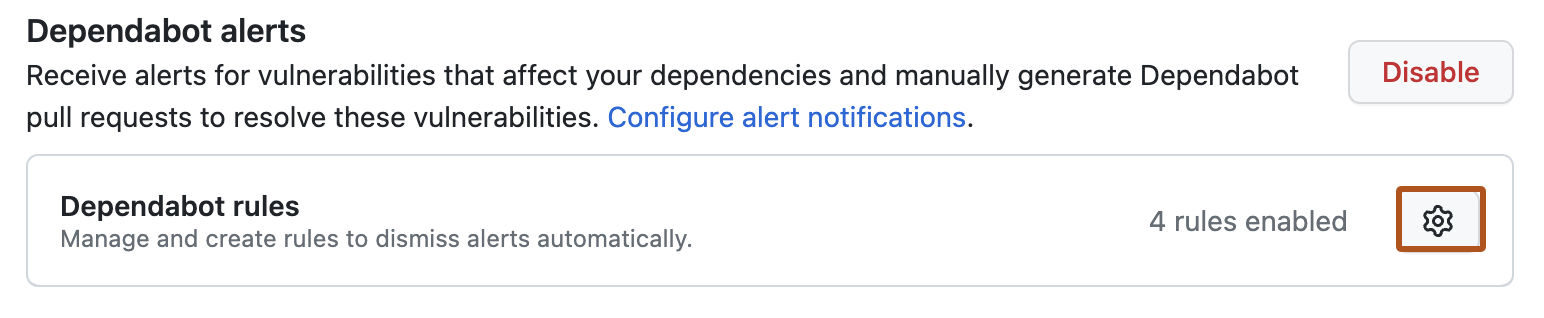
Under "Dependabot alerts", click close to "Dependabot rules".
-
Click New ruleset.

-
Under "Name", describe what this rule will do.
-
Under "Alert criteria", select the criteria you want to use to filter alerts.
-
Under "Rules", select the action you want to take on alerts that match the criteria.
-
Click Create rule.


