Tip: For details on adding, removing, or editing columns in your project board, see "Creating a project board."
-
Navigate to the project board you want to edit.
-
On the top-right side of the project board, click Menu.
-
Click , then click Edit.
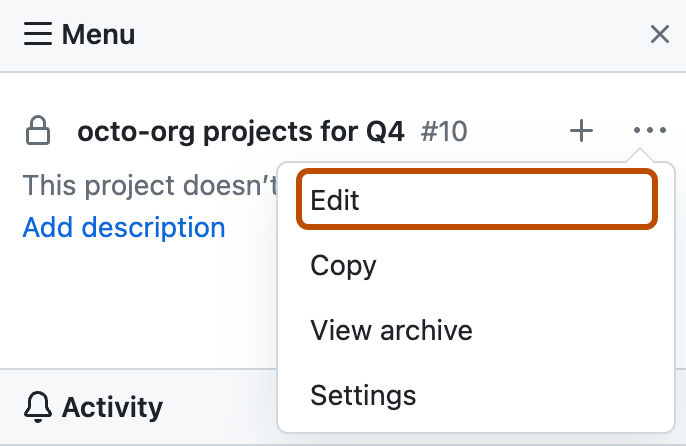
-
Modify the project board name and description as needed, then click Save project.
